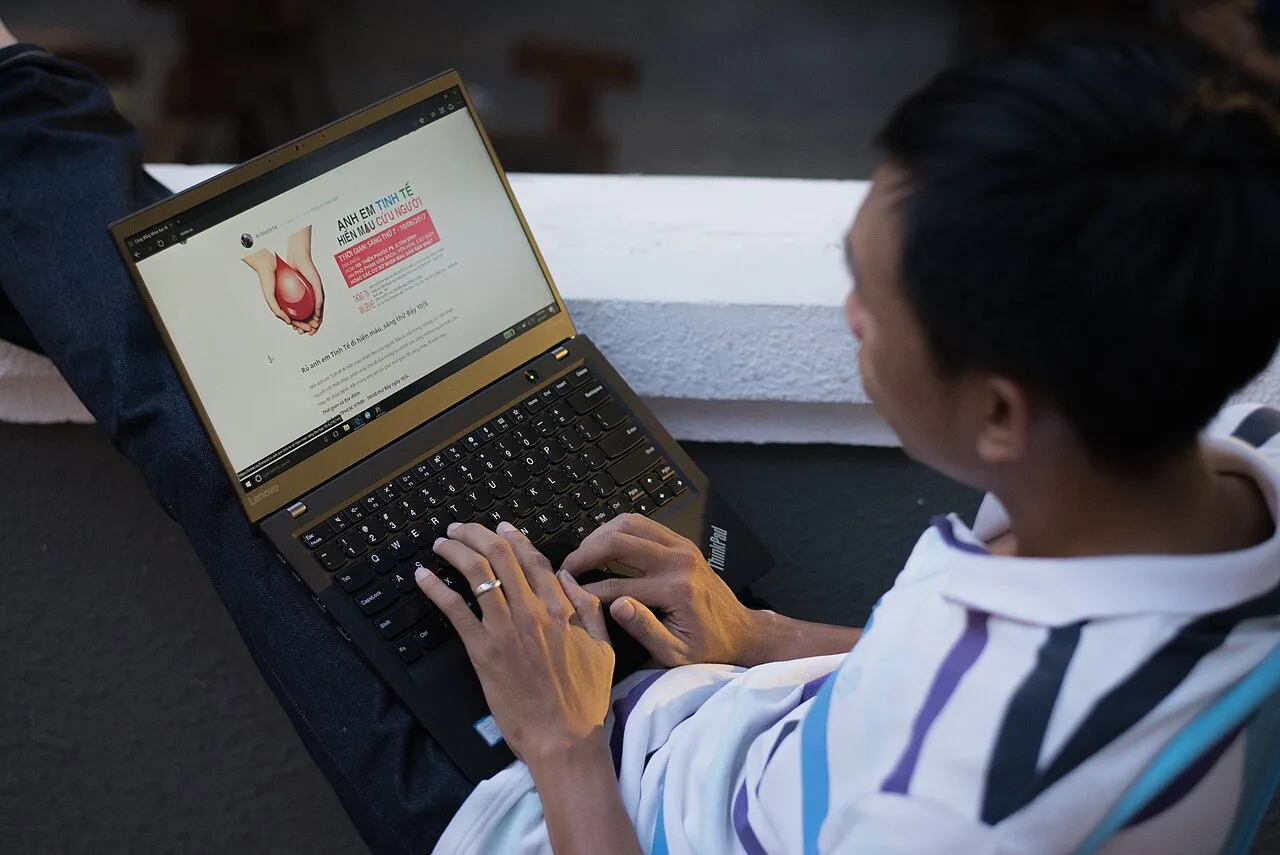
For travel, buy the Lenovo ThinkPad X1 Carbon Gen 13. At 0.99 kg it is the lightest real work laptop here, the battery clears a long-haul flight, and the keyboard does not fold in a tray table. The price is the catch, and that is the honest trade.
Most travel-laptop lists rank thinness and ignore that the lightest machine is useless if it cannot last a transit day off the charger or type a report in an airport. Weight matters, but only after battery and keyboard clear a bar. The X1 Carbon is the one machine here that gets all three.
Our pick: ThinkPad X1 Carbon Gen 13
Core Ultra 7 258V, 32 GB RAM, a 14-inch display, 982 grams, about 12 real hours of battery. Under a kilogram with a full-size keyboard you can actually work on is rare, and Lenovo did not cut the keyboard to get there. It disappears into a bag and lasts a day of meetings and travel without you hunting for a socket.
Two honest caveats. It is expensive, around 2519 dollars or 2700 euro at list, which is the price of the weight and the battery together. And the RAM is soldered, so configure it at purchase because there is no later upgrade. Linux is minor-tweaks rather than clean: it runs, but one documented firmware bug can stick the CPU at 400 MHz until you set the performance ACPI profile, and the Lunar Lake platform wants a recent kernel. For a Windows traveler it is the clearest pick; for a Linux traveler, read the runners-up.
Runners-up
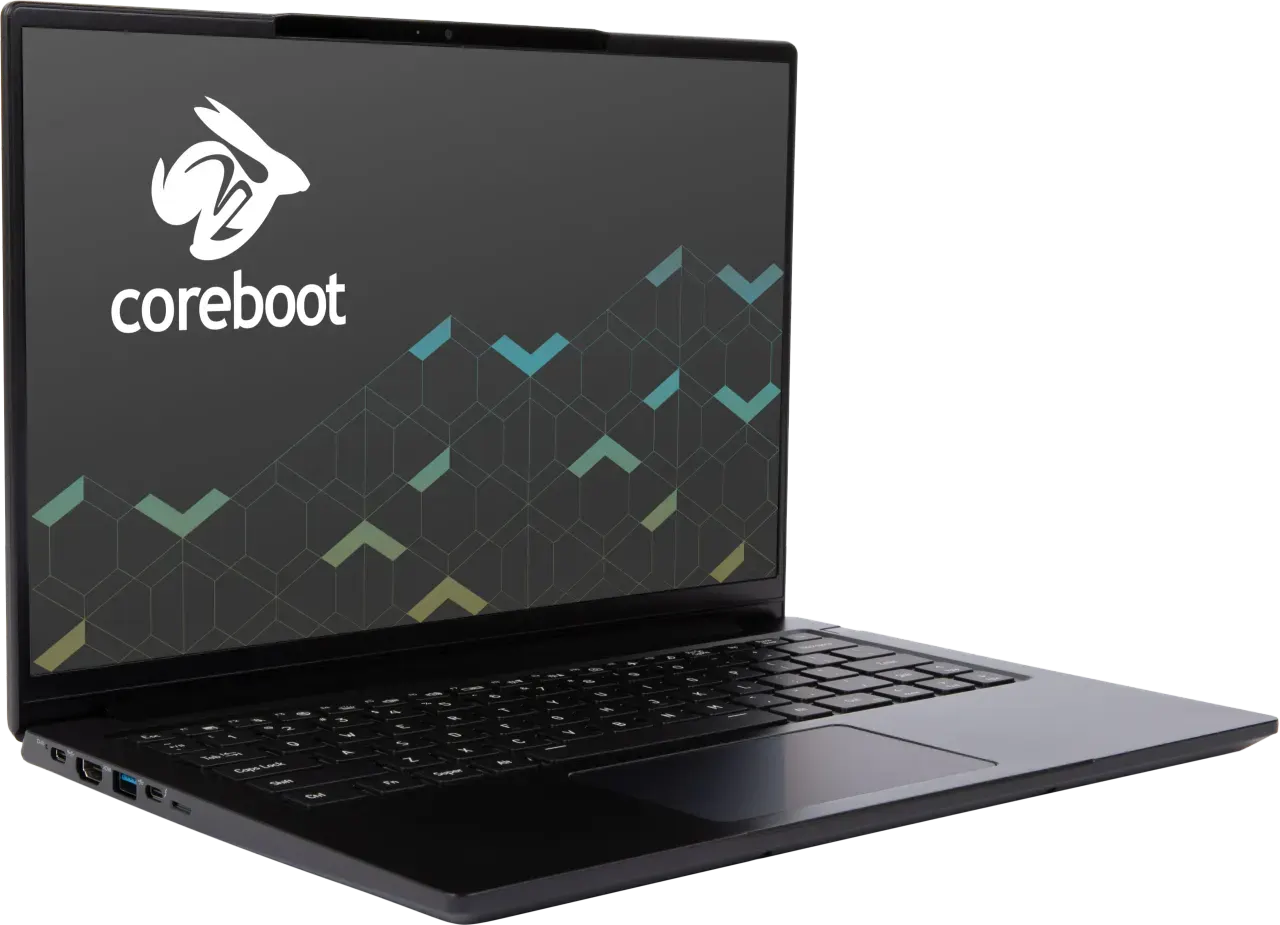
System76 Lemur Pro (lemp14), the Linux travel pick. Exactly 1.0 kg, around 1499 dollars, and a Linux story with nothing to fix: coreboot, an open EC, working suspend, a webcam kill switch. About 9 real hours of battery, less than the X1 Carbon but enough for most travel days. Two notes: it ships from the US, so an EU buyer adds roughly 21 percent VAT plus a customs fee, and the panel is a plain 60 Hz FHD+. If you travel and run Linux, this is the one to carry.
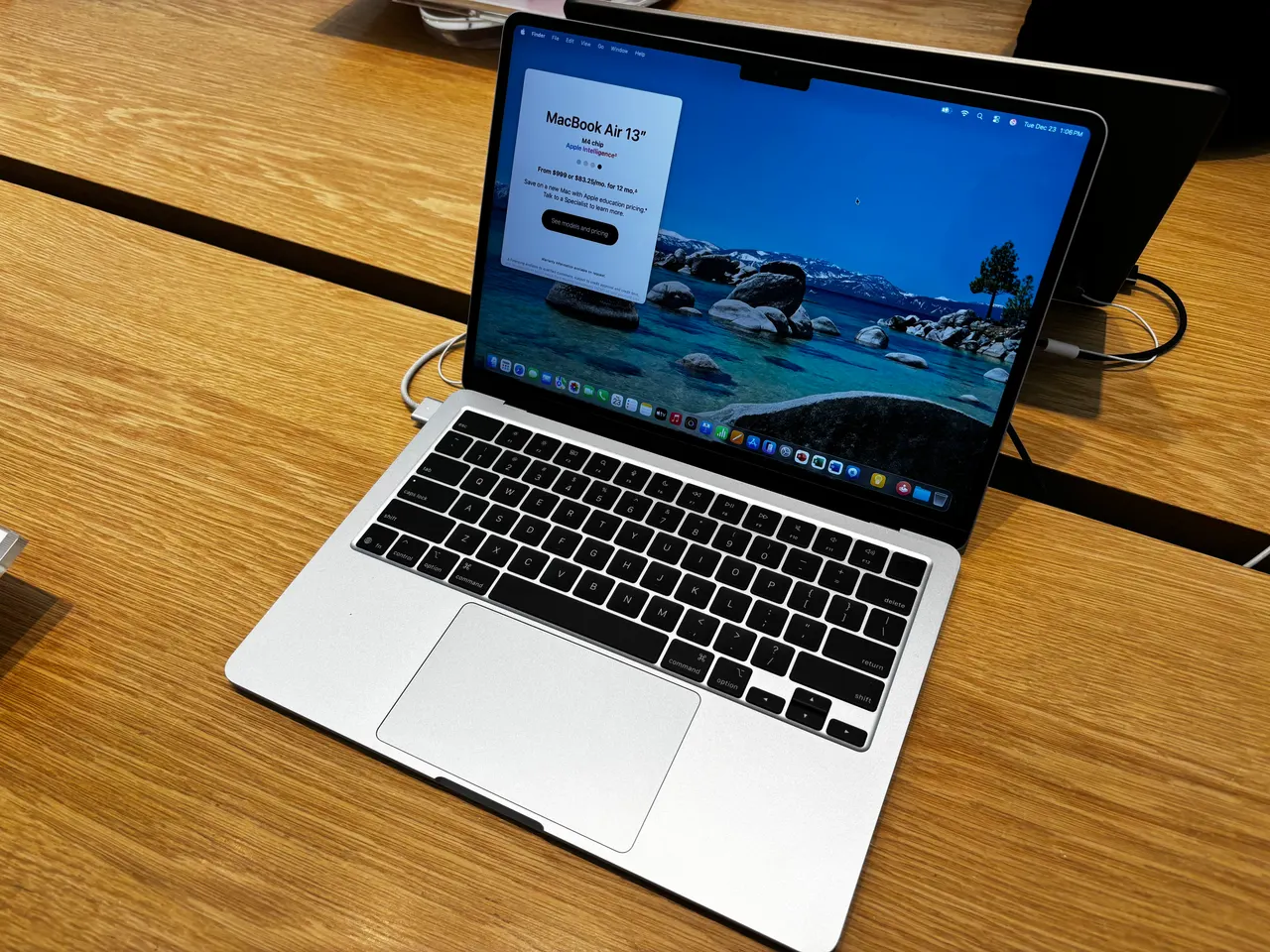
MacBook Air 13 (M4), the battery and quiet pick. 1.24 kg, around 999 dollars, about 15 real hours, silent because it has no fan. Heavier than the two above but the battery is the best here by a wide margin, so for long days away from power it is the safe choice. Hard limits: soldered RAM to configure up front, 256 GB tight base storage, and Linux barely boots under Asahi on M4 so this is a macOS travel machine.
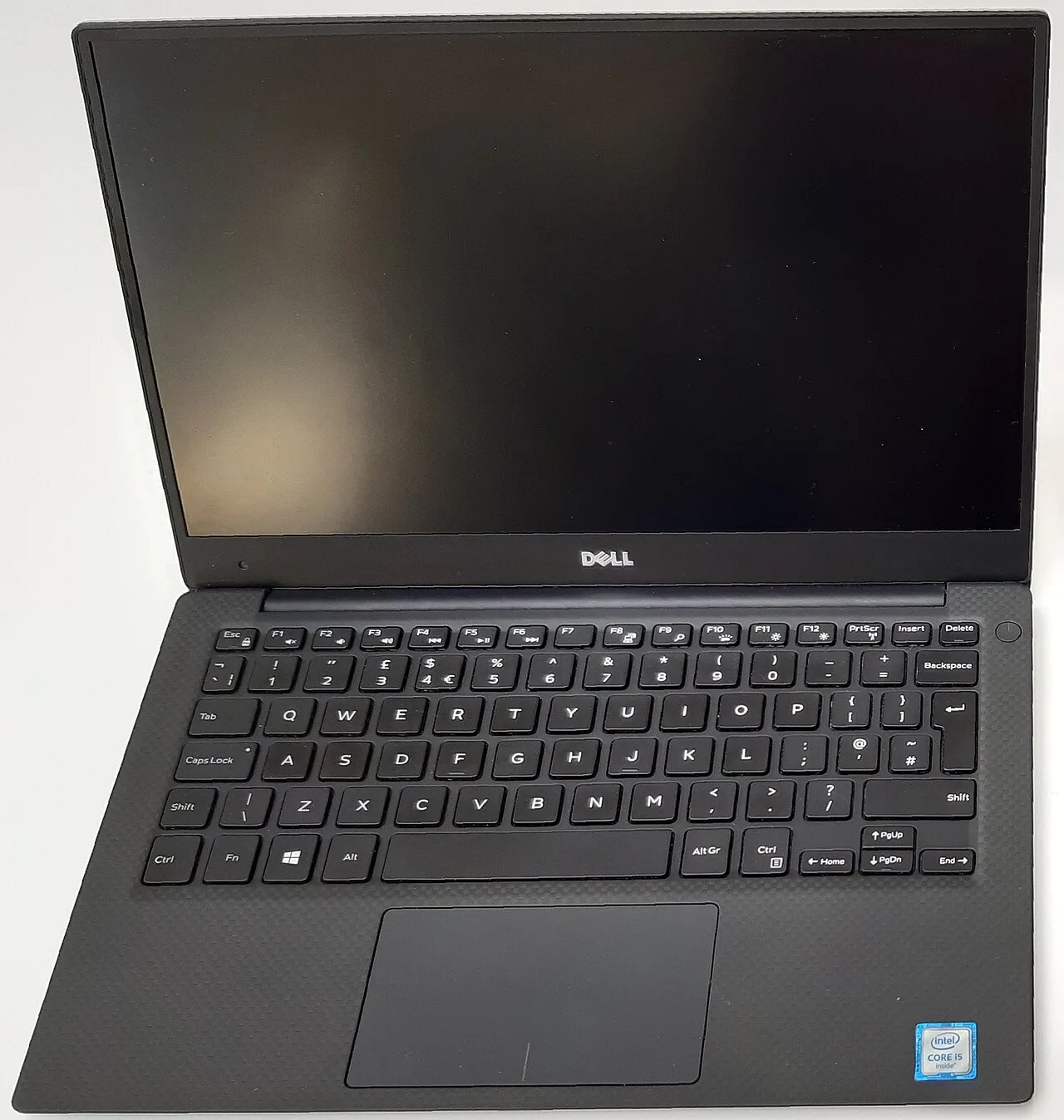
Dell XPS 13 9350, the small-footprint Windows pick. 1.21 kg, around 1399 dollars, about 11 hours, and the smallest overall footprint here in a 13-inch chassis. A genuinely good Windows travel laptop. Skip it for Linux: the webcam is dead from a Dell BIOS bug no kernel fixes, which matters more on the road where video calls are the point, and 16 GB soldered is a low ceiling.
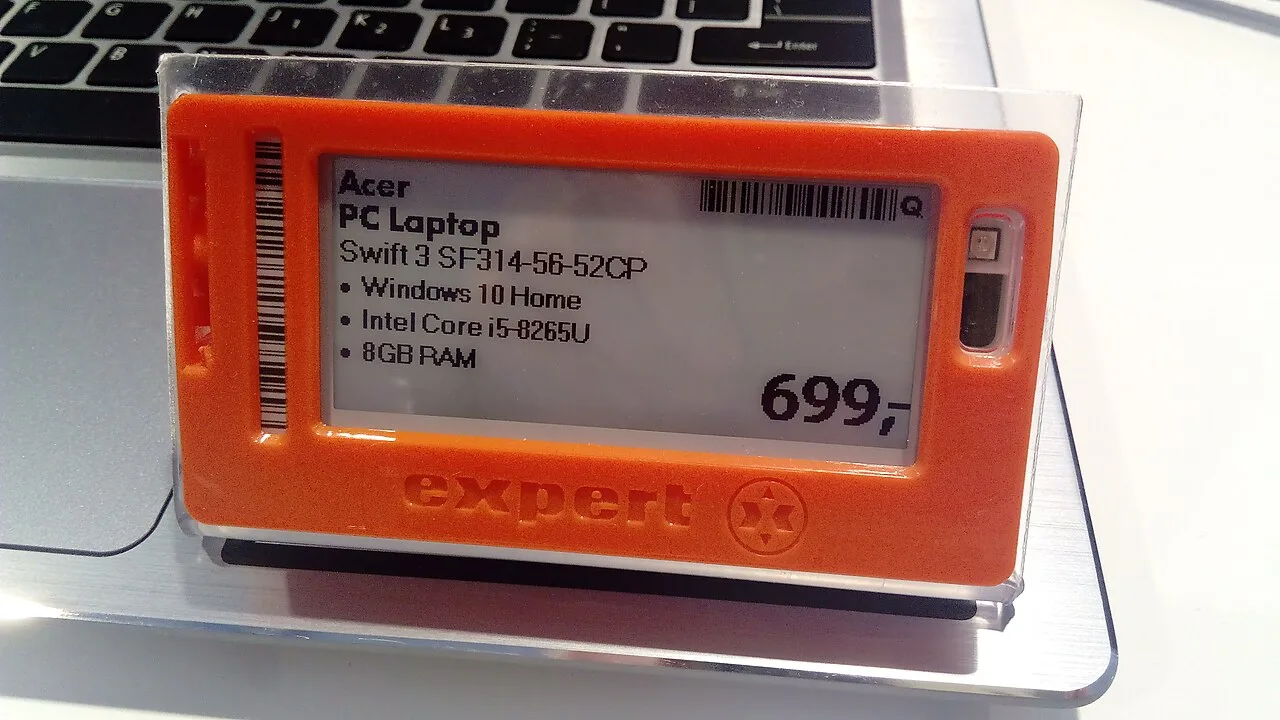
Acer Swift Go 14 (2024), the budget travel pick. 1.4 kg, around 850 dollars, about 8 hours. Heavier and shorter battery than the rest, but it is the price option for a traveler who does not want to risk an expensive machine in checked-bag-adjacent reality. Linux is minor-tweaks: it works with some setup. Buy this when the budget, not the gram count, is the constraint.
What actually matters in a travel laptop
- Battery that clears a transit day. Ten real hours minimum so a delayed connection does not strand you with a dead machine. The X1 Carbon and the M4 Air are the safe ones; everything else, plan to find a socket.
- Weight, after the battery bar is cleared. Below about 1.1 kg you stop noticing it in a bag. The difference between 1.0 and 1.4 kg is real over a travel day. But a 900-gram machine with a 5-hour battery is a worse travel laptop than a 1.2 kg one that lasts 15.
- A keyboard that survives a tray table. You will type in cramped, badly lit places. The ThinkPad keyboard and the MacBook keyboard hold up; flexier budget decks are tolerable, not good.
- Charger weight and USB-C PD. Every pick here charges over USB-C, so one compact PD brick covers laptop and phone. That is real weight saved versus a barrel-plug charger, and it is the spec people forget to count.
Screen resolution and GPU barely matter on the road. You answer email and write on a plane, you do not color-grade at 30,000 feet. Spend the weight budget on battery and keyboard.
Quick comparison
| Model | Weight | Battery | Linux | Price (USD) |
|---|---|---|---|---|
| ThinkPad X1 Carbon Gen 13 | 0.99 kg | ~12 h | minor-tweaks | ~2519 |
| System76 Lemur Pro | 1.0 kg | ~9 h | out-of-box | ~1499 |
| MacBook Air 13 (M4) | 1.24 kg | ~15 h | no (Asahi only) | ~999 |
| Dell XPS 13 9350 | 1.21 kg | ~11 h | problematic (webcam) | ~1399 |
| Acer Swift Go 14 | 1.4 kg | ~8 h | minor-tweaks | ~850 |
FAQ
What is the lightest laptop you can actually work on in 2026? The ThinkPad X1 Carbon Gen 13 at 982 grams, with a full keyboard and about 12-hour battery. The System76 Lemur Pro at exactly 1.0 kg is the Linux equivalent.
Is the lightest laptop always the best for travel? No. Battery and keyboard come first. A sub-kilogram machine that dies in five hours is a worse travel laptop than the M4 Air at 1.24 kg with 15-hour battery. Clear the battery bar, then chase weight.
Best lightweight laptop for travel that runs Linux? The System76 Lemur Pro, 1.0 kg with a Linux story that needs no fixing. The X1 Carbon is lighter but only minor-tweaks on Linux, with a firmware quirk that can pin the CPU low until you set the performance profile.
Do I need to carry a separate charger? Every pick here uses USB-C Power Delivery, so one compact PD brick charges the laptop and your phone. That is the real weight saving over an old barrel-plug charger, and worth checking before any purchase.
Is 13 or 14 inches better for travel? 14 inches if you work on the screen and want a fuller keyboard, like the X1 Carbon. 13 inches for the smallest footprint on a tray table, like the XPS 13 or the M4 Air. The weight gap between them is smaller than the battery gap, so decide on battery first.
Buy the X1 Carbon if weight is the priority and budget allows. Buy the Lemur Pro for the lightest Linux machine. Take the M4 Air if the longest battery matters more than the last 200 grams.
More picks in this guide
-
System76
Lemur Pro (lemp14)
-
Apple
MacBook Air 13 (M4)
-
Dell
XPS 13 9350