Buy the HP Spectre x360 14 (2024). It is the only convertible here that hits all four of the things a 2-in-1 needs to get right: a hinge that does not wobble, a pen that actually works, decent battery, and a webcam that does not break video calls. Before you spend the money, ask the honest question: do you flip a 2-in-1 into tablet mode more than twice a month? Most people do not. If you do not, a normal clamshell is lighter, cheaper and better.
A 2-in-1 costs you something for the hinge. It is heavier than the equivalent clamshell, the battery is usually smaller because the screen has digitizer layers, and you pay a premium for the mechanism. That trade is worth it if you sketch, annotate PDFs, or hand a tablet to someone across a desk. It is not worth it if the convertible spends its whole life as a laptop. Buy the function you use.
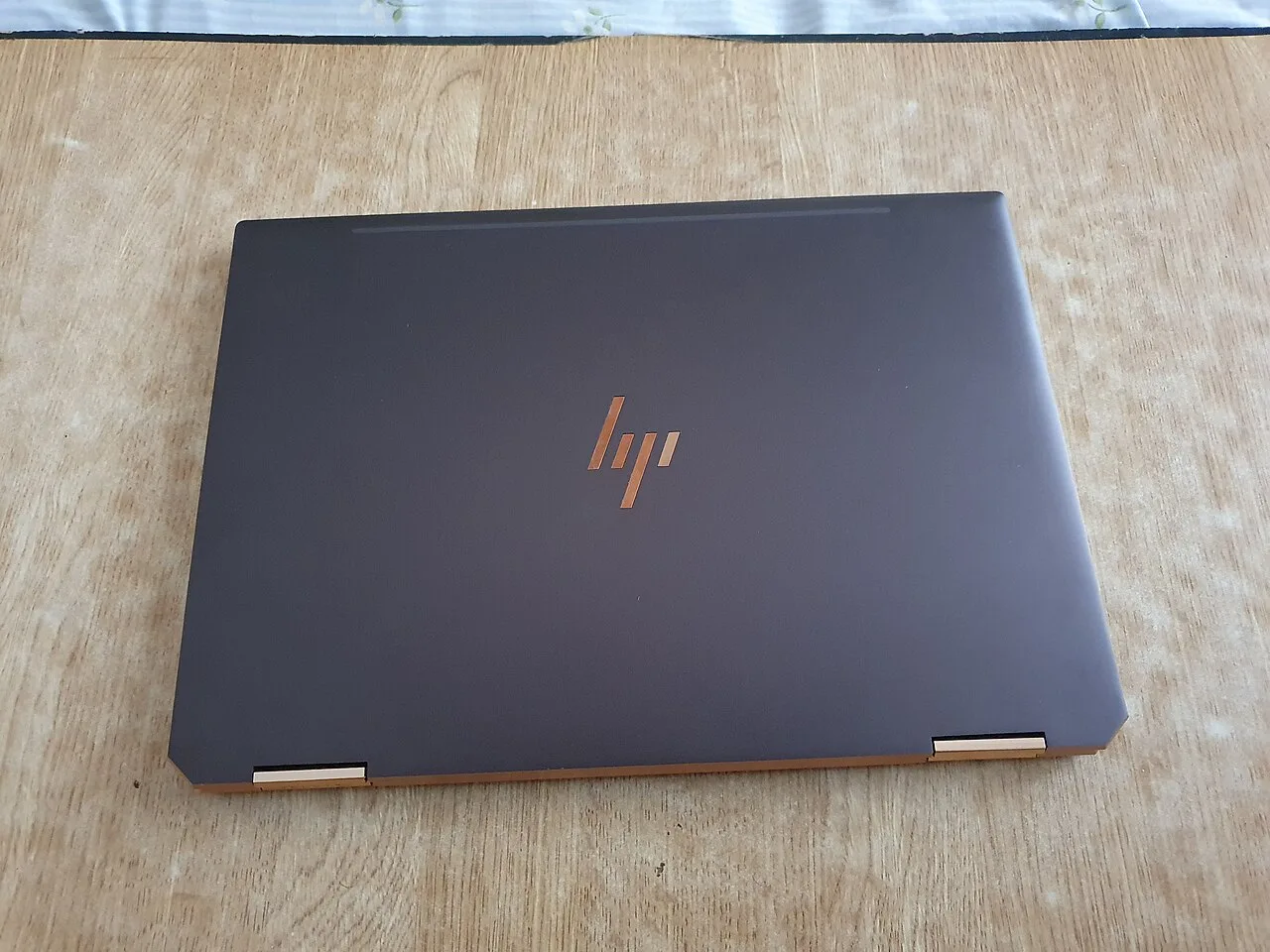
Our pick: HP Spectre x360 14 (2024)
Core Ultra 7 155H, a 2.8K 120 Hz OLED touch panel, 1.46 kg, about 11 real hours of battery, roughly 1499 dollars or 1699 euro. The 360-degree hinge is firm enough that the screen does not bounce when you tap it, which is the single most common failure of cheap convertibles. The included pen is fine for notes and markup. The reason it beats the other Intel convertibles on Linux is specific: it uses a normal UVC webcam, so it dodges the Intel IPU6 camera mess that kills video calls on the XPS line. On Ubuntu LTS or Fedora it is a minor-tweaks machine. You load an EasyEffects profile so the speakers do not sound thin, you accept the usual Meteor Lake s0ix idle drain, and the touchscreen and pen work under Wayland. Base RAM is soldered at 16 GB, so configure the RAM you want at purchase.
Runners-up
Lenovo Yoga Slim 7i Aura Edition (2024). Strictly this is a clamshell, not a flip, so it is here as the counter-argument: if you want the thin-light OLED experience without the convertible tax, Lunar Lake gives you longer battery and a quieter chassis. The Linux catch is real and worth stating: it needs kernel 6.11 before it behaves, so a current Fedora is clean and an old Ubuntu LTS is a headache. Pick this only if you have realized you do not need the hinge.
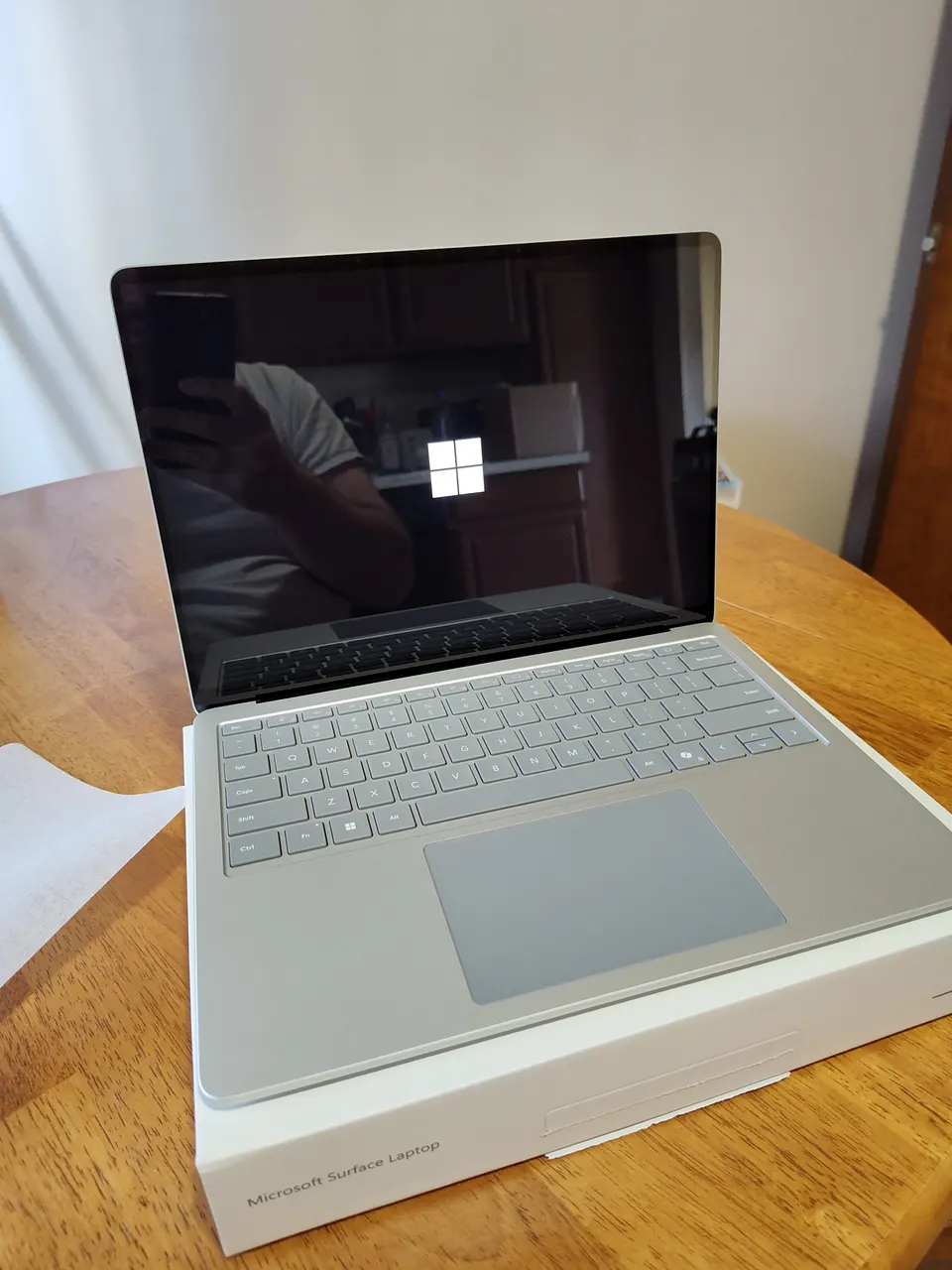
Microsoft Surface Laptop 7. The 13.8-inch Snapdragon X Elite is one of the best thin-and-light Windows machines going, with real 15-hour battery, a 600-nit touch panel and a great keyboard. It is not a flip-hinge convertible and, more importantly, on Linux it is a brick: the ARM bring-up has no working keyboard, touchpad, audio or Wi-Fi. Buy it only if you are a Windows-on-ARM user who wants a touch screen, never if Linux is on the table.
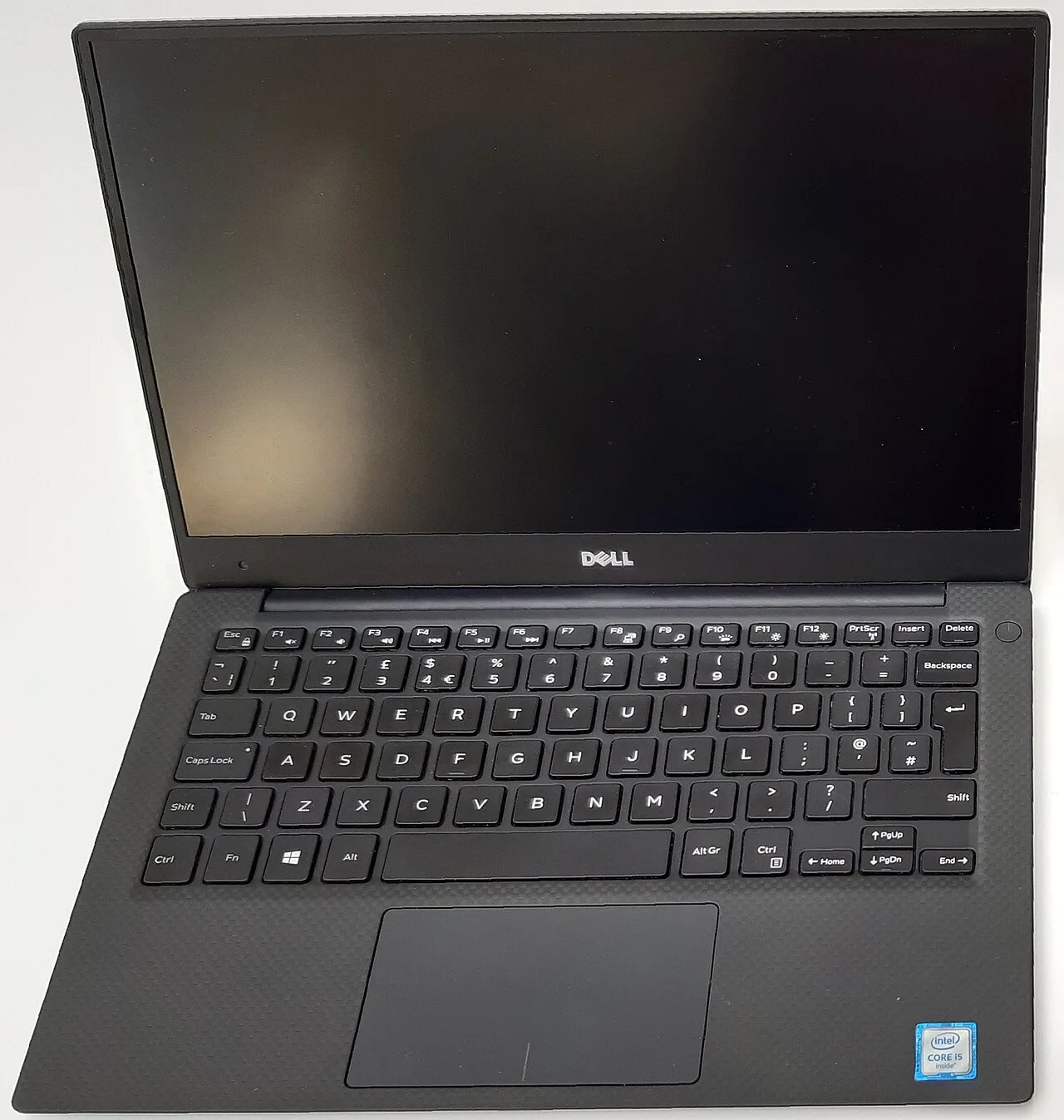
Dell XPS 13 9350. Touch-screen clamshell, not a convertible, included here because buyers cross-shop it. Best build and battery of the Intel ultrabooks at around 11 hours. Skip it for Linux specifically: the IPU7 webcam is dead from a Dell BIOS bug no kernel fixes, which is exactly the trap the Spectre avoids. A Windows or WSL2 machine, not a Linux one.
What actually matters in a 2-in-1
- Do you use tablet mode. This is the whole decision. If you sketch, annotate or present, the hinge earns its weight. If not, buy a clamshell and stop reading.
- Hinge rigidity. A loose hinge means the screen bobs every time you tap it. The Spectre’s is firm. Cheap convertibles fail here first.
- Pen support, and whether it is included. Some “2-in-1” laptops sell the pen separately for 80 dollars. Check. The Spectre includes one that handles notes and markup.
- Webcam on Linux. The recurring 2026 trap on Intel machines is the IPU6 and IPU7 camera pipeline. The Spectre uses a plain UVC webcam and sidesteps it. The XPS does not. If you do video calls on Linux this is the deciding filter.
- Weight, honestly compared. A convertible is heavier than the same-size clamshell. The Spectre at 1.46 kg is fine in the hand for short stretches, not for an hour of reading.
Screen resolution beyond 2.8K and raw CPU matter far less here. You annotate documents, you do not render film.
FAQ
Is a 2-in-1 worth it over a normal laptop? Only if you actually use tablet mode regularly. The hinge adds weight, costs a premium and usually shrinks the battery. If the convertible will live as a clamshell, buy a clamshell. Honest self-assessment beats the spec sheet here.
Which 2-in-1 works best on Linux? The HP Spectre x360 14, because it uses a standard UVC webcam and avoids the Intel IPU6 camera failure that breaks the XPS 13 on Linux. Touchscreen and pen work under Wayland on Ubuntu LTS and Fedora with minor tweaks.
Does the pen work on Linux? On the Spectre x360, yes, under Wayland with the touchscreen. Pressure and basic input work for notes and markup. Tilt and high-end pressure curves in pro art software are less reliable on Linux than on Windows.
Do I need a touchscreen if I will not draw? No. A touchscreen adds a glossy digitizer layer that hurts battery and outdoor visibility a little, for a feature most laptop users tap twice and forget. Skip it unless you have a concrete use.
Snapdragon Surface or Intel Spectre for a convertible? Surface for Windows-on-ARM battery life and a touch screen. Spectre for an actual flip hinge and any chance you run Linux. The Surface Laptop 7 has no working Linux at all in 2026.
Buy the Spectre x360 if you genuinely use the hinge and might run Linux. Buy a clamshell if you are honest that you will not flip it. Still unsure, run the finder.
More picks in this guide
-
Dell
XPS 13 9350