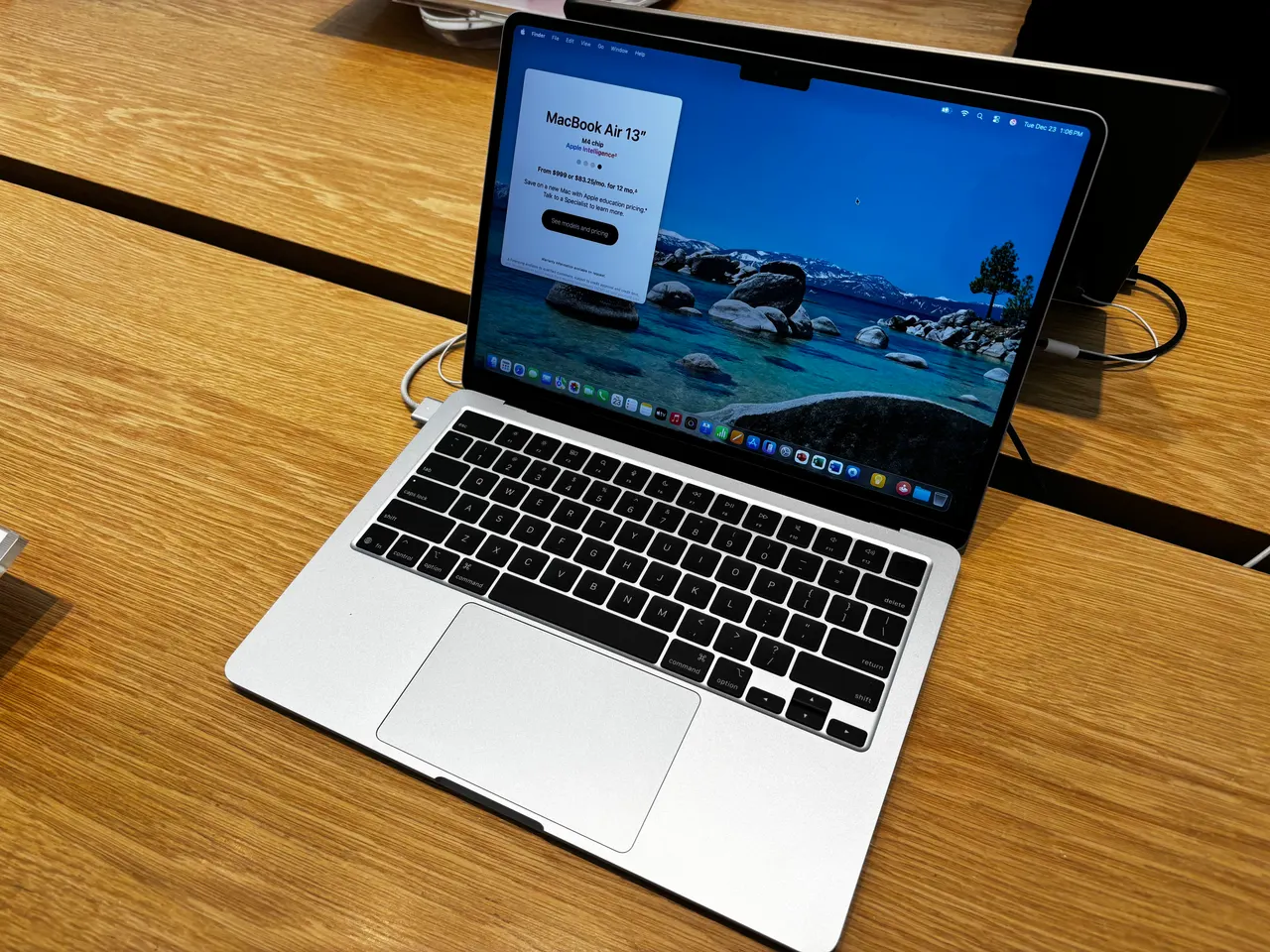
Buy the MacBook Air 13 (M4) if your stack is web. For Node, a couple of Docker containers, VS Code and a browser farm, the M4 is fast, silent, and lasts about 15 hours, and web work is the one development niche where not running Linux on the metal costs you almost nothing. Configure it with more than 16 GB of RAM and it’s the easy answer.
Most “best laptop for web dev” lists rank CPU benchmarks. For web work the CPU is rarely the bottleneck; RAM is. Docker plus a database plus an IDE plus thirty browser tabs is 24 GB before lunch. Pick on memory, the keyboard, and battery, not on a synthetic compile score you’ll never feel.
Our pick: MacBook Air 13 (M4)
The M4 runs the typical web stack (Node or a couple of services, Postgres or Redis in Docker, VS Code, browsers) without the fans ever spinning up, because the Air has no fans. It does it for about 15 real hours unplugged, and it weighs 1.24 kg. For a web developer that combination is hard to argue with: it’s quiet, it’s portable, and it’s fast enough that the CPU is never what you’re waiting on.
The honest catches. Docker runs in a lightweight VM on macOS, not natively, which is fine for typical web service counts but slower than native Linux for very heavy container fleets. 16 GB base is genuinely tight once Docker is up; the 24 GB configuration is the one to buy and the RAM is soldered, so that’s a purchase-time decision you can’t reverse. 256 GB fills fast with node_modules and Docker images, so size storage up too. 999 dollars at list, 1199 euro, more once RAM and SSD are sized. For a pure web stack, the value is real.
Runners-up
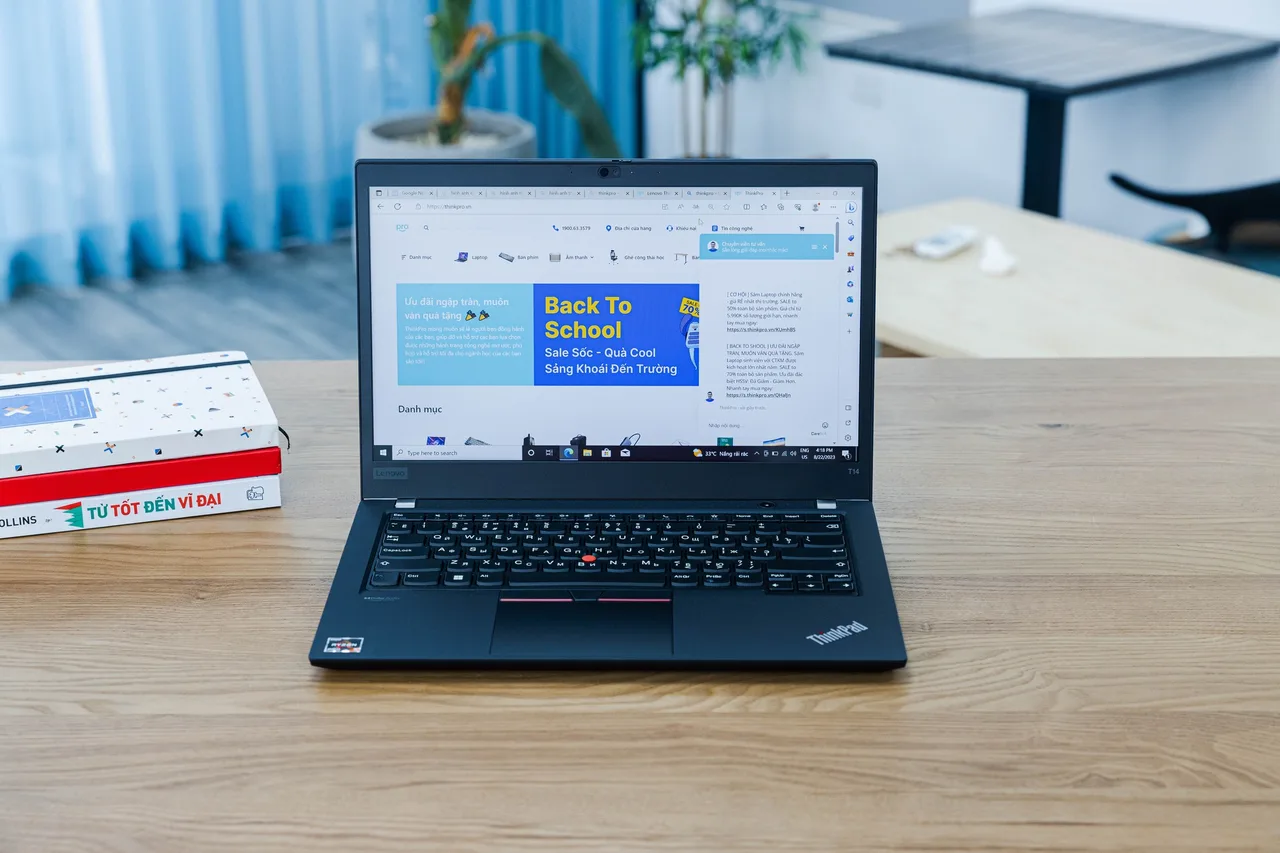
Lenovo ThinkPad T14 Gen 5 (AMD). Ryzen 7 PRO 8840U, 32 GB of slotted RAM, about 10 hours, roughly 1499 dollars. The pick if you want Linux on the metal with Docker running natively, or you just want the best keyboard here. The AMD model uses a normal UVC webcam so it dodges the Intel IPU6 mess that breaks video calls. Slotted RAM means you can take 16 GB to 64 GB later. Two small Linux caveats: one iwd config line for the Wi-Fi 7 card, and acpi.ec_no_wakeup=1 on some units for overnight drain. Both documented.
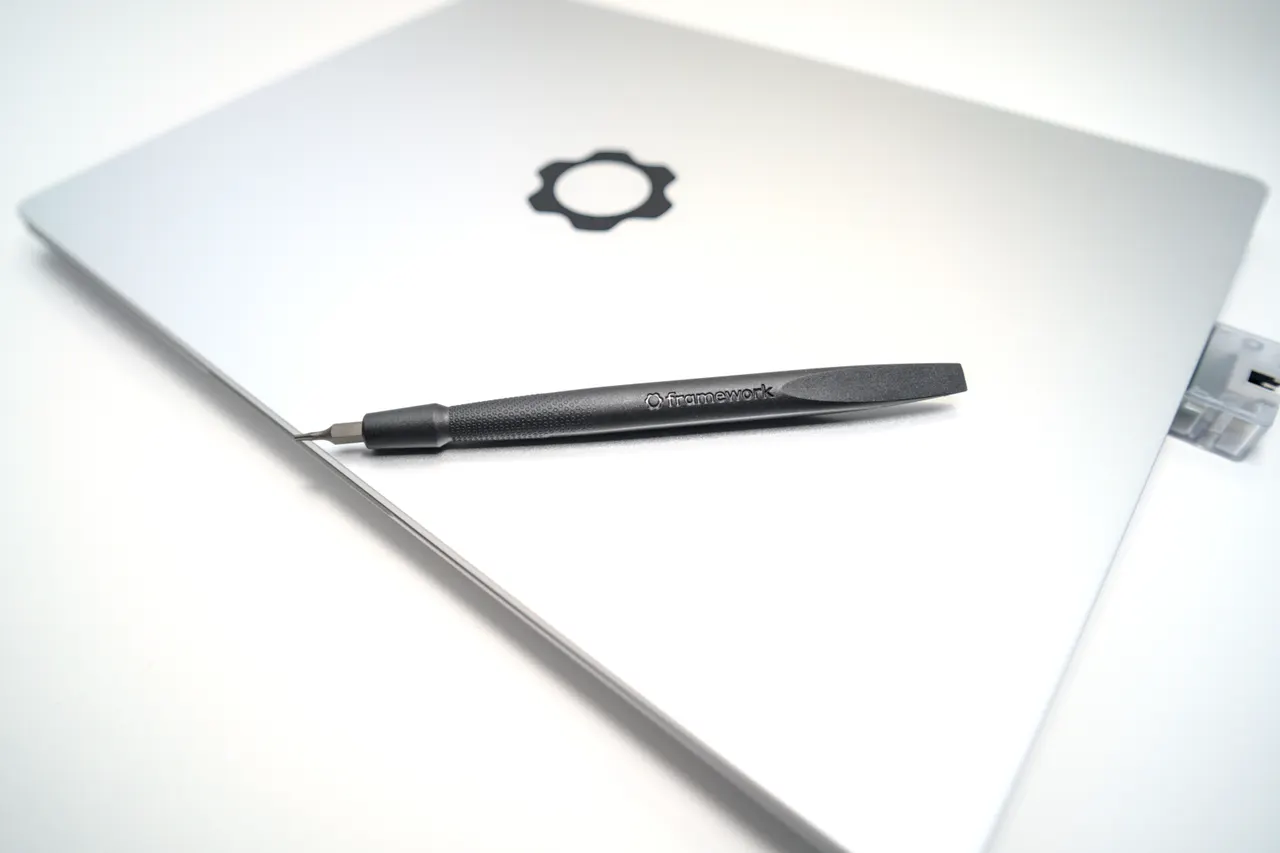
Framework Laptop 13 (AMD Ryzen AI 300). Zen 5 HX 370, 32 GB slotted, repairable with one screwdriver, around 1099 dollars. The fastest CPU of the Linux options and the best long-term value if you keep machines for years. The catch is suspend: a documented 5 to 10 percent overnight s2idle drain on Linux and a small 61 Wh pack, so about 5 hours unplugged. Shut down or hibernate at night and it’s the value pick; live in suspend and the T14 behaves better.
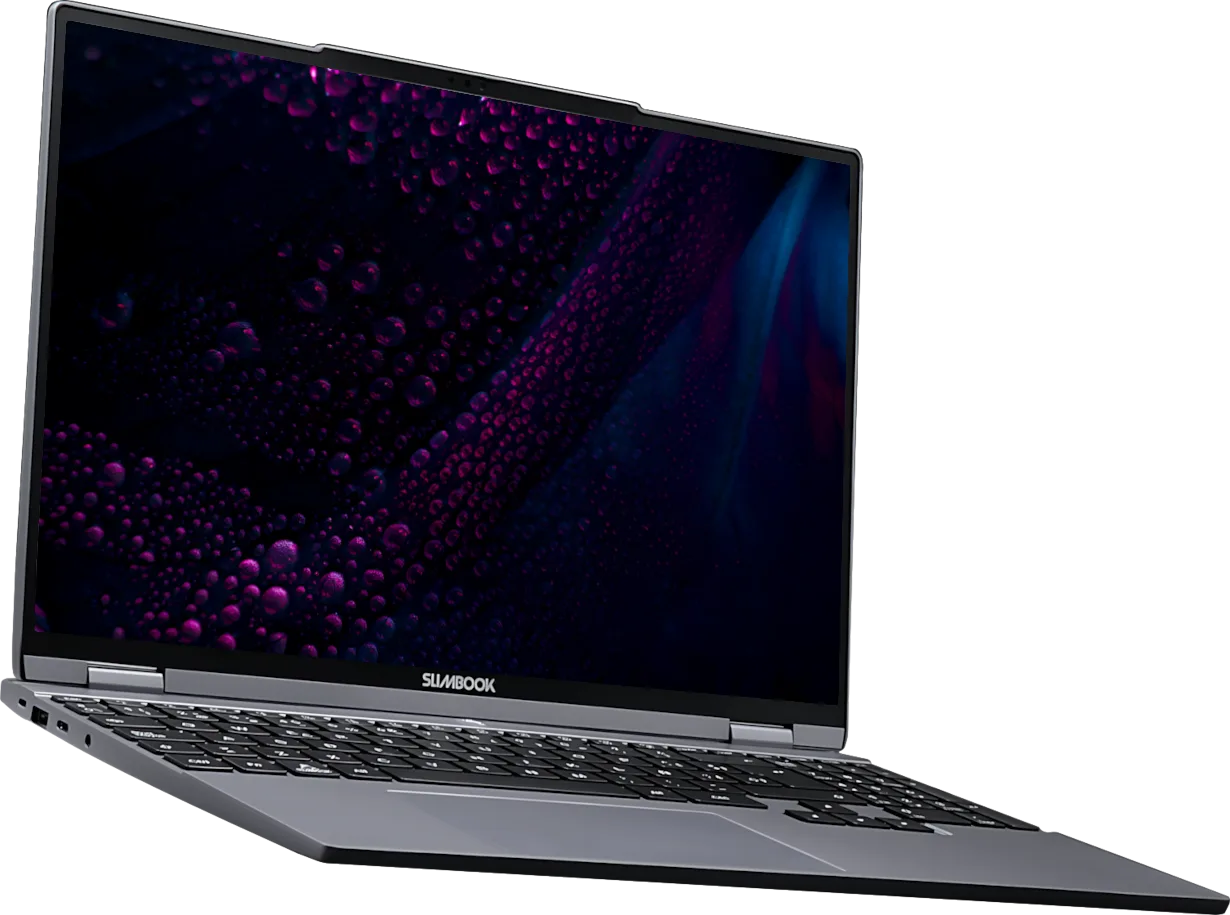
Slimbook Evo 14 (Ryzen AI 9 365). Around 1077 euro. Ships with Linux configured by the vendor, AMD Radeon 880M so no IPU6 webcam problem, a good 2880x1800 120 Hz panel, about 8 hours. We score it 9/10 on Linux. RAM is soldered at 16 GB, which is the real limit for a Docker-heavy web dev, so spec it carefully or treat it as a lighter-stack machine. EU vendor; check shipping and warranty terms for your country before ordering.
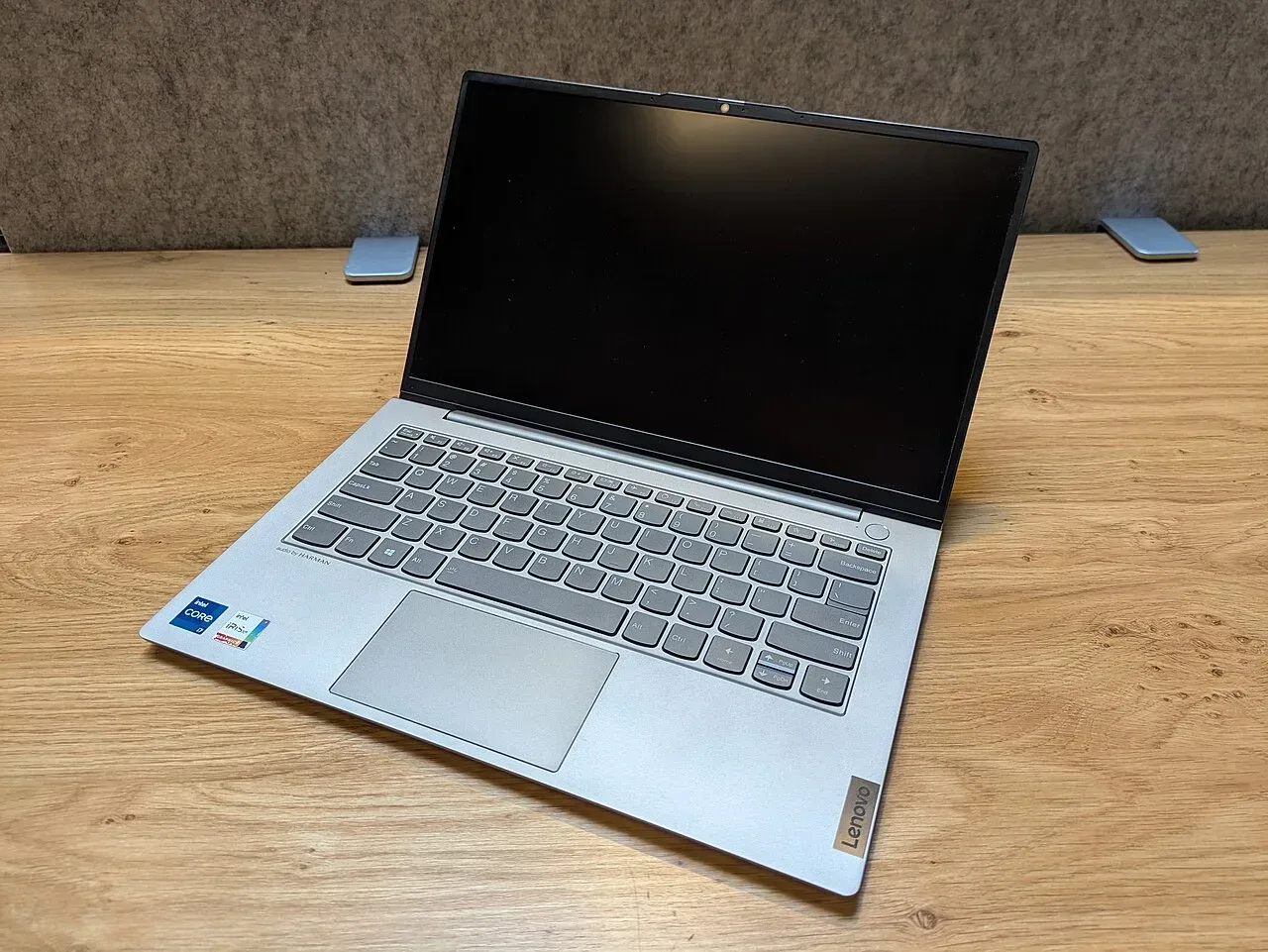
Lenovo ThinkBook 14 G7 IML. 849 dollars, Core Ultra 5 125H, 16 GB. The budget pick for a web dev on Windows or WSL2 who doesn’t need much. It’s adequate, not good: 8 hours, a dim 300-nit screen, a competent keyboard. Buy it only if budget is the hard constraint and the stack is light.
What actually matters in a web-development laptop
Not raw CPU. A 2026 mid-tier chip transpiles, bundles and runs a dev server faster than you can read the output. What you actually feel:
- RAM, and ideally slotted. This is the bottleneck for web work. Docker, a database, an IDE and a browser farm is 24 GB routinely. Buy 32 GB if you can. Slotted RAM (T14, Framework) lets you start at 16 GB and double it later; soldered RAM (Air, Slimbook) is a permanent ceiling, so size it correctly at purchase.
- Native Docker or not. On Linux machines containers run on the metal. On macOS they run in a VM, which is fine for a handful of services and slower for large fleets. For typical web work the macOS VM is a non-issue; for container-heavy backends, native Linux wins.
- Keyboard over an eight-hour day. You type all day. The ThinkPad keyboard and the MacBook keyboard are the two here that hold up; the rest are acceptable, not good. This is worth more than a 5 percent CPU difference you’ll never notice.
- Battery and silence. A web dev server plus a browser is light load. A fanless machine that does 12+ hours (the Air) changes how you work; a 6-hour machine with audible fans on light load does not.
Screen resolution, GPU and weight matter less than the marketing says. You stare at a terminal and a browser, not a render.
FAQ
Mac or Linux for web development in 2026? Mac if your stack is web and you want the best battery, silence and a turnkey setup; Docker in a VM is a non-issue at typical service counts. Linux if you want containers native on the metal or you deploy to Linux servers and want parity. The M4 Air is the strong Mac pick, the T14 the strong Linux one.
How much RAM do I need for web development? 16 GB is a real bottleneck once Docker is running alongside an IDE and a browser farm; 32 GB is the comfortable target. On slotted-RAM machines you can upgrade later; on soldered ones the purchase-time choice is permanent, so buy 32 GB if the machine can’t grow.
Is the MacBook Air fast enough for web dev with Docker? Yes, for typical web stacks: a few services plus Postgres or Redis in Docker run fine in the macOS VM, fanless, for about 15 hours. The limits are very large container fleets (native Linux is faster) and 16 GB base, which is tight, so configure more memory.
Do I need a discrete GPU for web development? No. Web dev is CPU, RAM and I/O; the GPU is irrelevant to bundling, dev servers and containers. Every pick here uses integrated graphics. A discrete GPU only adds heat, noise and half the battery for nothing a web stack uses.
Which web dev laptop has upgradeable RAM? The ThinkPad T14 Gen 5 (AMD) and the Framework 13 (AMD Ryzen AI 300) both have slotted RAM to 64 GB. The Air and the Slimbook Evo solder it, so buy the memory you need on day one for those.
Buy the M4 Air for a pure web stack and configure more RAM. Buy the T14 for native Docker and the best keyboard. Skip 16 GB soldered if Docker is heavy.
More picks in this guide
-
Lenovo
ThinkPad T14 Gen 5 (AMD)
-
Framework
Laptop 13 (AMD Ryzen AI 300)
-
Slimbook
Evo 14 (Ryzen AI 9 365)