Head to head
Framework 13 (Ryzen AI 300) vs ThinkPad T14 Gen 5 AMD: Linux dev laptop
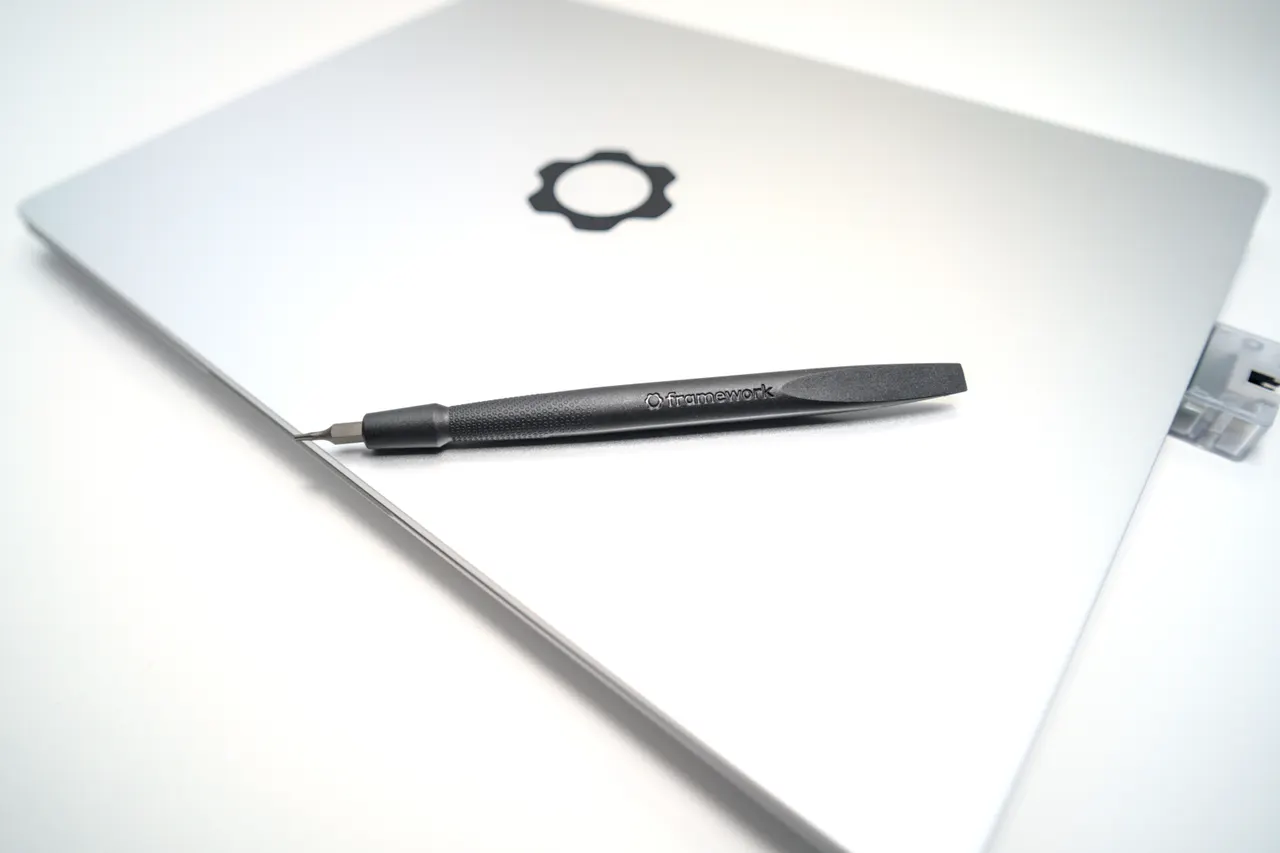
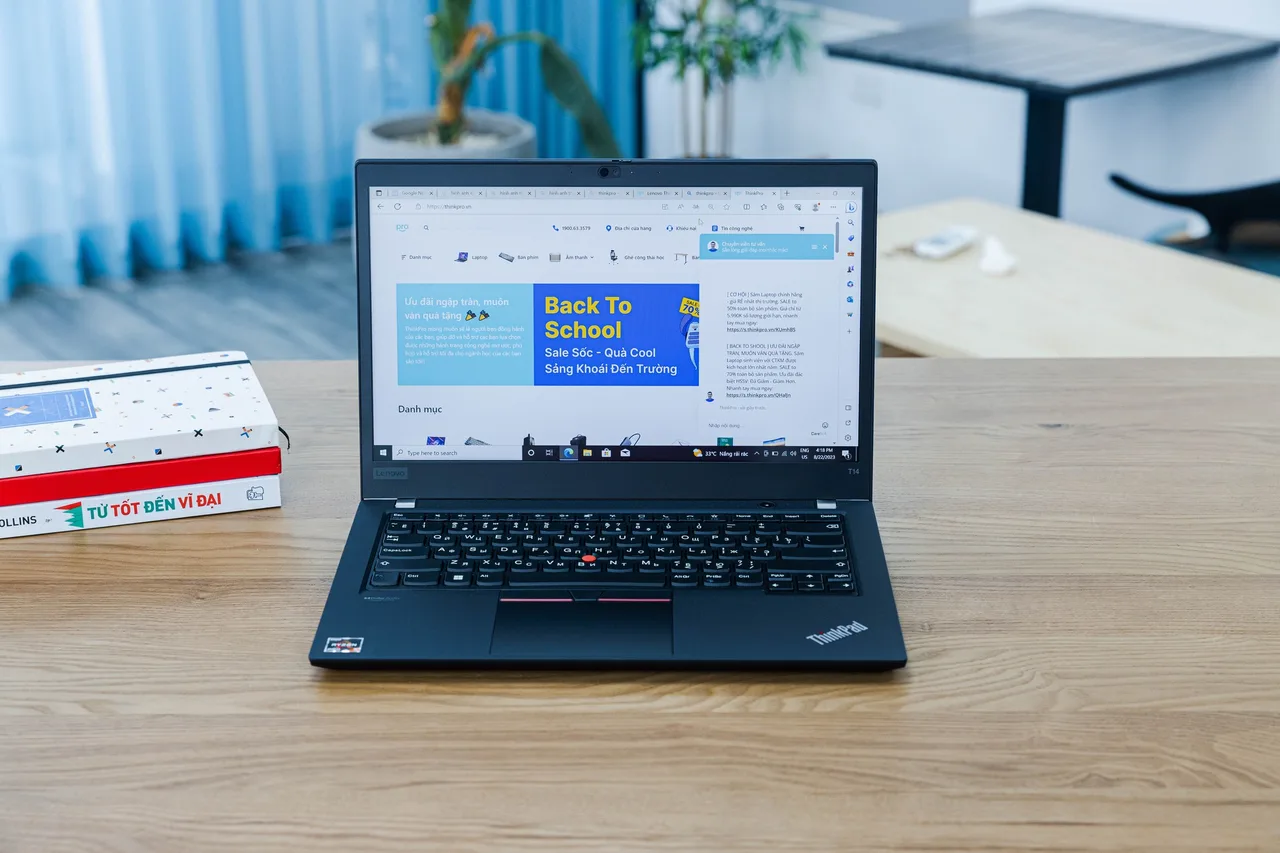
People shopping for a Linux dev laptop keep landing on these two. The Framework is the repairable poster child; the T14 is the safe ThinkPad. The real question is whether the Framework's suspend drain is worth the modularity, or whether the boring T14 just works.
Some links are affiliate links; we may earn a commission at no extra cost to you. How we make money.
Specs at a glance
| Spec | Framework Laptop 13 (AMD Ryzen AI 300) | Lenovo ThinkPad T14 Gen 5 (AMD) |
|---|---|---|
| Price | ~1099 USD (best in row) | ~1499 USD +$400 |
| Released | 2025 (best in row) | 2024 |
| CPU | AMD Ryzen AI 9 HX 370 | AMD Ryzen 7 PRO 8840U |
| GPU | AMD Radeon 890M (integrated) | AMD Radeon 780M (integrated) |
| RAM | 32 GB (slotted) | 32 GB (slotted) |
| Storage | 512 GB | 512 GB |
| Screen | 13.5" 2880x1920 @ 120Hz | 14" 1920x1200 @ 60Hz |
| Weight | 1.3 kg (best in row) | 1.36 kg +0.06 kg |
| Battery (real) | ~5 h −5 h | ~10 h (best in row) |
| Linux | out of box | out of box |
The verdict
Buy the ThinkPad T14 Gen 5 AMD if you want a Linux laptop you stop thinking about after the first afternoon. The AMD T14 uses a plain UVC webcam, so it sidesteps the Intel IPU6 camera mess that wrecks so many 2024 ultrabooks, and the only homework is one iwd config line for the Qualcomm Wi-Fi and an s2idle kernel param on some units. The Framework 13 with the Ryzen AI 9 HX 370 is the faster machine and the only one here you can actually rebuild with a screwdriver, but its 61 Wh pack bleeds 5 to 10 percent overnight on Linux s2idle, and a long weekend asleep can hand you a dead laptop. Pick the Framework if repairability and Zen 5 throughput matter more than closing the lid and trusting it. Pick the T14 if you just want to write code.
Prices in the table are indicative RRP, not live. Some links are affiliate links; we may earn a commission at no extra cost to you. How we make money.
Specs delta that actually matters
On paper the Framework wins the spec sheet. The Ryzen AI 9 HX 370 is a 12-core Zen 5 part, Phoronix-validated, and it pulls clearly ahead of the T14's Ryzen 7 PRO 8840U in sustained multi-thread work like kernel builds or Docker-heavy CI. The Framework also drives a 2880x1920 120 Hz panel at 500 nits; the T14 ships a 1920x1200 60 Hz screen at 400 nits. If you stare at code for eight hours, the Framework's panel is the nicer place to do it. But two numbers flip the story. Battery: the T14 carries a 75 Wh pack and returns roughly 10 real hours; the Framework's 61 Wh pack returns about 5, and that is before the suspend drain. Weight is close, 1.3 kg versus 1.36 kg, so neither is a back-saver or a brick. RAM is slotted on both, which is rare and good, so a 64 GB upgrade is a ten-minute job on either. The Framework's edge is raw speed and a screen; the T14's edge is endurance and a keyboard people actually rave about.
What breaks on Linux, specifically
The T14 Gen 5 AMD is one of the lowest-friction mainstream Linux laptops of its generation, and the reason is mundane: it uses a normal USB Video Class webcam. No IPU6, no libcamera dance, no waiting on a kernel that ships the right firmware. On Fedora and Ubuntu LTS it grades out-of-box. The catches are small and documented: the Qualcomm Wi-Fi wants one iwd configuration line, and some units need acpi.ec_no_wakeup=1 to stop s2idle drain. Speakers sound flat until you load an EasyEffects profile. None of that is a project. The Framework 13 with Strix Point is graded out-of-box on Fedora 41+ but minor-tweaks on Ubuntu, and it wants a recent kernel (6.11 or newer, 6.12 preferred) because Strix Point support landed late. The headline problem is suspend. Documented s2idle drain of 5 to 10 percent per night means a laptop left closed Friday evening can be flat by Monday. Fingerprint enrolment is also finicky. Webcam, Wi-Fi, audio, and Bluetooth are fine. So the Linux verdict is asymmetric: the T14's issues are one-time config edits, the Framework's main issue is a recurring battery tax you live with until upstream s2idle improves.
Repairability and the long game
This is the Framework's entire reason to exist and the one place the T14 cannot follow. The Framework 13 uses expansion-card I/O you swap by hand, a mainboard you can replace to jump CPU generations without buying a new chassis, and parts you order from the vendor with a guide. If you keep laptops five years and hate e-waste, that is real money and real control. The ThinkPad T14 is serviceable by ThinkPad standards, slotted RAM and a replaceable SSD and battery, but it is not modular: you do not upgrade the CPU, and I/O is fixed. For a developer the practical question is how long you keep a machine. If you replace every three years on a corporate refresh, the Framework's modularity is mostly theoretical and you are paying for an option you will not exercise. If you self-fund and run hardware until it dies, the Framework's mainboard path is the only way here to not throw the whole thing away.
Price and who each one is for
The Framework 13 (Ryzen AI 300) lists around 1099 USD as configured, and that is genuinely competitive for a Zen 5 machine you can rebuild. The ThinkPad T14 Gen 5 AMD lists around 1499 USD and around 1699 EUR, so it is the more expensive box for less raw performance. You are paying the ThinkPad tax for the keyboard, the 75 Wh battery, the boring reliability, and the AMD webcam that dodges the IPU6 trap. For a self-funded developer who keeps hardware long and wants to repair it: Framework, and live with the suspend drain or chase the kernel fix. For a developer who wants to open the lid, get to work, and never think about s2idle again: ThinkPad T14 Gen 5 AMD. Most people asking this question want the second machine and talk themselves into the first.
FAQ
Is the Framework 13 suspend battery drain fixable?
Partly. It tracks upstream s2idle support for Strix Point, which improves with newer kernels (6.12 and later help). It is not a one-line fix today. If you suspend for hours rather than days you mostly will not notice; multi-day closed-lid storage is where it bites. Hibernate is the practical workaround if you regularly leave it shut over a weekend.
Does the ThinkPad T14 Gen 5 AMD webcam work on Linux out of the box?
Yes. The AMD variant uses a standard UVC webcam, so it works without the IPU6 or libcamera workarounds that the Intel-based 2024 ultrabooks need. This is the single biggest reason it is a lower-friction Linux machine than most rivals.
Which is faster for compiling and Docker?
The Framework. The Ryzen AI 9 HX 370 is a 12-core Zen 5 part and clearly outpaces the T14's Ryzen 7 PRO 8840U in sustained multi-thread work. If build times are your bottleneck, the Framework is the faster machine, with the battery and suspend trade-offs noted above.
Can I upgrade RAM on both?
Yes, both use slotted SO-DIMM RAM, which is unusual in 2025 thin-and-lights. You can take either to 64 GB or beyond yourself in about ten minutes. The Framework goes further by also letting you replace the mainboard for a CPU generation jump.