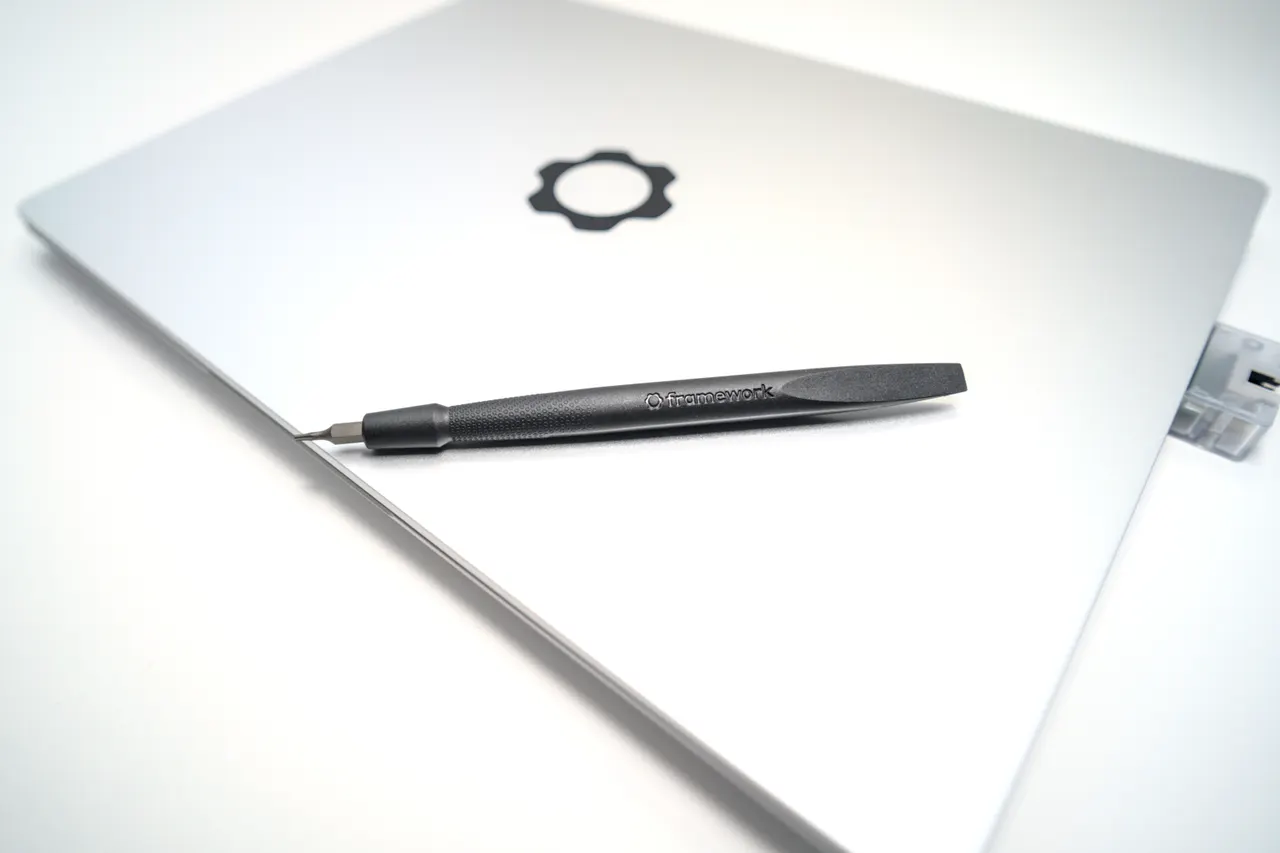
A computer science degree is a four-year stress test for a laptop, and the Framework Laptop 13 (AMD Ryzen 7040) survives it best. Slotted RAM you can grow as your coursework gets heavier, a chassis you can repair instead of replace, and clean Linux support for the moment your operating systems course makes you live in a terminal.
CS is not a generic “student” use case. You will compile code, run virtual machines, dual-boot or wipe Windows for Linux, and keep this machine through projects that get heavier every semester. That changes the right answer away from the thin-and-light most student guides push.
Our pick: Framework Laptop 13 (AMD Ryzen 7040)
Ryzen 7 7840U, Radeon 780M, 16 GB of slotted RAM, around 1099 dollars. Two things make it the CS pick over a sealed ultrabook. First, slotted RAM. You start at 16 GB for first-year work and drop in 32 or 64 GB when your databases, containers and VMs course arrives, without buying a new laptop. Second, repairability. Crack the screen or kill a port in year two and you replace that part. Over a four-year degree the total cost can beat buying two cheaper machines.
Linux is the other reason. Most CS programs make you work in Linux eventually. The Framework runs Ubuntu LTS on kernel 6.8 with almost no fuss, clean AMD graphics, no Intel webcam mess. Honest caveat: suspend was shaky until BIOS 3.05, so update the firmware before judging sleep, and the fingerprint reader needs manual libfprint config on Arch. The screen is a decent 2256x1504 60 Hz panel, fine for code, not a creative display. For a CS student who keeps a machine for the whole degree, this is the strongest call.
Runners-up
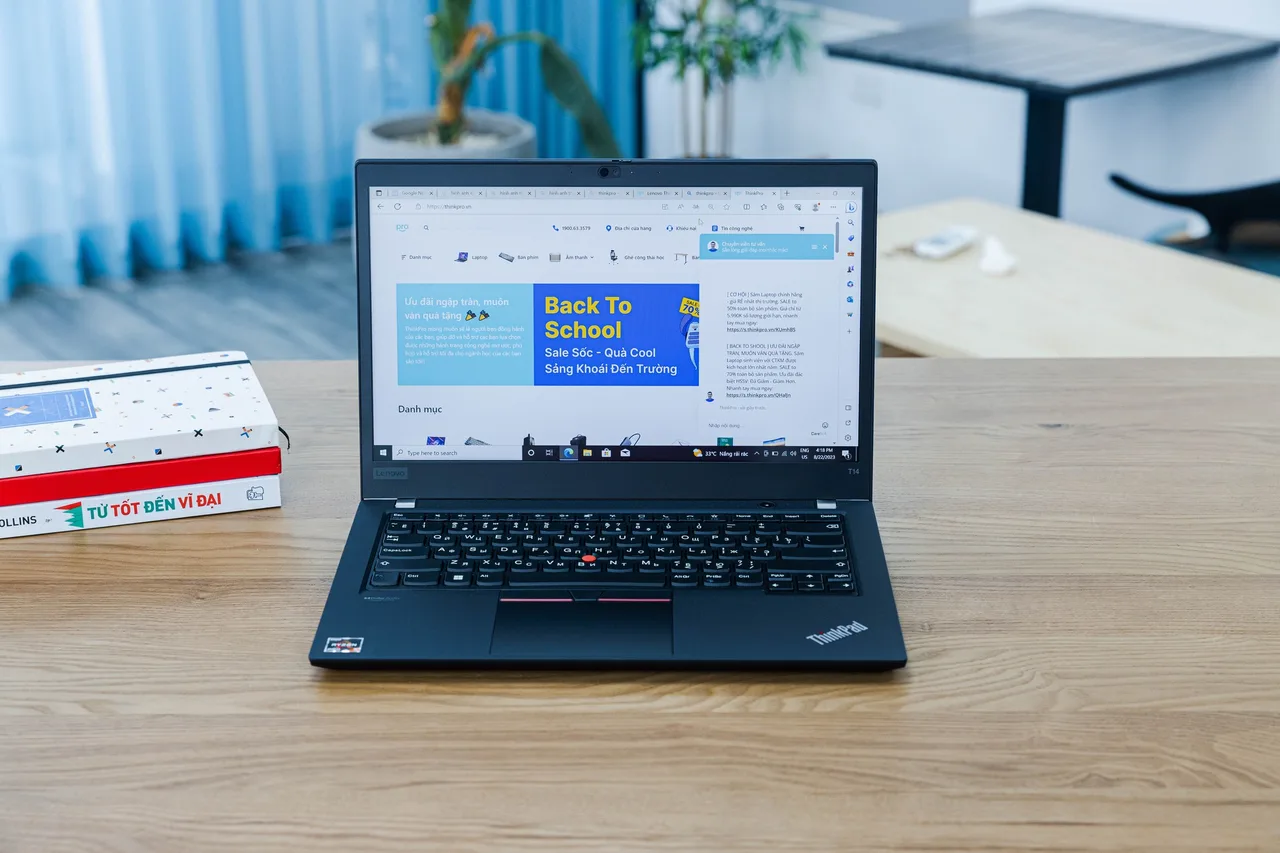
Lenovo ThinkPad T14 Gen 5 (AMD), if you can afford it. Around 1499 dollars. The best keyboard on this site, which matters when you type code for four years, 32 GB slotted RAM out of the box, about 10 hours of battery, and the cleanest Linux story because the AMD webcam dodges the Intel IPU6 trap. If the budget reaches and you do not need to repair it yourself, this is the more comfortable daily machine. The Framework wins on repair cost; the T14 wins on keyboard and out-of-box RAM.
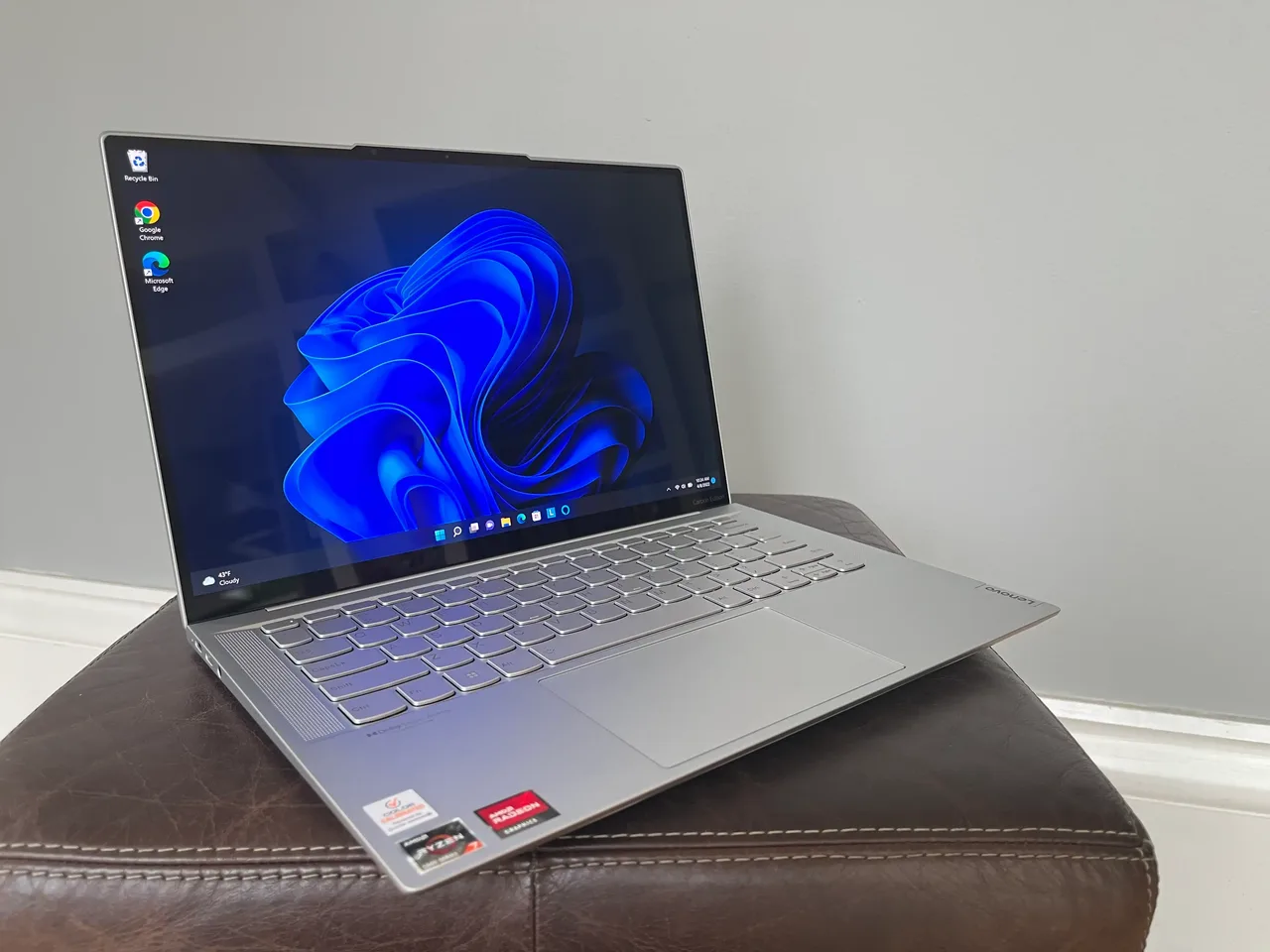
Lenovo IdeaPad Slim 5 14 (Gen 9, AMD), the tight-budget pick. Around 600 dollars. Ryzen 7 8845HS, 16 GB, 84 Wh battery for about 8 hours, and one of the most painless budget Linux platforms. The RAM is soldered, so 16 GB is your ceiling for the whole degree; that is the real compromise for a CS load with VMs. If money is the hard constraint, this gets you through first and second year comfortably and most of the rest.
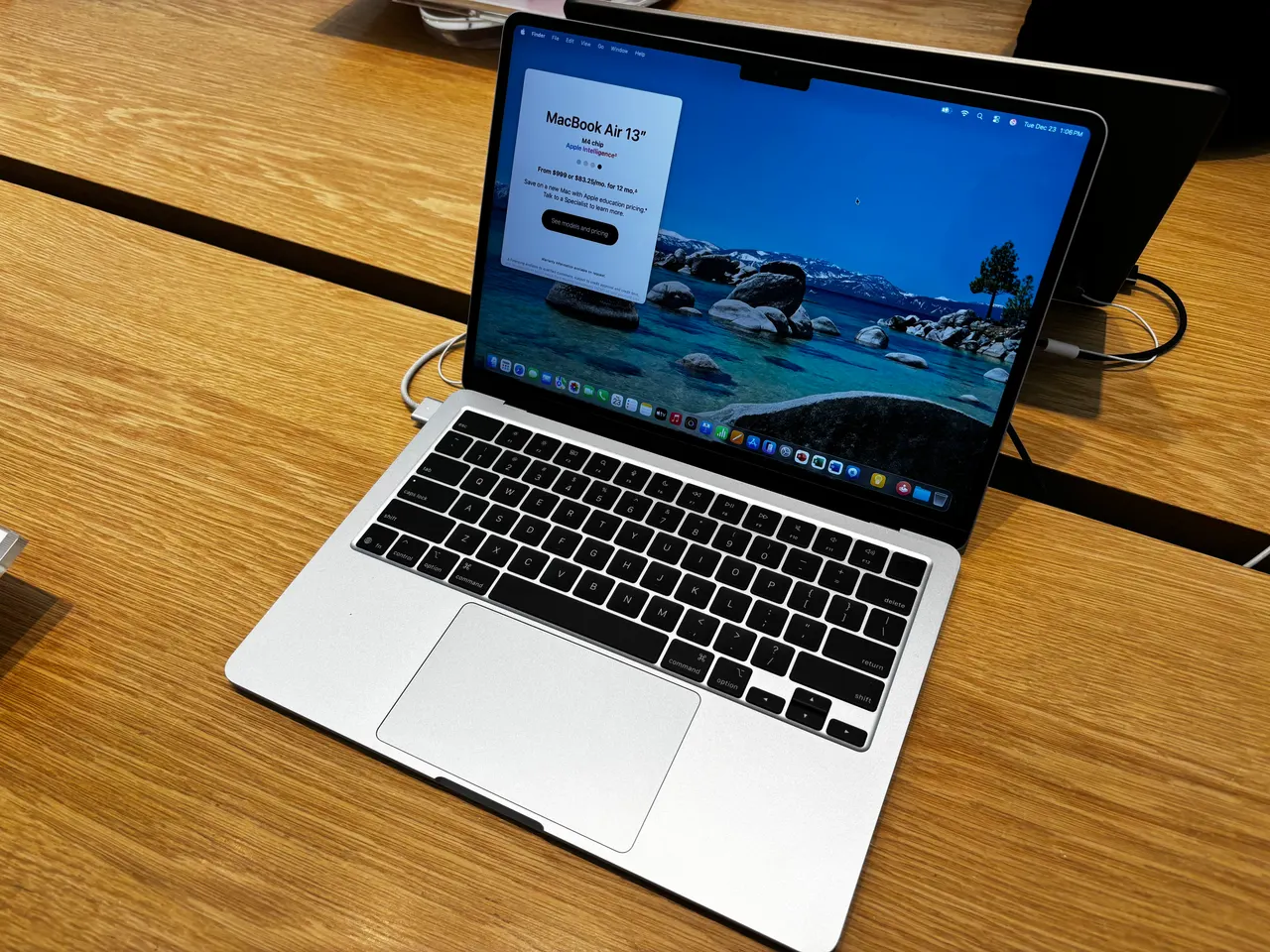
MacBook Air 13 (M4), if your program is Mac-friendly. 999 dollars, 15-hour battery, silent, fast. Excellent if your courses are web, mobile or theory and your Linux work happens on a remote server over SSH. The hard limit for CS: Linux barely boots on the M4 under Asahi in 2026, and Docker runs in a VM rather than on the metal. If a core course requires native Linux on your own machine, this fights you. Many CS students run everything on lab servers and the Air is fine; check your curriculum first.
Star Labs StarBook Mk VII, the Linux-first alternative. Ships Ubuntu, Fedora or Mint with Coreboot firmware so suspend just works, slotted RAM, 625-nit 4K matte panel. Around 1221 dollars. Good if you want Linux preinstalled and never want to see Windows. The 4K screen is 60 Hz only and there is no fingerprint reader. UK vendor, so EU students check post-Brexit duty.
What actually matters in a CS student laptop
- Slotted RAM, because the workload only grows. First-year work fits in 8 GB. By the time you hit operating systems, databases and a containers course you want 32 GB. A machine you can upgrade (Framework, T14, StarBook) outlasts a sealed one across four years.
- Linux that works on your own hardware. Many programs assume Linux. AMD models with a UVC webcam avoid the Intel IPU6 and IPU7 camera failures that break video calls. Confirm whether your courses need Linux on the metal or just an SSH session before you consider a Mac.
- A keyboard rated for years of typing. You will write more code than essays. The ThinkPad keyboard is the standout here; the Framework and the rest are acceptable. This is not a vanity spec for CS.
- Repairability over thinness. Students drop laptops and spill on them. A machine where you swap a screen or a port for the cost of the part, rather than the cost of a new laptop, is the rational four-year buy. That is the Framework’s core argument.
- Battery through a teaching day. Eight real hours minimum so labs and lectures do not strand you at a wall socket. Every pick here clears that except the gaming machines, which is why none are recommended for this use.
Raw CPU benchmarks and discrete GPUs barely matter for a CS degree. You compile, run VMs and SSH into servers. RAM, keyboard, Linux support and repair cost decide the four years.
FAQ
Do CS students need a powerful laptop? Less than you think. Heavy compute usually runs on lab machines or cloud servers. What matters on your own laptop is enough RAM, a good keyboard and working Linux. A Framework 13 or ThinkPad T14 is plenty.
Can I get through a CS degree on a MacBook? Often yes, if your Linux work happens on remote servers over SSH. The M4 Air is excellent for that. It fights you if a course requires native Linux on your own machine, since Linux barely boots on M4 in 2026. Check your curriculum before committing.
How much RAM for a CS student in 2026? Start at 16 GB, plan a path to 32 GB. VMs, containers and an IDE outgrow 16 GB by your middle years. Buy a laptop with slotted RAM (Framework, T14) so the upgrade is a part, not a new laptop.
Why recommend the Framework over a cheaper sealed laptop? Because a CS degree is four years of heavy, growing use plus the occasional drop or spill. Replaceable parts and upgradeable RAM make the lifetime cost competitive with buying two budget machines, and you never hit a hard RAM ceiling mid-degree.
Is the cheap IdeaPad enough for computer science? For first and second year and most coursework, yes. The hard limit is the soldered 16 GB RAM, which gets tight once you run several VMs at once. If budget is the constraint, the IdeaPad Slim 5 is an honest pick with that one caveat understood.
Framework 13 for the long degree, T14 if the budget reaches and you want the keyboard, IdeaPad if money is tight, M4 Air only if your Linux work lives on a server. Skip anything you cannot upgrade or repair.
More picks in this guide
-
Lenovo
ThinkPad T14 Gen 5 (AMD)
-
Apple
MacBook Air 13 (M4)
-
Star Labs
StarBook Mk VII