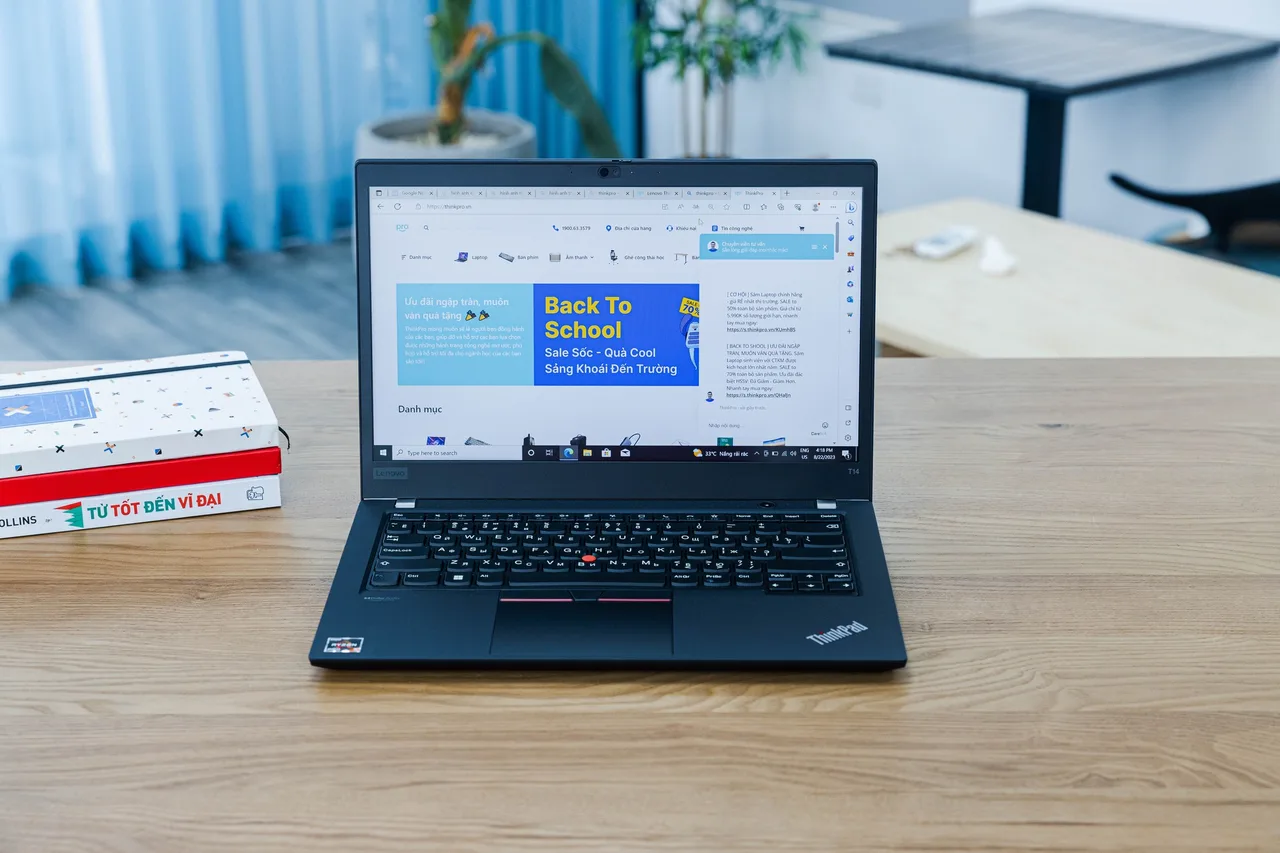
Buy the Lenovo ThinkPad T14 Gen 5 (AMD). It is the least annoying machine on this list for writing and shipping code, and that is the whole point of a work laptop.
Most “best laptop for programming” lists rank screens and RGB. What actually matters when you code is whether the thing wakes from sleep on the first try, whether the keyboard survives eight hours a day, and whether your container stack runs without you fighting drivers. The T14 wins on those.
Our pick: ThinkPad T14 Gen 5 (AMD)
Ryzen 7 PRO 8840U, 32 GB of slotted RAM, about 10 real hours of battery. The slotted RAM matters more than the spec sheet suggests. You can take a 16 GB unit and put 64 GB in it two years later when your Node and Docker habit outgrows it. Soldered machines force a full replacement instead.
The keyboard is the best on this list and it is not close. If you type for a living, that alone is worth the price gap over a cheaper machine. Linux is clean: the AMD model uses a normal UVC webcam so it dodges the Intel IPU6 camera mess that breaks video calls on so many 2024 and 2025 laptops. Two caveats, both small. The Qualcomm Wi-Fi 7 card needs one iwd config line on Ubuntu LTS, and some units want acpi.ec_no_wakeup=1 to stop overnight battery drain. Neither is a dealbreaker. Both are documented.
Roughly 1499 dollars or 1699 euro at list. Not cheap. It is a tool that pays for itself.
Runners-up
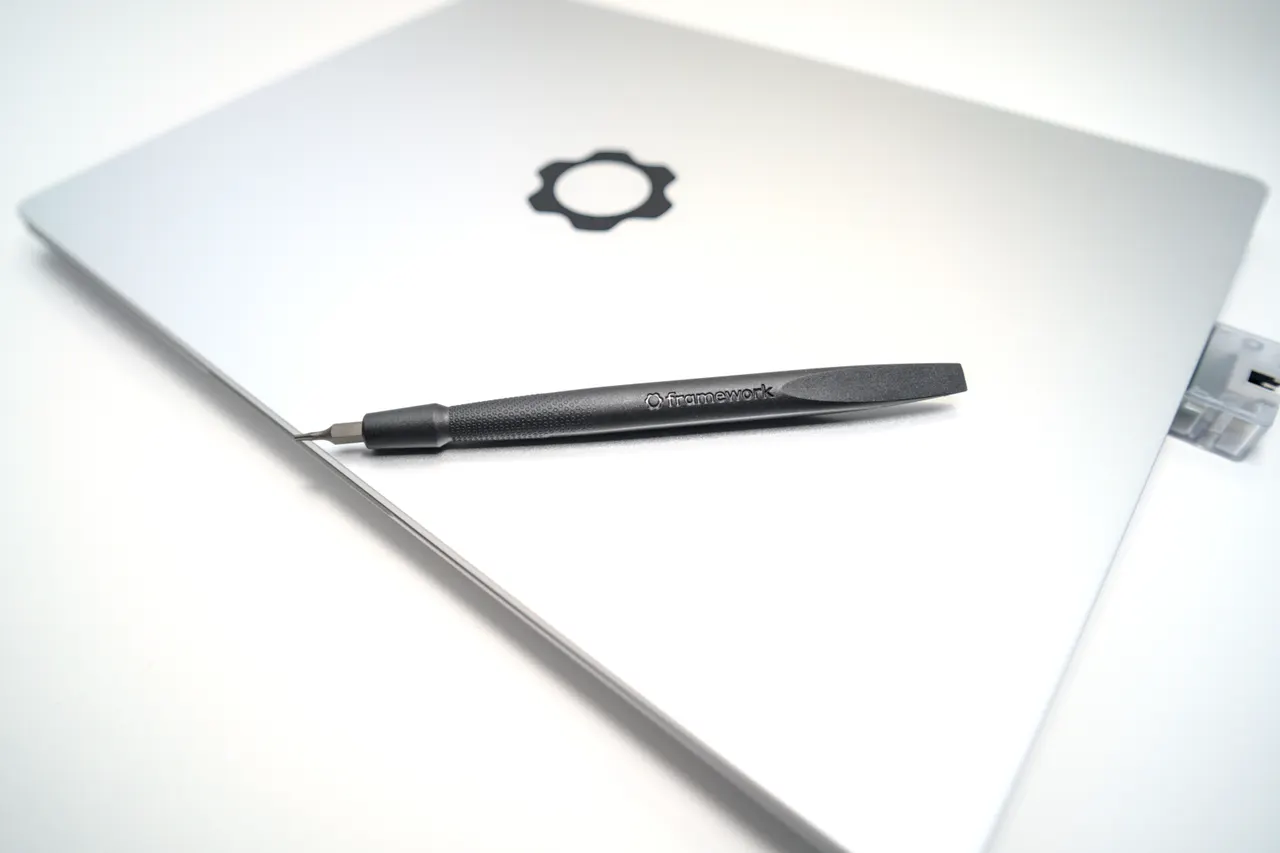
Framework Laptop 13 (AMD Ryzen AI 300). Zen 5 HX 370, the fastest compile times here, slotted RAM, and a chassis you can repair with one screwdriver. Around 1099 dollars. The catch is suspend. There is a documented s2idle drain of 5 to 10 percent overnight on Linux, and a multi-day sleep empties the 61 Wh pack. If you shut down at night instead of closing the lid, this is the better value. If you live in suspend, the T14 behaves better.
Star Labs StarBook Mk VII. Ships with Ubuntu, Fedora or Mint and Coreboot open firmware, so the ACPI tables are sane and suspend just works. 625-nit 4K matte panel, which is genuinely nice outdoors. Two real downsides: the 4K screen is 60 Hz only, and the Core Ultra 7 165H is fine but not fast. UK vendor, so EU buyers should check post-Brexit import duty before ordering. Roughly 1221 dollars.
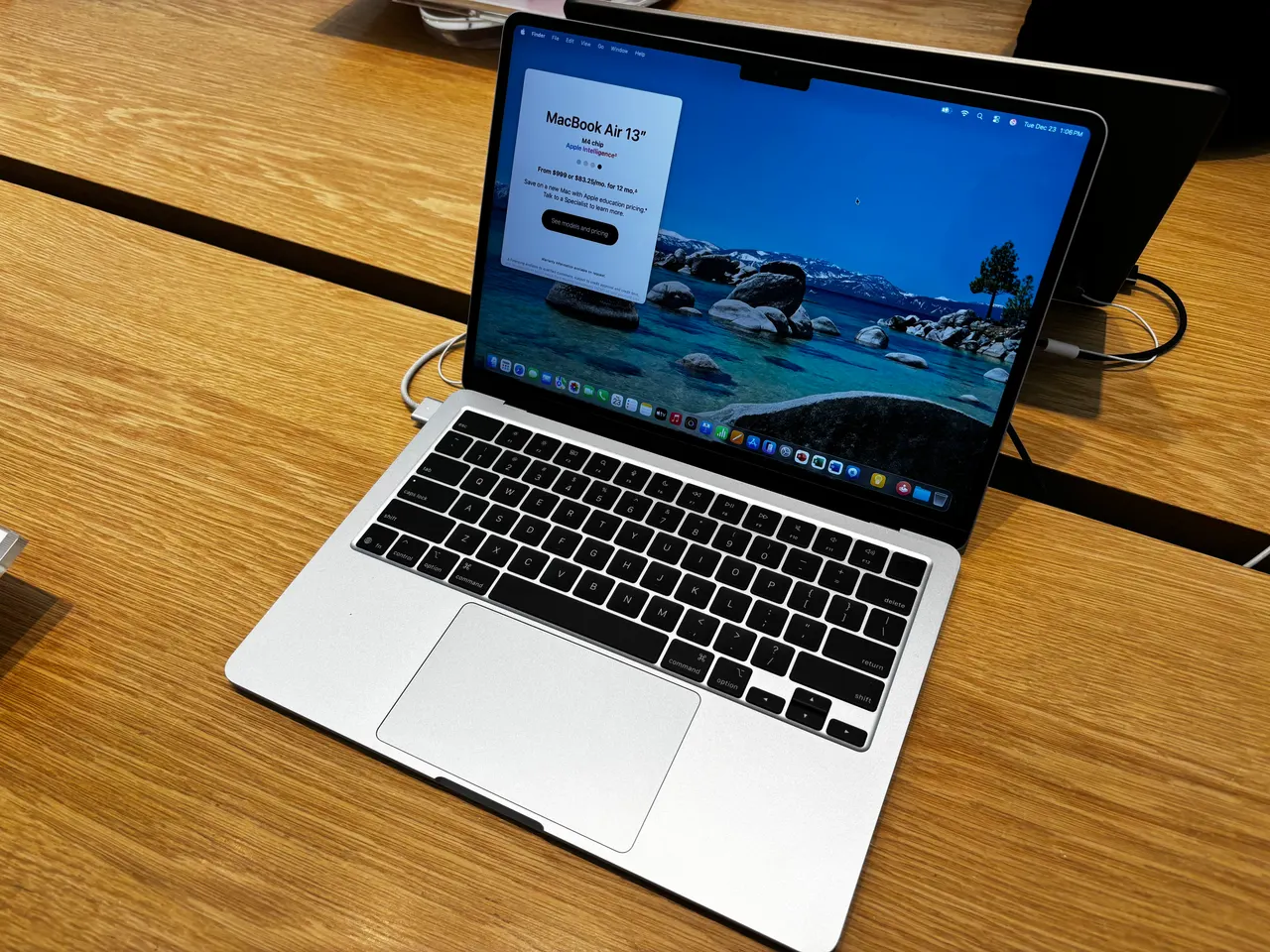
MacBook Air 13 (M4). If your stack is web, mobile or anything that does not need Linux on the metal, the M4 Air is the value pick at 999 dollars with a real 15 hours of battery. 16 GB base now, finally. The hard limit: this is a macOS machine. Linux on the M4 barely boots under Asahi as of 2026. Docker runs in a VM, not natively, which is slower for heavy container work.
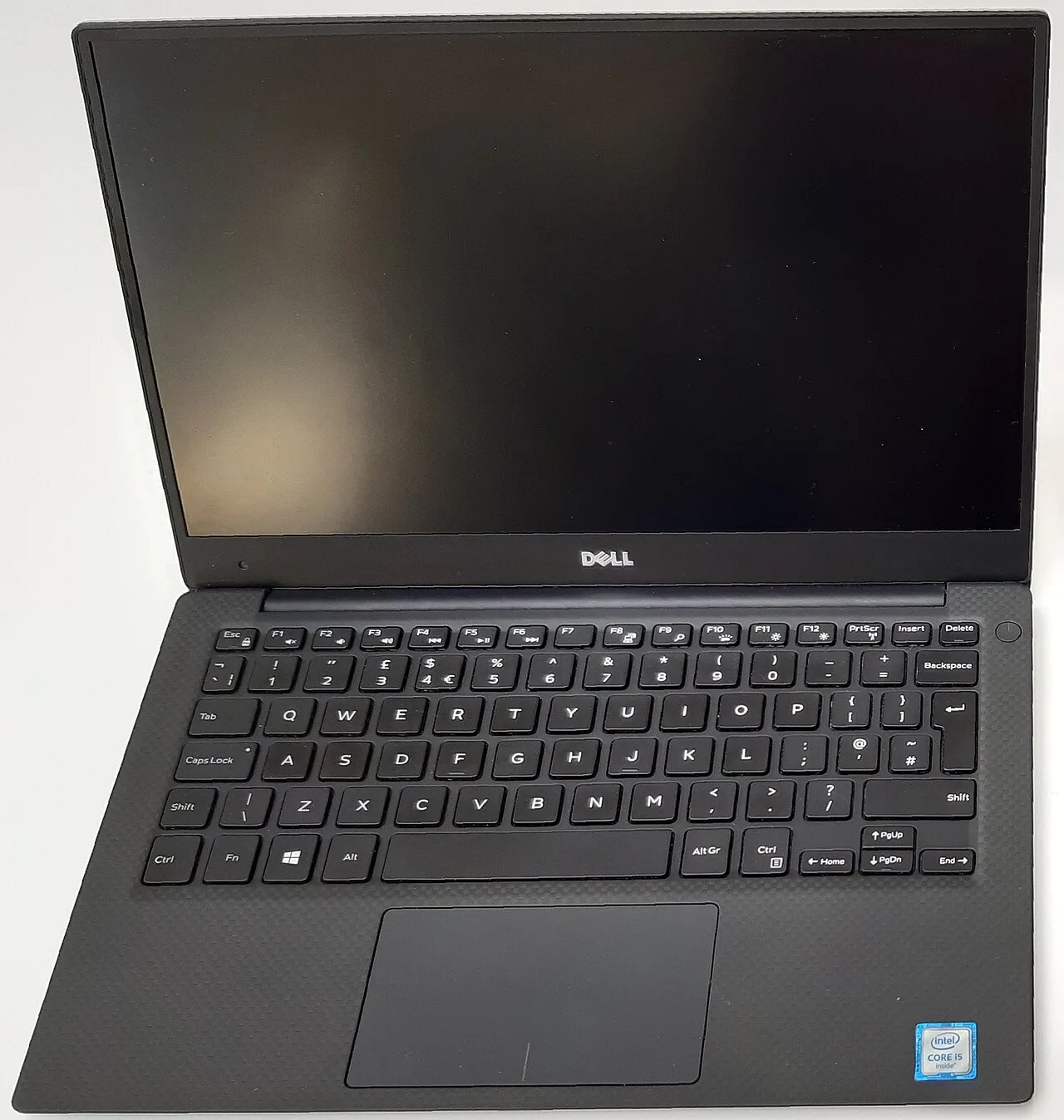
Dell XPS 13 9350. Best battery and build of the Intel ultrabooks here, around 11 hours. Pick it if you run Windows or WSL2. Do not pick it for Linux: the IPU7 webcam is dead because of a Dell BIOS bug that no kernel update fixes, and the capacitive function row annoys nearly every reviewer who codes with it.
What actually matters in a programming laptop
Not raw CPU benchmarks. A 2026 mid-tier chip compiles fast enough that you will not notice the difference against a flagship in normal work. What you will notice:
- RAM headroom and whether it is slotted. Docker, a database, an IDE and forty browser tabs is 24 GB before lunch. Buy 32 GB if you can. Slotted RAM (T14, Framework, StarBook, Lemur Pro) means you upgrade later instead of rebuying.
- Keyboard over a full day. You touch this for six to eight hours. The ThinkPad keyboard and the MacBook keyboard are the two here that hold up. The rest are acceptable, not good.
- Sleep that works. A laptop that loses 30 percent battery in a closed bag, or hangs on resume, costs you minutes every day. This is where the AMD ThinkPad and the Coreboot StarBook beat the Intel and Framework options on Linux.
- Linux compatibility, specifically the webcam. In 2026 the recurring trap is the Intel IPU6 and IPU7 camera pipeline. AMD models with a normal UVC webcam (T14, IdeaPad, Framework AMD) sidestep it entirely. If you do video standups on Linux, this is the single biggest filter.
Screen resolution, GPU and weight matter far less than people think for a coding box. You stare at a terminal, not a render.
FAQ
Do I need 32 GB of RAM to program? For web and scripting, 16 GB is workable. For Docker plus a database plus an IDE, 16 GB swaps and stutters within months. Buy 32 GB, or buy a machine with slotted RAM so you can add it later. That is the ThinkPad T14 or the Framework 13.
Mac or Linux for development in 2026? Mac if your work is web or mobile and you want the best battery and trackpad with zero setup. Linux if you deploy to Linux servers and want Docker running natively on the metal. The M4 Air is the strong Mac pick. The T14 is the strong Linux pick.
Is an integrated GPU enough for programming? Yes, for almost everyone. You only need a discrete GPU for local model training or GPU compute. Every top pick here uses integrated graphics and none of it matters for compiling, testing or running containers.
Why not a gaming laptop with an RTX card for the extra power? Because the power goes to a GPU you will not use, the battery is half, and the fans are loud during a long build. The Zephyrus G14 is a fine machine if you also game, but as a pure dev box it trades real battery for nothing you need.
Will the ThinkPad T14 webcam work on a Linux video call? Yes. The AMD T14 uses a standard UVC webcam, so it works on Ubuntu LTS and Fedora without the IPU6 driver fight that breaks the camera on many Intel 2025 laptops. That is the main reason it tops this list.
Buy the T14 if you want it to just work. Buy the Framework if you value repairability and shut down at night. Skip the gaming laptops for pure dev work.
More picks in this guide
-
Framework
Laptop 13 (AMD Ryzen AI 300)
-
Star Labs
StarBook Mk VII
-
Apple
MacBook Air 13 (M4)
-
Dell
XPS 13 9350