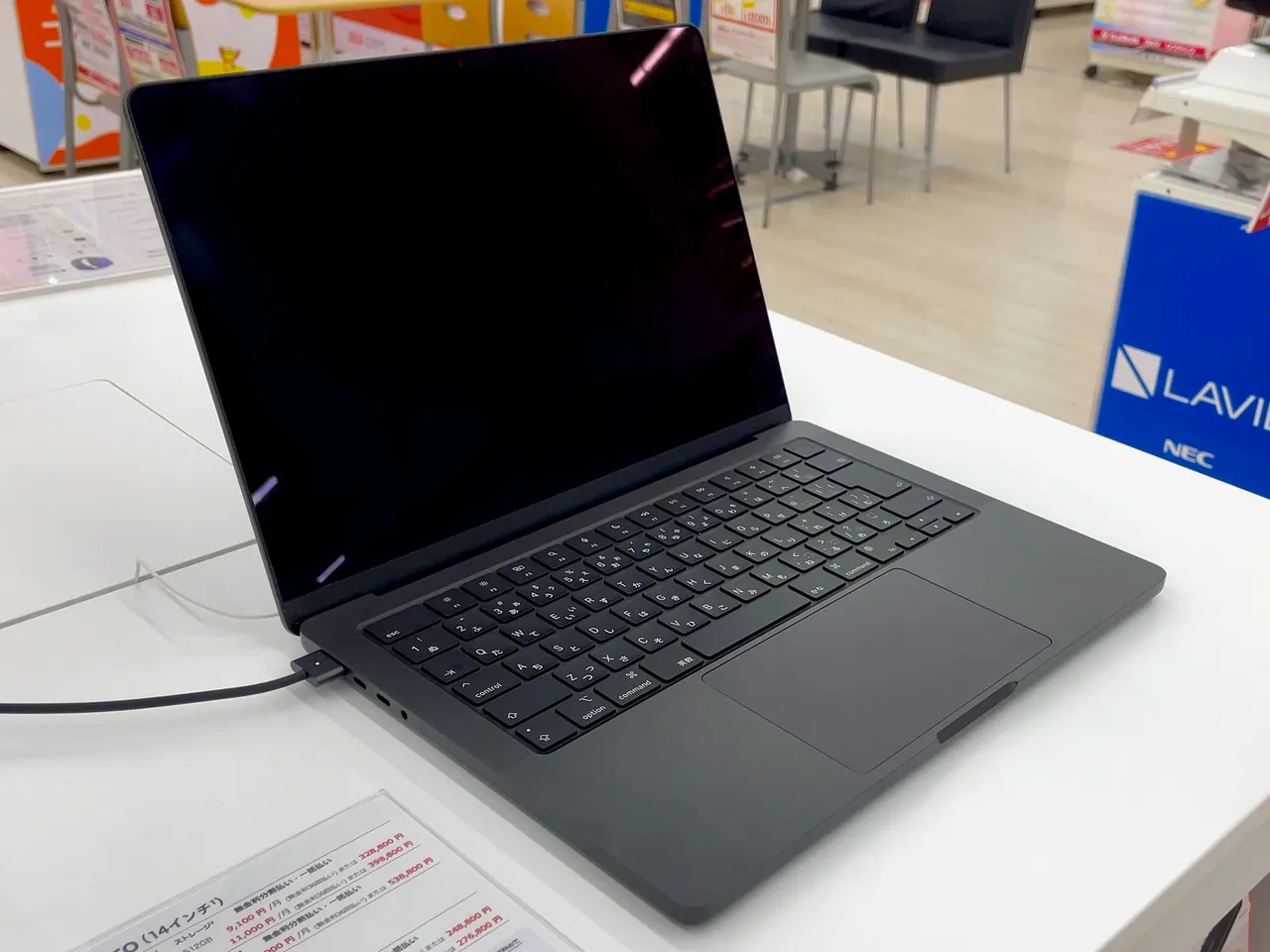
Buy the MacBook Pro 14 (M4). For photo work the screen is the tool, and this is a 1000-nit, P3, 120 Hz panel attached to a chip that chews through a 60-megapixel Lightroom catalogue without the fans coming on. About 14 hours of battery on top. For Lightroom and Photoshop it’s the least compromised machine here.
Most photo-editing lists rank GPUs. For stills, the GPU barely matters: Lightroom and Photoshop are CPU, RAM and screen workloads, not gaming ones. The mistake that actually ruins a photo machine is a dim, low-gamut panel and 16 GB of RAM choking on layered 16-bit files. Pick on the screen and the memory.
Our pick: MacBook Pro 14 (M4)
The mini-LED panel does 1000 nits, full P3, and 3024x1964 at 120 Hz. That is a reference-grade display you can edit on without a second monitor, and it is factory-calibrated close enough that most photographers never touch a colorimeter. The M4 handles large catalogues and exports with no thermal throttling, and it does it for about 14 real hours unplugged, which no Windows workstation here approaches.
Two honest catches. First, 16 GB base is tight for heavy Photoshop compositing; the 24 GB or 32 GB configuration is the one to buy, and the RAM is soldered, so you choose at purchase or never. Second, 512 GB fills fast with RAW libraries, and Apple’s storage upgrade is a steep margin. 1599 dollars at list, 1899 euro, and realistically more once you size the RAM and SSD correctly. It’s expensive. For someone who edits photos for a living, it’s the machine that gets out of the way.
Runners-up
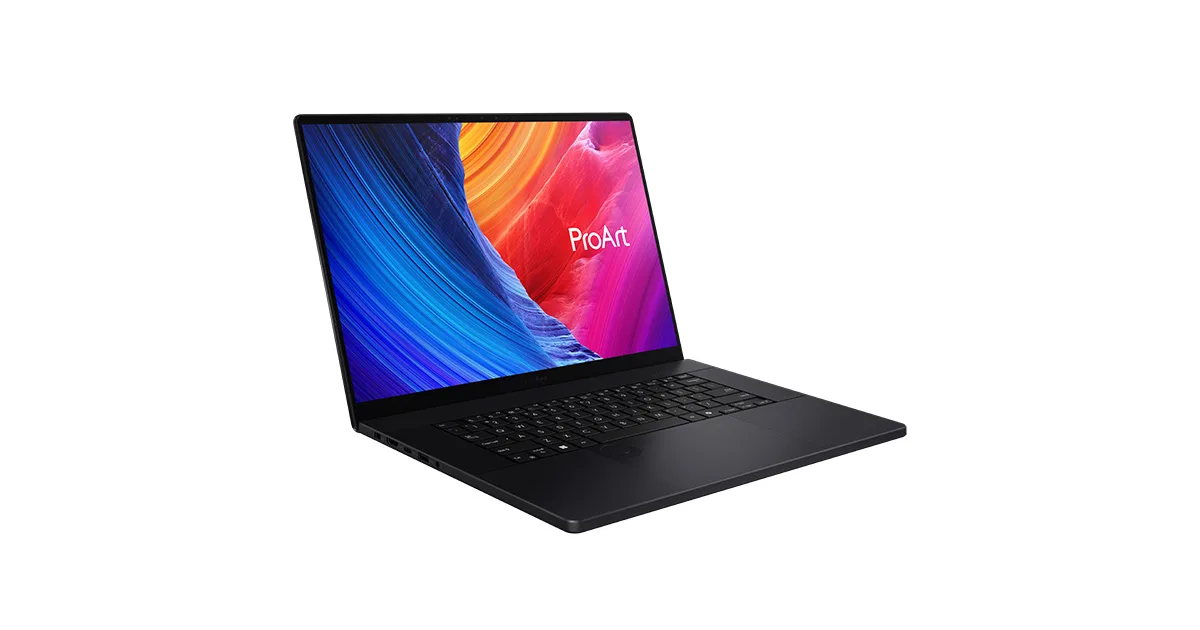
ASUS ProArt P16 (H7606). 2699 dollars. A 4K 3840x2400 OLED, 64 GB of RAM, Ryzen AI 9 HX 370 and an RTX 4070. The Windows pick if you also do video or heavy compositing where the discrete GPU earns its keep. The OLED is gorgeous and the 64 GB ceiling is the most RAM here. It’s heavier (1.81 kg), the battery is about 6 hours, and the RAM is soldered at 64 GB with no path beyond it. A genuine workstation, not a travel machine.
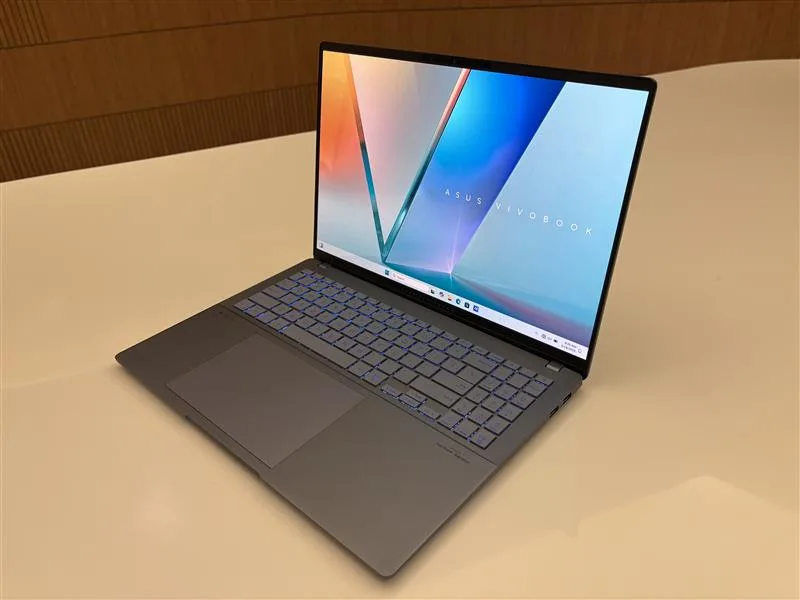
ASUS Vivobook S 15 OLED (S5506). 1299 dollars or so. A 2880x1620 OLED at a price that undercuts everything else with a panel this good. 16 GB soldered and a Core Ultra 7 155H, so this is the value pick for an enthusiast editing a few hundred shots, not a pro processing thousands. The screen punches far above the price; the rest is mid-tier and the RAM doesn’t grow.
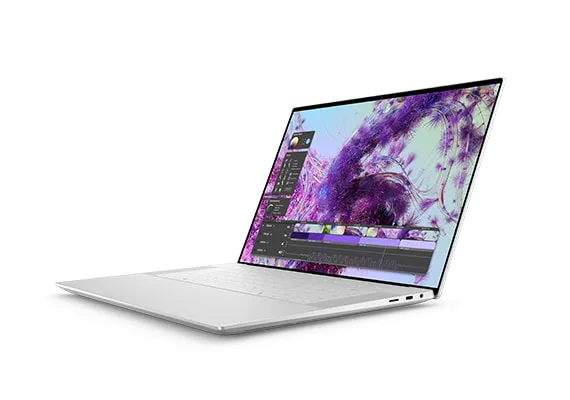
Dell XPS 16 9640. 1899 dollars. A 4K 3840x2400 panel, RTX 4070, and a build that feels the part. About 13.5 hours of battery, unusually good for the spec. The catch: 16 GB soldered on a machine this expensive is mean, configure higher at purchase, and the capacitive function row irritates anyone who works fast. Strong screen, frustrating ergonomics.
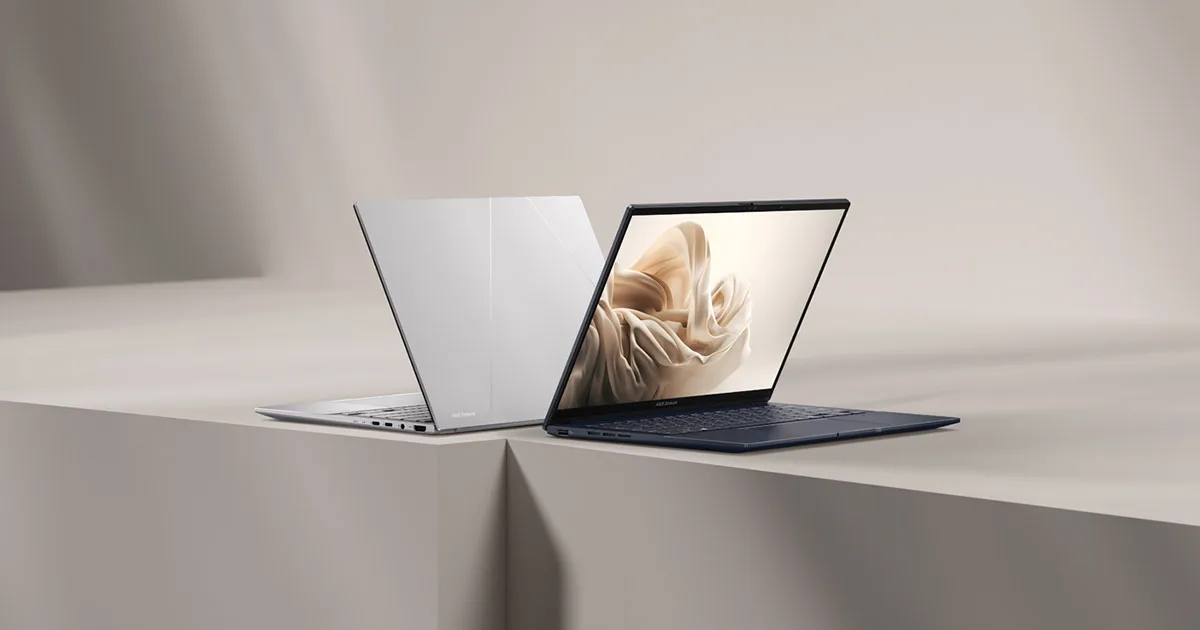
ASUS Zenbook 14 OLED (UX3405). 1299 dollars, 1.21 kg, a 2880x1800 120 Hz OLED and about 11 hours unplugged. The pick if you want a light machine for culling and light edits on the move rather than a desk workstation. 16 GB soldered caps heavy Photoshop work. For a travel-and-cull editor it’s the right size.
What actually matters in a photo-editing laptop
Not the GPU benchmark. Stills editing leans on the CPU, the RAM, and above all the panel:
- Screen gamut, brightness and calibration. You cannot colour-correct on a 250-nit 60 percent-sRGB panel and trust the result. Want full sRGB at minimum, P3 if you publish for print or wide-gamut, 400+ nits, and factory calibration or your own colorimeter. The MacBook Pro and the OLED ASUS machines clear this; budget ultrabooks do not.
- RAM, and whether it’s soldered. A layered 16-bit Photoshop file plus Lightroom plus a browser is 24 GB before you’ve started. 16 GB is an enthusiast floor and a pro bottleneck. Every pick here solders its RAM, so size it at purchase: 32 GB if you composite, 16 GB only for light culling.
- CPU and sustained thermals. Exports and 1:1 previews are CPU-bound. What matters is sustained clock under load, not peak, so a machine that throttles after two minutes of export is slower than its spec sheet. Apple Silicon and the ProArt hold clocks well; thin ultrabooks throttle.
- Storage size and speed. RAW libraries are enormous. 512 GB is one trip’s worth of a high-megapixel shoot. Buy 1 TB if you keep catalogues local, or plan around fast external storage from day one.
GPU, weight and “AI features” are secondary for stills. They matter only if you also edit video, which is a different guide.
FAQ
Do I need a discrete GPU for photo editing? No, not for stills. Lightroom and Photoshop are mostly CPU, RAM and screen workloads; the GPU accelerates a few filters and that’s it. The M4 MacBook Pro uses integrated graphics and outperforms discrete-GPU Windows laptops here for photo work. A GPU only earns its place if you also edit video.
How much RAM for Lightroom and Photoshop in 2026? 16 GB is the floor and a real bottleneck for layered 16-bit work. Buy 32 GB if you composite in Photoshop. Every pick here has soldered RAM, so the amount you choose at purchase is permanent; size for the heaviest file you’ll open, not the average.
Is a MacBook good for photo editing? Yes. The MacBook Pro 14 (M4) has a 1000-nit P3 mini-LED panel that is reference-grade out of the box, plus about 14 hours of battery and no thermal throttling on large catalogues. It’s the strongest photo machine here; the only downside is price once RAM and storage are sized correctly.
What screen do I need for accurate photo colour? Full sRGB coverage at minimum, P3 if you work wide-gamut or for print, 400+ nits, and either factory calibration or your own colorimeter. The MacBook Pro and the OLED ASUS machines meet this; sub-300-nit 60-percent-sRGB budget panels make accurate editing impossible.
Can a cheaper laptop do serious photo editing? The Vivobook S 15 OLED at around 1299 dollars has a genuinely good OLED for the money, enough for an enthusiast editing hundreds of shots. For thousands of high-megapixel files with heavy compositing, the 16 GB soldered ceiling bottlenecks it and you want the MacBook Pro or the ProArt.
Buy the M4 MacBook Pro for the screen and the silence. Buy the ProArt P16 if you also do video and want Windows. Skip 16 GB if you composite.
More picks in this guide
-
Dell
XPS 16 9640