ASUS · 2024
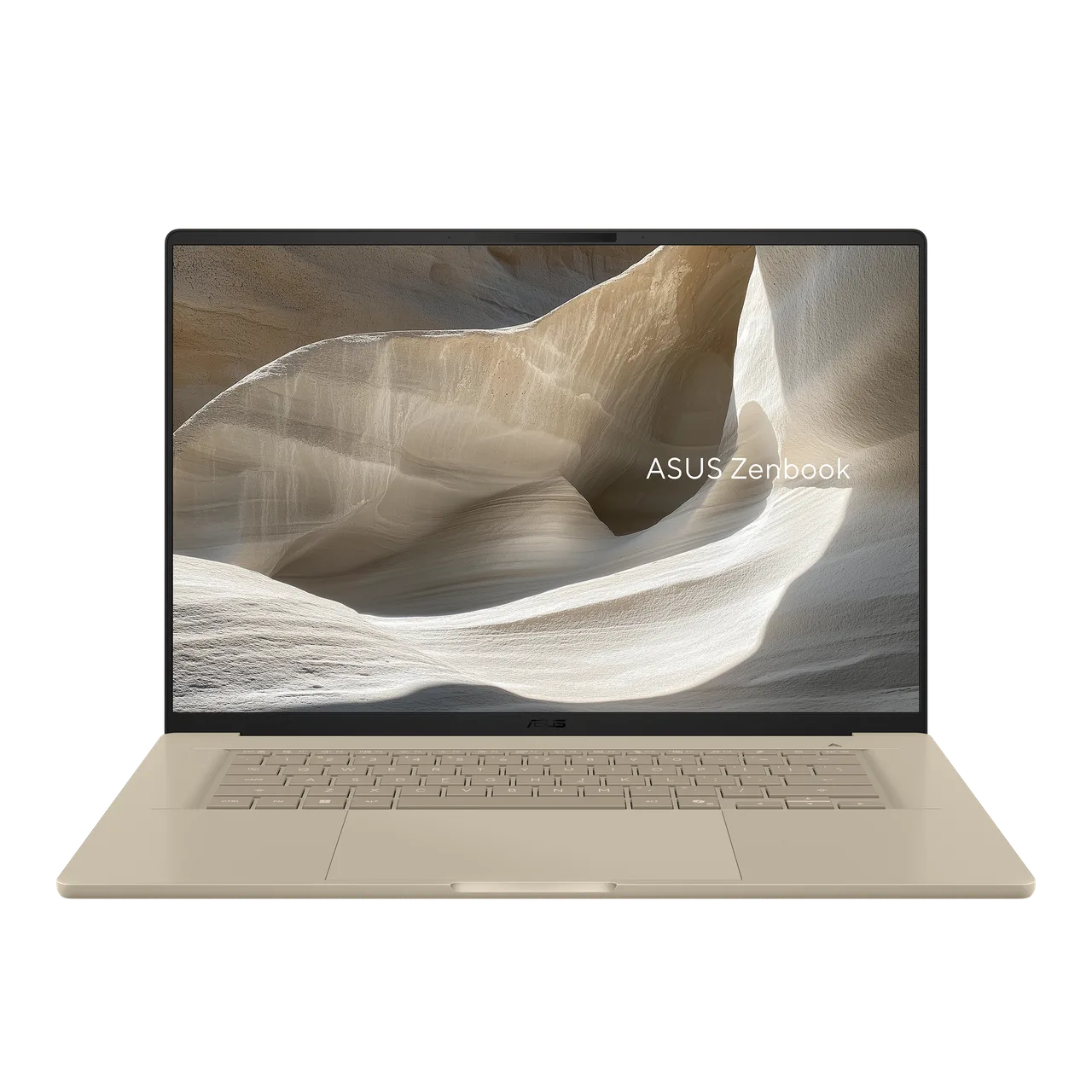
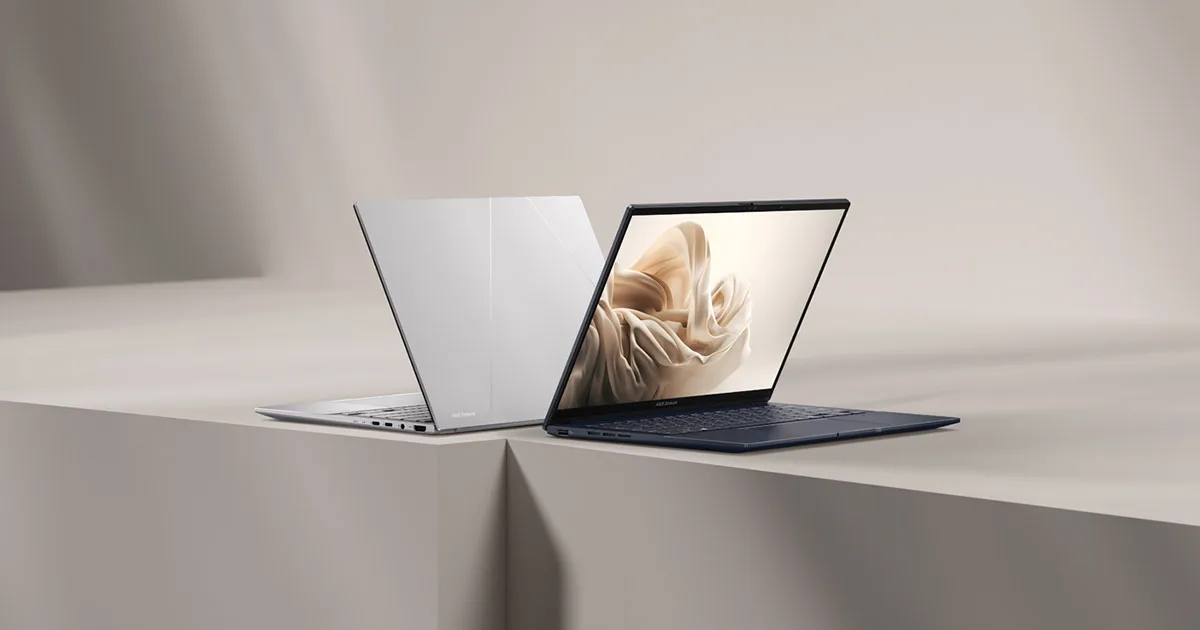
ASUS Zenbook 14 OLED UX3405MA
Light, cheap for the spec, and a genuinely good OLED.
from € 1.399 $1,299 RRP
Check price on AmazonShown in EURUSD, switch with the currency toggle in the header. This is an indicative RRP, not a live price.
As an Amazon Associate (US, NL, DE, UK programs), qualifying purchases via these affiliate links may earn us a commission at no extra cost to you. Other markets not yet enrolled. How we make money. Verified 2026-05-18.
- Best for office and web work study creative work
- Linux: gaps
Scorecard
Mean of six category scores, 0 to 10. Compiled from public sources. How we rate.
Strongest on display, with no category below average.
- Battery 8/10
- Display 9/10
- Build 7/10
- Keyboard 7/10
- Speed 7/10
- Value 8/10
Worth knowing
Stands out
- OLED display, deep contrast
- Bright 500-nit screen, readable in sunlight
- 120Hz screen, smoother motion
- Light at 1.21 kg
Watch for
- Linux needs significant work on this hardware
- RAM is soldered, no upgrade later
Linux
Linux: significant gaps, expand for details
Works · Best on arch. Confidence: high · How we score
Specs
| CPU | Intel Core Ultra 7 155H |
|---|---|
| GPU | Intel Arc Graphics (integrated) |
| RAM | 16 GB (soldered, not upgradeable) |
| Storage | 1 TB |
| Screen | 14" 2880x1800 @ 120Hz, 500 nitsvery bright, easy in direct sun, smoother scrolling and motion |
| Weight | 1.21 kgvery light to carry |
| Battery | 75 Wh, around 11 h real-world |
Common questions
- Does the ASUS Zenbook 14 OLED UX3405MA work with Linux?
- Not cleanly: there are significant gaps, so we don't recommend it for Linux as-is. The CS35L41 speaker amps are not wired up by the BIOS ACPI tables, so internal speakers are silent until you load a community SSDT patch.
- What does the ASUS Zenbook 14 OLED UX3405MA cost?
- RRP is about 1299 USD (1399 EUR in the EU); street price is often lower.
- How heavy is the ASUS Zenbook 14 OLED UX3405MA?
- 1.21 kg (2.67 lb). That's very light to carry.
- What's the battery life like?
- A 75 Wh pack, around 11 hours real-world mixed use. We score battery 8/10.
- Can I upgrade the RAM or storage?
- RAM is soldered, so the 16 GB it ships with is the RAM it dies with. Storage starts at 1 TB on this configuration.
- Which operating systems are supported?
- Ships with Windows.
Ready to buy the ASUS Zenbook 14 OLED UX3405MA?
Prices are indicative. How we make money.
from € 1.399 $1,299 RRP
Check price on AmazonShown in EURUSD, switch with the currency toggle in the header. This is an indicative RRP, not a live price.
As an Amazon Associate (US, NL, DE, UK programs), qualifying purchases via these affiliate links may earn us a commission at no extra cost to you. Other markets not yet enrolled. How we make money. Verified 2026-05-18.
Featured in
- Best-of list Best 14-inch laptops
- Best-of list Best lightweight laptops under 1.3 kg
- Buying guide Best Laptop for College in 2026
- Buying guide Best Laptop for Photo Editing in 2026
- Deep dive Laptops that still have upgradable RAM in 2026
- Deep dive Wayland vs X11 in 2026: what actually changed for laptop buyers