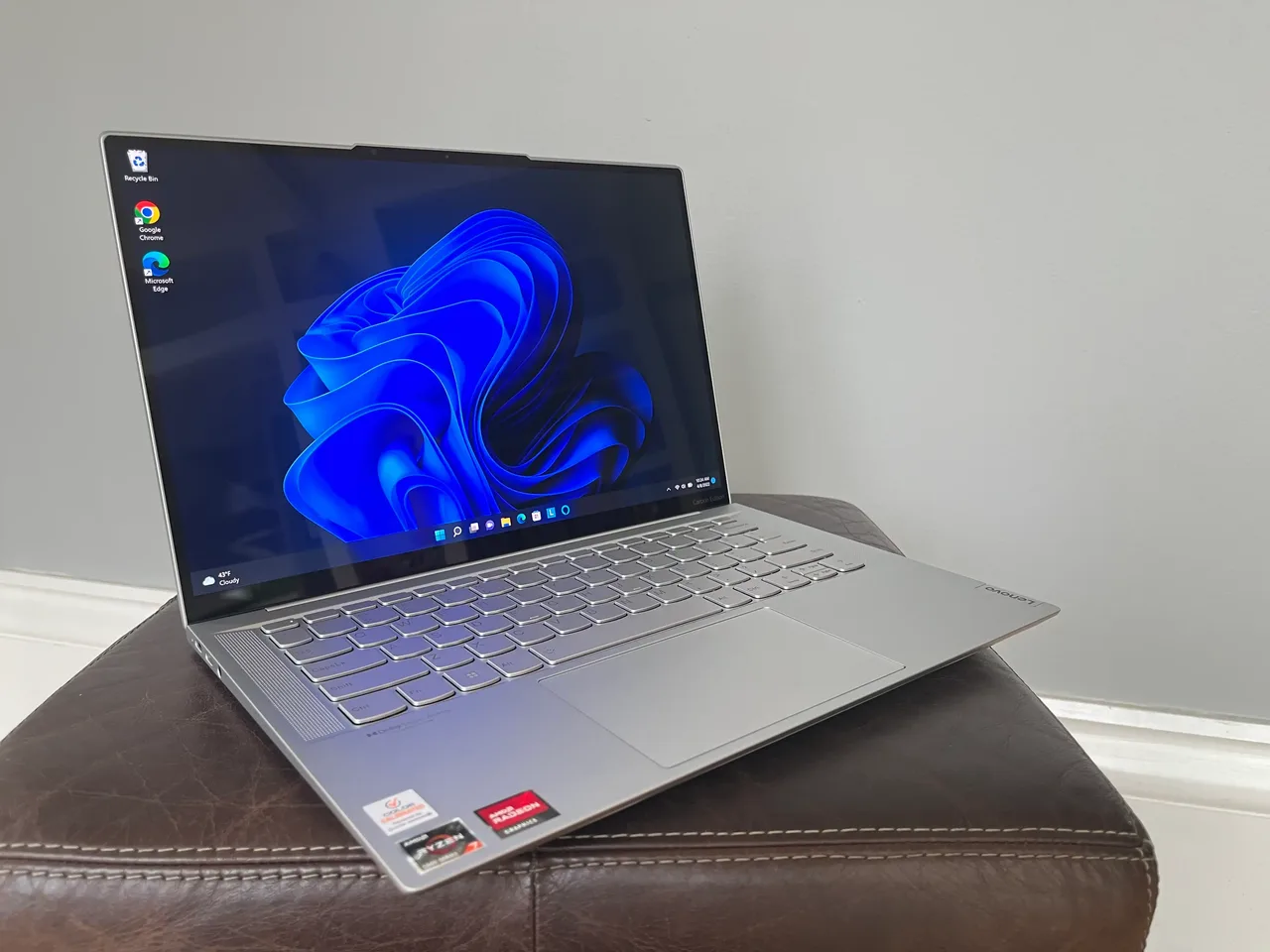
Buy the Lenovo IdeaPad Slim 5 14 (AMD Gen 9). At 600 dollars it’s the least painful Linux machine under 650, because the Ryzen 7 8845HS and Radeon 780M combo uses a normal UVC webcam and an open Mesa driver, so the two things that wreck cheap Linux laptops (the Intel IPU6 camera, GPU driver pain) just aren’t there.
The mistake on a budget Linux machine is buying on price alone and landing on an Intel Core Ultra model whose webcam needs libcamera plumbing that doesn’t exist on a stock install. “Budget Linux laptop” really means “the cheapest machine where AMD integrated graphics and a UVC webcam keep you out of driver hell”. That filter, not the price tag, is what this list is built on.
Our pick: IdeaPad Slim 5 14 (AMD Gen 9)
Ryzen 7 8845HS, Radeon 780M, 16 GB, an 84 Wh battery good for about 8 real hours, 600 dollars. We score it 8/10 on Linux. The AMD iGPU runs on the in-kernel amdgpu/Mesa stack with no proprietary driver and no switching daemon, and the webcam is a standard UVC device, so Ubuntu or Fedora installs and the camera works on a video call without the IPU6 fight that breaks so many Intel 2024 and 2025 laptops.
It’s a plain machine and the review reflects that. The panel is 300 nits, fine indoors and dim by a window. The keyboard is acceptable, not a ThinkPad. RAM is soldered at 16 GB with no upgrade path, so this is a multi-year machine only if 16 GB stays enough, which for browsing, writing and light development it does. One thing to check before you buy: the exact Wi-Fi card varies by region and SKU, so confirm it’s a well-supported chipset for your distro rather than assuming. For 600 dollars running Linux, nothing here is less annoying.
Runners-up
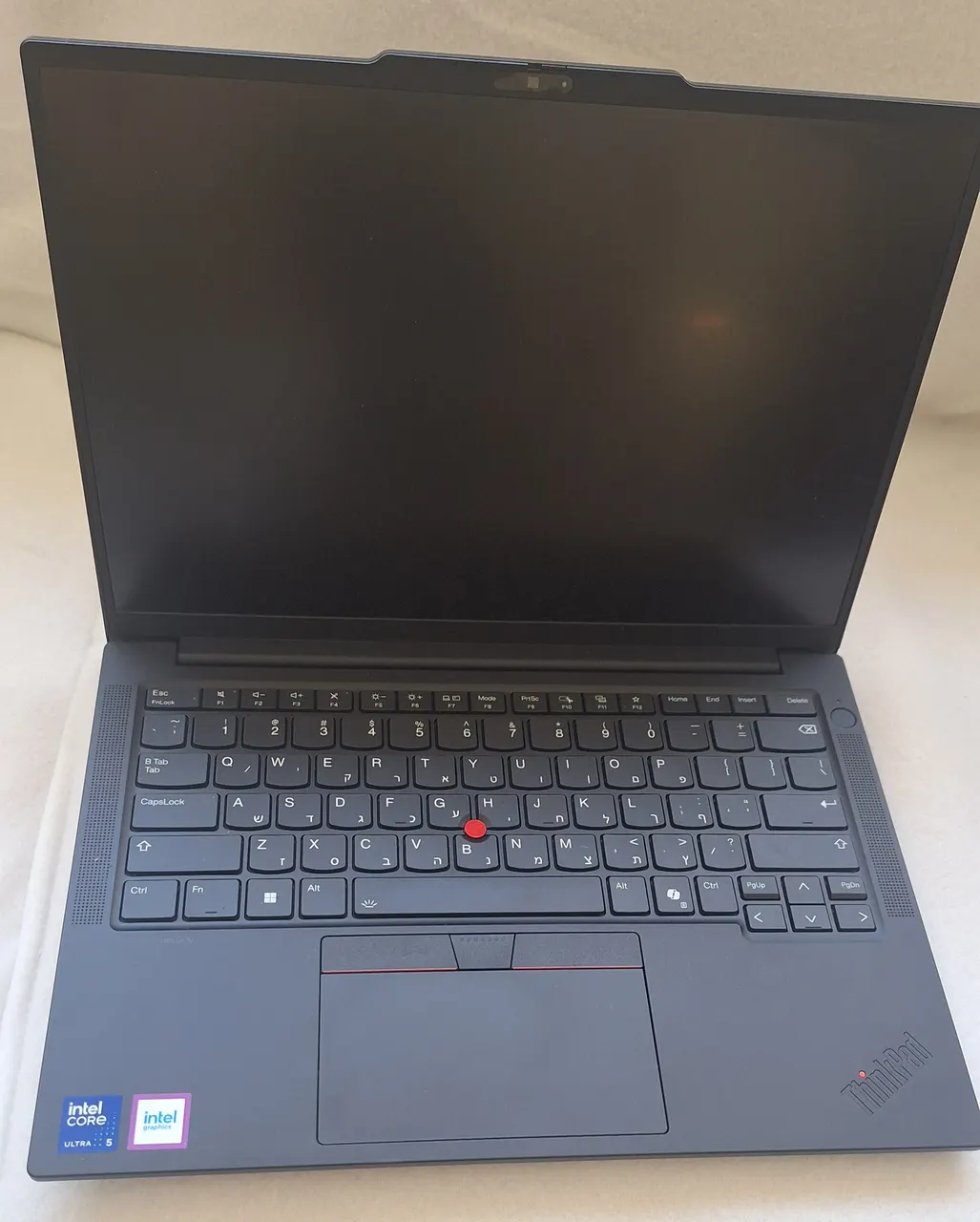
Lenovo ThinkPad E14 Gen 6 (AMD). Around 850 dollars, Ryzen 7 7735HS, Radeon 680M, 16 GB of slotted RAM, about 9 hours. The pick if you can stretch the budget and want the ThinkPad keyboard plus a real upgrade path. AMD iGPU, UVC webcam, so the same clean Linux story as the IdeaPad with a better keyboard and slotted memory you can grow later. The 300-nit panel and plastic build are the budget compromises; we score it 8/10 on Linux.
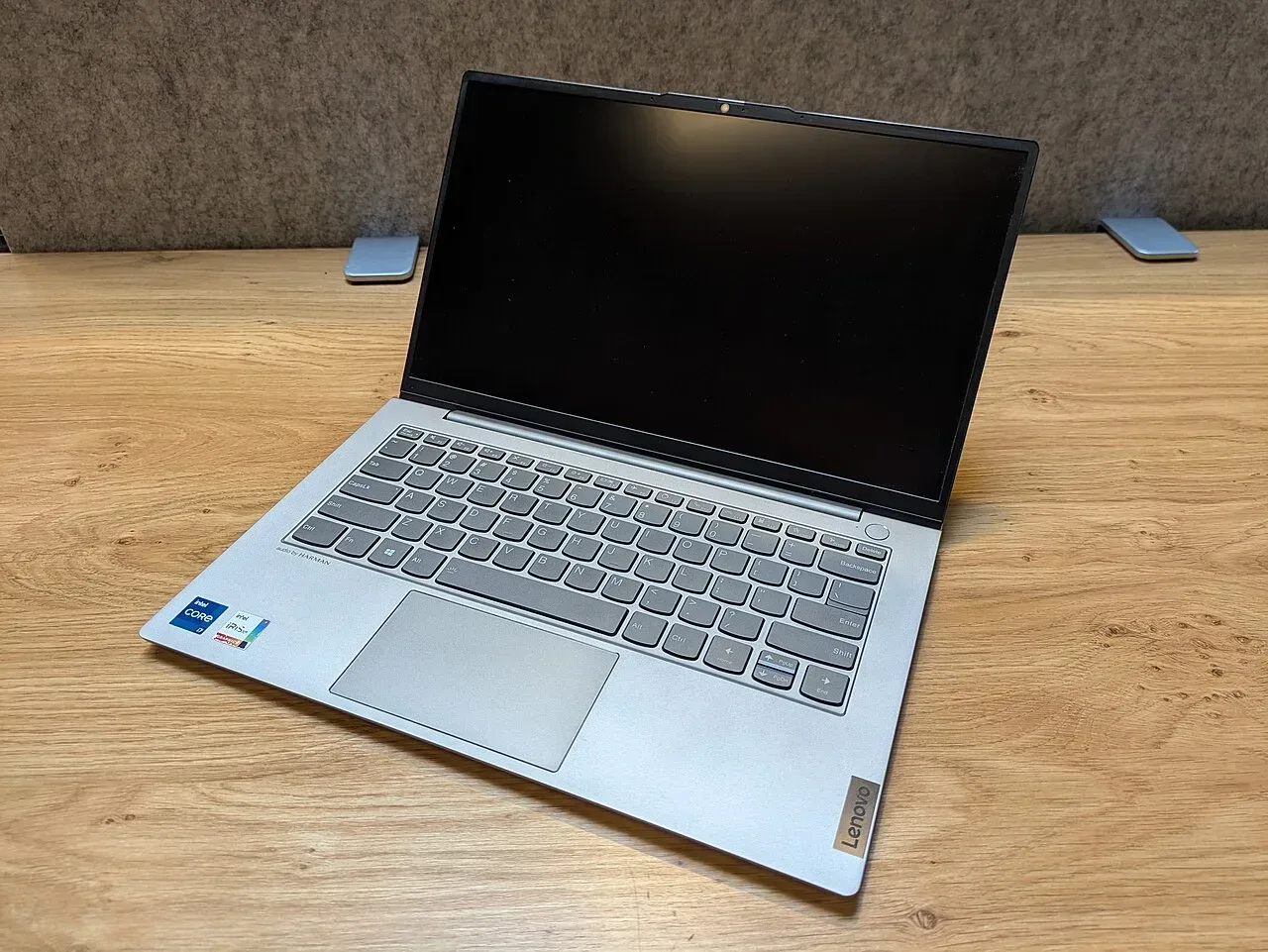
Lenovo ThinkBook 14 G7 IML. 849 dollars, Core Ultra 5 125H, 16 GB. The Intel option, and the caveat is the point: this is Arc-graphics Intel, so confirm your distro is on a recent kernel before relying on the webcam and audio. We score it 7/10 on Linux, a notch below the AMD machines specifically because of the Intel camera and codec risk on older kernels. Buy it only if you find it well below the AMD options on price.
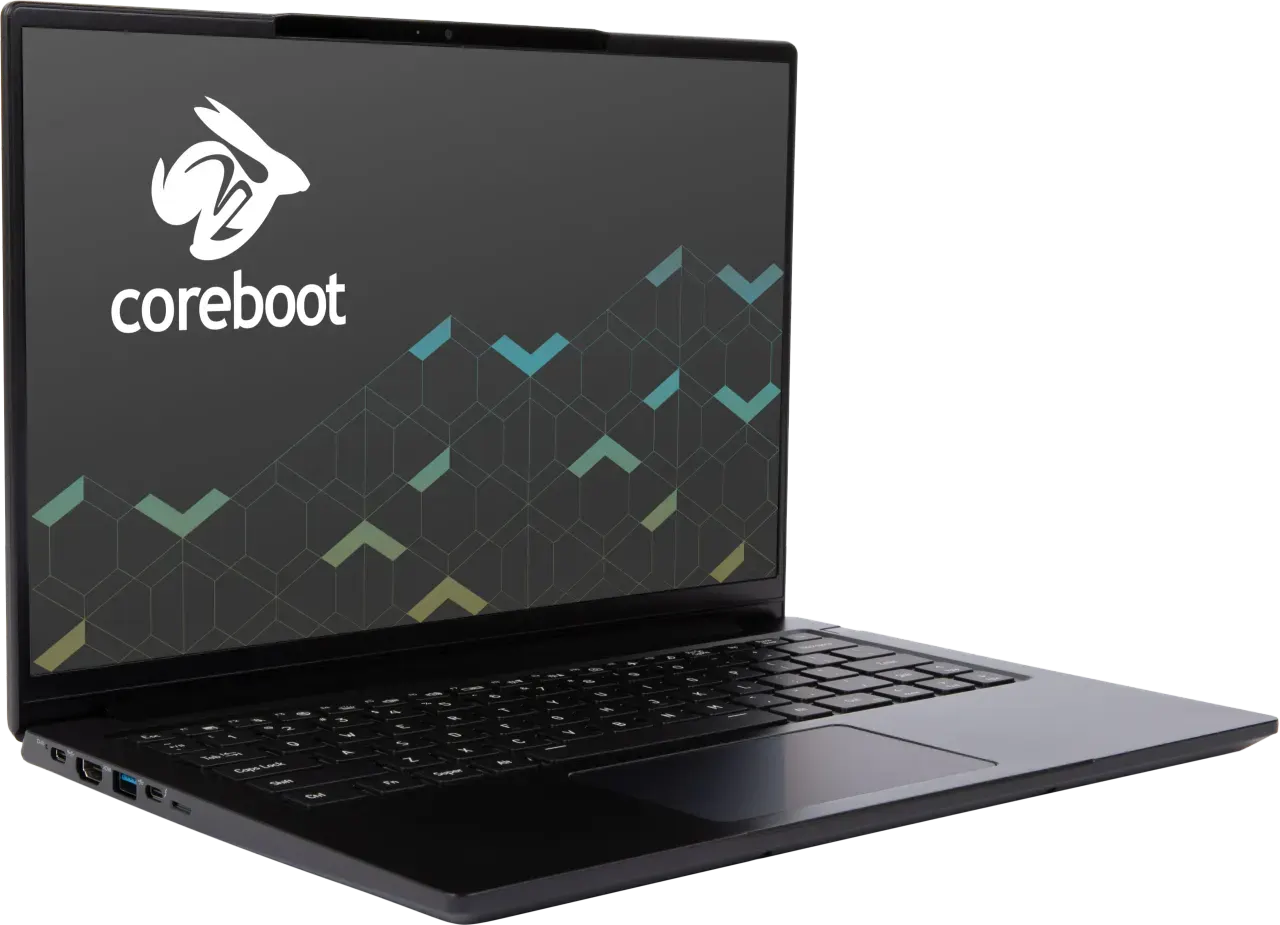
System76 Lemur Pro (lemp14). Around 1499 dollars, so not budget by sticker, but it earns a mention: it ships Linux configured by the vendor with System76 Open Firmware, scores 10/10 on Linux, weighs 1 kg, and has slotted RAM. If your real budget is “cheapest machine where Linux is guaranteed to just work and stay working”, the support story is worth the premium over a self-installed bargain box. Intel inside, but vendor-tuned, so the usual Intel caveats are handled for you.
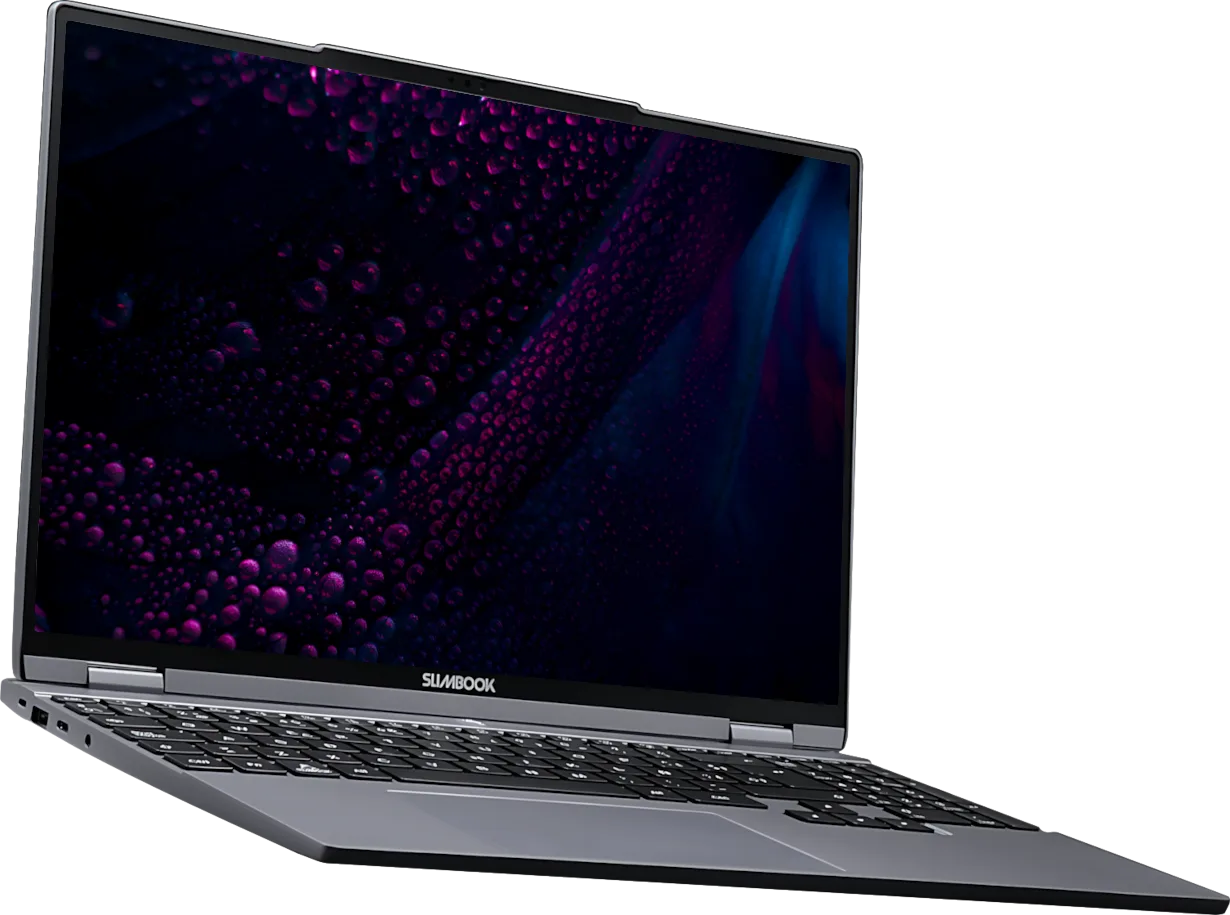
Slimbook Evo 14 (Ryzen AI 9 365). Around 1077 euro. Ships with Linux from the vendor, AMD Radeon 880M so no IPU6 problem, a 2880x1800 120 Hz panel that’s far above budget grade, about 8 hours, 9/10 on Linux. Above the strict budget line, but if you want a vendor-configured Linux machine with a genuinely good screen and can spend EU-vendor money, it’s the value end of that category. RAM is soldered at 16 GB.
What actually matters in a budget Linux laptop
Not the CPU benchmark. Any 2026 chip is fast enough for the browsing, writing and light dev that budget buyers do. What decides whether Linux is painless or a weekend of forum threads:
- AMD over Intel, specifically for the webcam. The recurring 2026 trap is the Intel IPU6 camera pipeline, which needs libcamera plumbing a stock budget install doesn’t have. AMD models with a normal UVC webcam (the IdeaPad, the E14) sidestep it entirely. On a budget machine you won’t fight, this is the single biggest filter.
- Integrated graphics, no NVIDIA. A budget machine with a discrete NVIDIA GPU adds the proprietary-driver and GPU-switching headache for performance you don’t need. AMD or Intel integrated graphics on the in-kernel driver is the calm path.
- Soldered RAM means buy enough now. Most budget machines solder 16 GB. That’s fine for browsing and light work but it’s permanent, so if your use will grow, prefer a slotted model like the E14 even at slightly higher cost.
- Check the exact Wi-Fi card. Budget SKUs swap Wi-Fi chipsets by region, and a poorly-supported card is the one thing that turns a clean install into a fight. Confirm the chipset before you buy, not after.
Screen, build and weight are where budget machines cut, and that’s the honest trade. The non-negotiable for Linux is the AMD/UVC/integrated combination, not the spec sheet headline.
FAQ
What’s the cheapest laptop that runs Linux well in 2026? The IdeaPad Slim 5 14 (AMD Gen 9) at 600 dollars. Ryzen 7 8845HS, Radeon 780M, UVC webcam, in-kernel AMD driver, so Ubuntu or Fedora installs and works without the Intel IPU6 camera fight. We score it 8/10 on Linux.
Why is AMD better than Intel for a budget Linux laptop? Budget Intel Core Ultra models use the IPU6 camera pipeline, which needs libcamera plumbing a stock install lacks, so the webcam is dead out of the box. AMD models use a standard UVC webcam and the in-kernel amdgpu driver, so the camera and graphics just work. That’s the whole reason this list leads with AMD.
Is soldered RAM a problem on a budget Linux laptop? Only if your needs grow. Most budget machines, including our pick, solder 16 GB with no upgrade path. That’s fine for browsing, writing and light development for years. If you expect heavier work, pay a little more for a slotted model like the ThinkPad E14 Gen 6 (AMD).
Should I buy a cheap Intel laptop and put Linux on it? Only if it’s well below the AMD options and you’ve confirmed a recent kernel and the camera situation. The ThinkBook 14 G7 is the Intel pick here at 7/10, a notch below the AMD machines precisely because of the camera and codec risk on older kernels.
Do budget Linux laptops need a discrete GPU? No, and you should avoid one. A discrete NVIDIA GPU on a budget machine adds proprietary-driver and switching pain for performance budget tasks never use. Integrated AMD or Intel graphics on the in-kernel driver is cheaper, cooler and far less trouble.
Buy the IdeaPad Slim 5 14 (AMD) under 650 dollars. Buy the E14 Gen 6 (AMD) if you can stretch for the keyboard and slotted RAM. Avoid Intel IPU6 cameras on a budget.
More picks in this guide
-
Lenovo
ThinkPad E14 Gen 6 (AMD)
-
System76
Lemur Pro (lemp14)
-
Slimbook
Evo 14 (Ryzen AI 9 365)