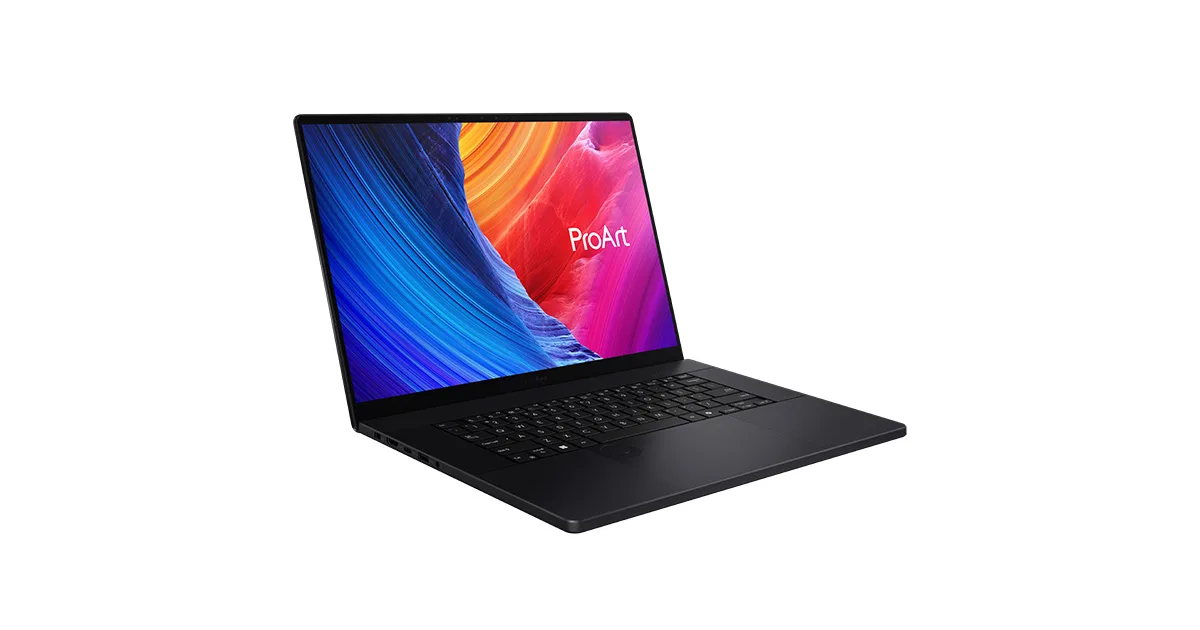
Buy the ASUS ProArt P16 (H7606) if you want one machine that trains small models locally and still works as a laptop. For anything heavier than a 7B model, the real answer is a rented cloud GPU and a cheap laptop to drive it. Most “best laptop for AI” lists skip that part. It is the most useful thing on this page.
Local model work is bottlenecked by GPU VRAM, not by CPU and not by RAM. An 8 GB laptop GPU runs a quantized 7B model and stalls on anything bigger. A 16 GB GPU gets you to comfortable 13B inference and small LoRA fine-tunes. Nothing in a laptop trains a 70B model from scratch, and pretending otherwise sells laptops. Pick on VRAM first, then on whether CUDA works on your OS, then on whether you can stand the fan noise during a 40-minute run. Need workstation-tier VRAM, 16 to 24 GB, on a deductible budget? Read the mobile workstation for deep learning and CUDA guide instead.
Our pick: ASUS ProArt P16 (H7606)
Ryzen AI 9 HX 370, an RTX 4070 Laptop at 105 W with 8 GB of VRAM, 64 GB of system RAM, a 4K 120 Hz OLED. About 2699 dollars or 2999 euro. The 8 GB VRAM ceiling is the honest limit: it runs quantized 7B to 13B inference and small fine-tunes, not big training. What earns it the pick over the gaming machines is that ASUS hardware has the best Linux story of any NVIDIA laptop, through the asus-linux.org project (asusctl, supergfxctl). CUDA on Ubuntu works once you install the proprietary driver. The catch list is short: RAM is soldered at 64 GB so there is no upgrade path, the audio needs a fix, and you get about 6 real hours unplugged, less than half that during a training run with the GPU pinned.
Runners-up
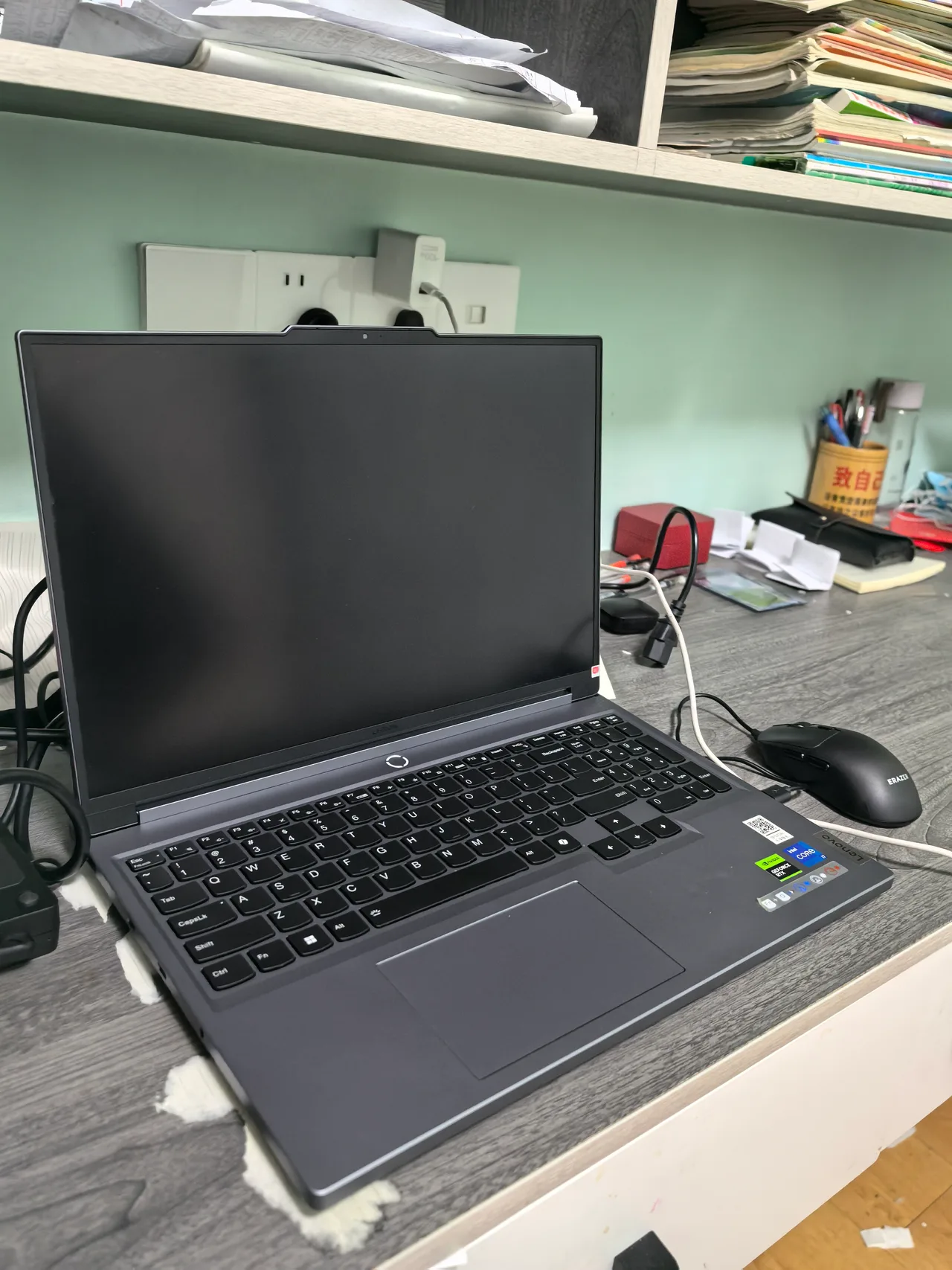
Lenovo Legion Pro 7i Gen 9. The most VRAM you can get here: an RTX 4090 Laptop running the full 175 W, which is 16 GB of VRAM, plus slotted RAM you can take to 64 GB or more. Around 3220 dollars. This is the one that actually does 13B fine-tunes and comfortable larger-model inference. It is 2.61 kg, the fans are loud under load, and Linux needs the legion-laptop module plus suspend tuning. A desk machine that occasionally moves, not a laptop you carry.
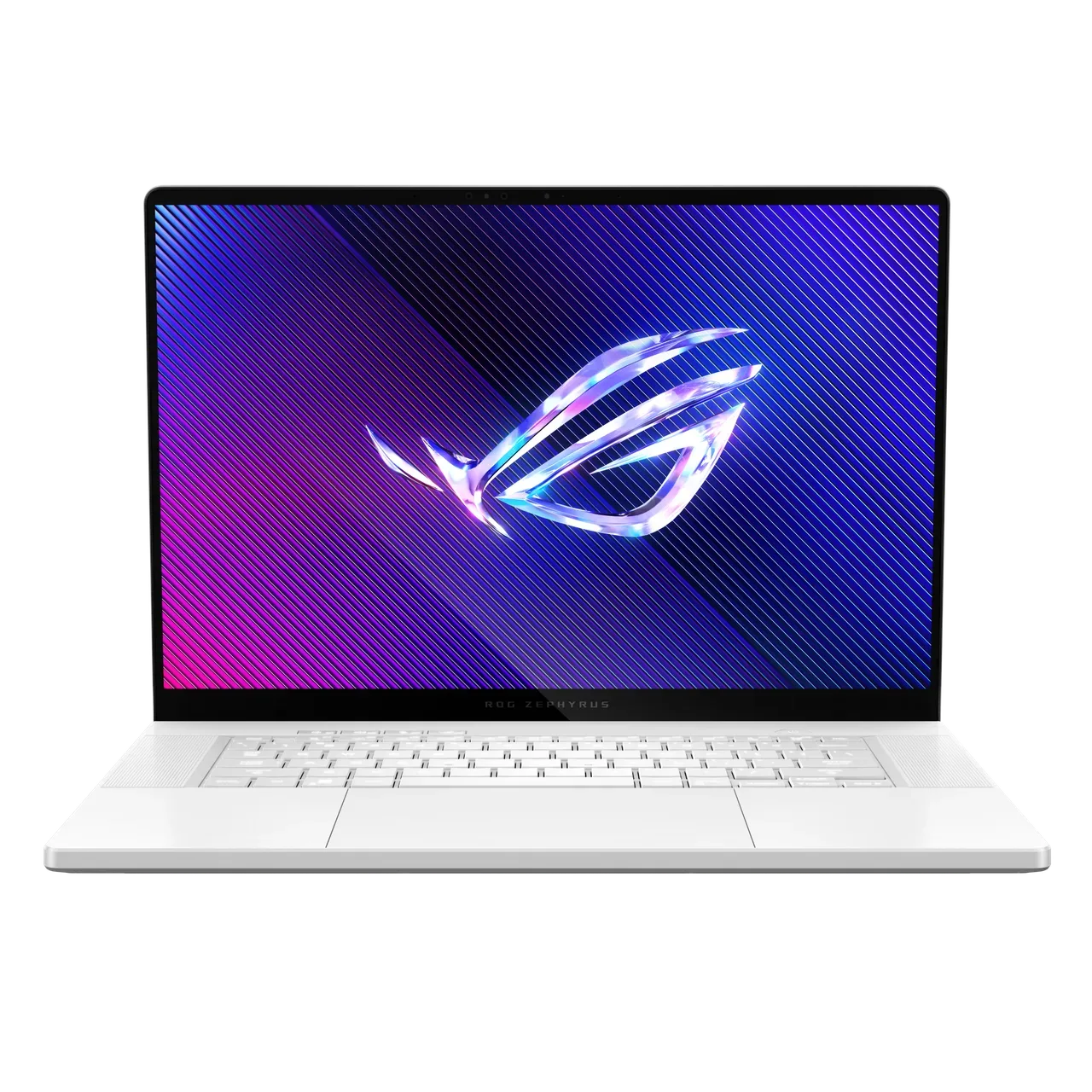
ASUS ROG Zephyrus G16 (2024). Also a 4090, also 16 GB VRAM, but the 4090 is power-limited to 115 W here so it runs slower than the Legion under sustained load. The trade is portability: 1.91 kg versus 2.61 kg, and the same strong asus-linux.org tooling. RAM is soldered. Pick this over the Legion if it has to be carried daily and you accept the lower sustained clocks.
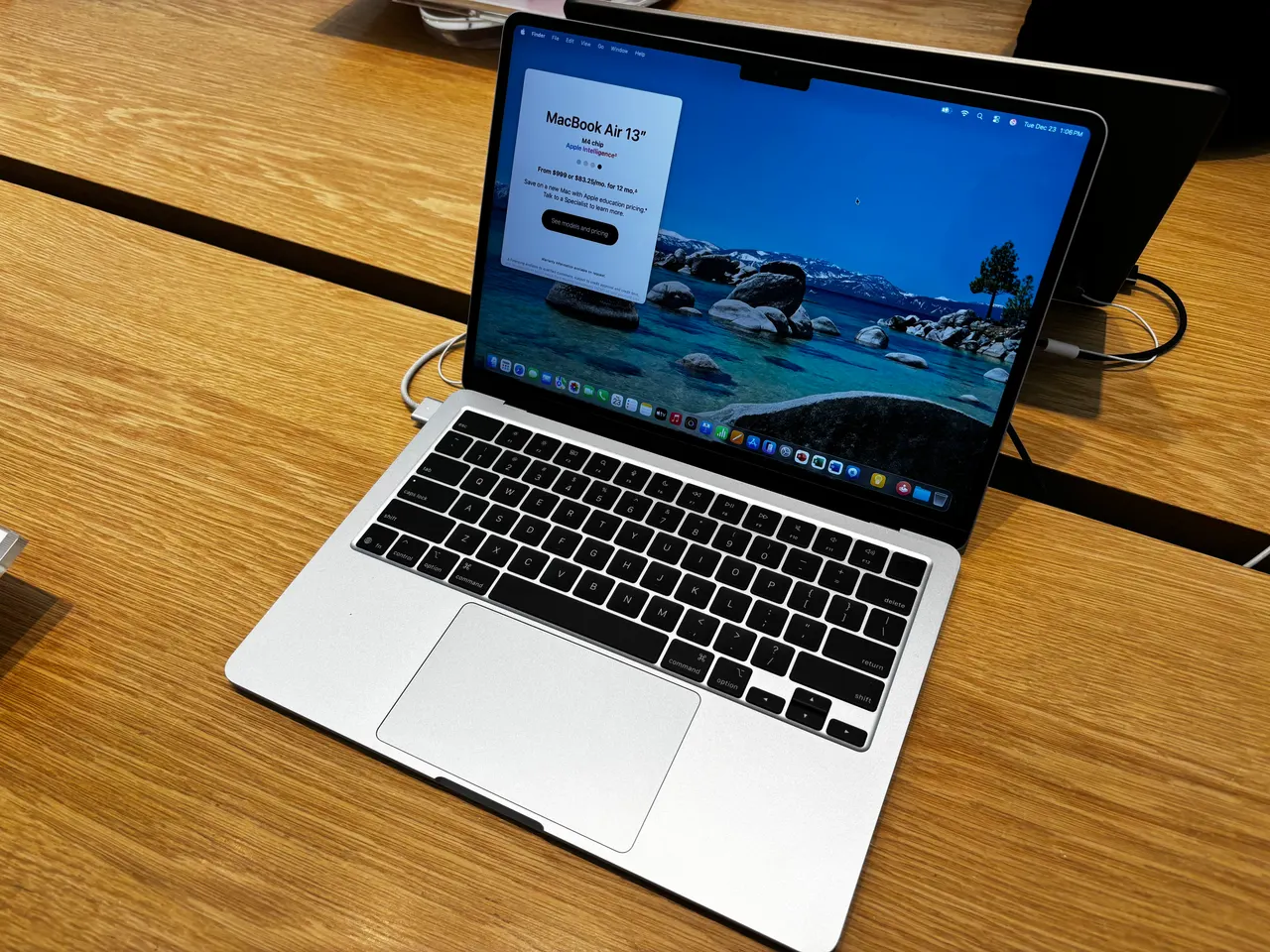
MacBook Air 13 (M4). The left-field pick. Unified memory means the 16 GB (or higher config) is shared GPU memory, so MLX runs models that would not fit a discrete 8 GB card. Inference only, and it is macOS, so no CUDA. For local LLM inference and prototyping with PyTorch MPS or MLX it is quiet, cool and runs 15 hours. For CUDA-dependent training it is the wrong tool. 999 dollars base.
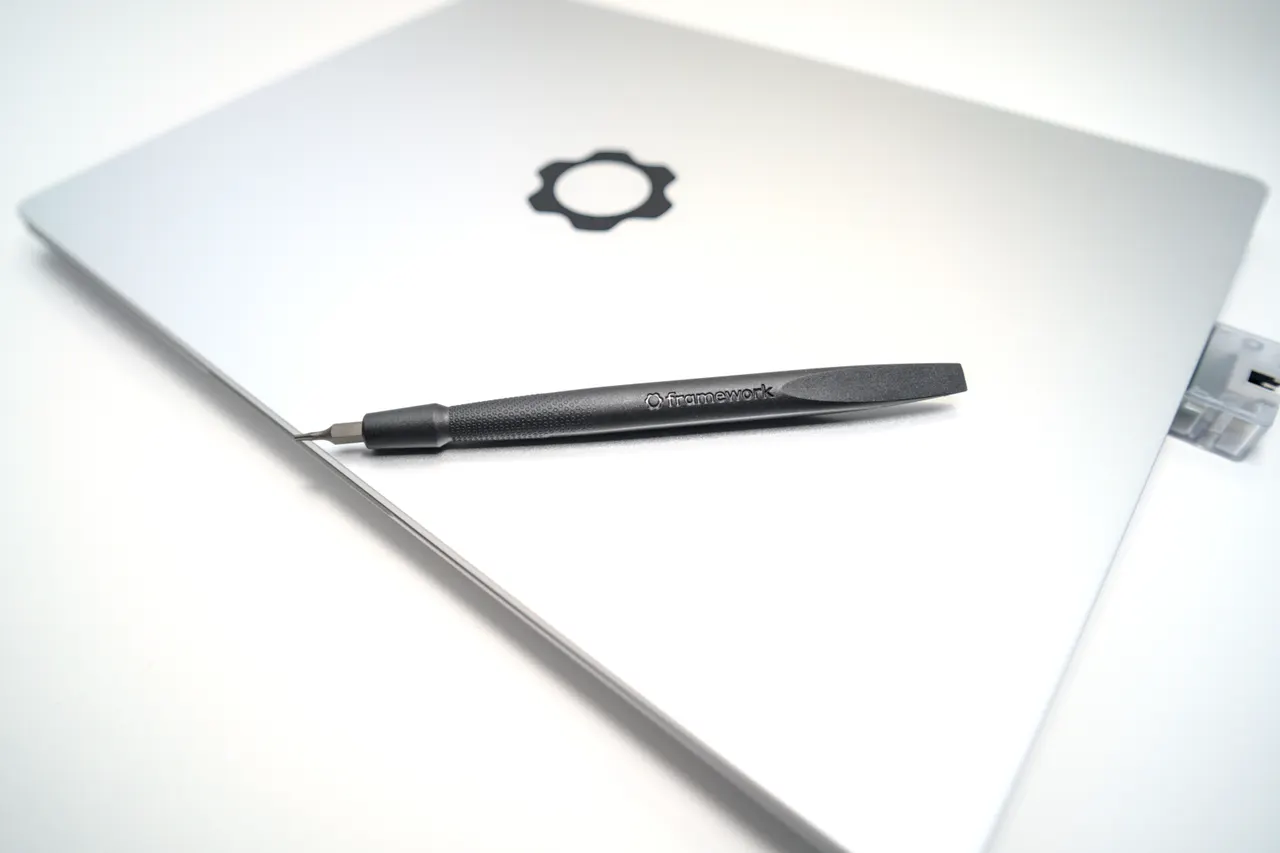
Framework Laptop 13 (AMD Ryzen AI 300). Not a training machine. It earns a slot as the “drive a cloud GPU” pick: Zen 5, clean Linux, repairable, 1099 dollars. If your real workload lives on a rented H100, you do not need an RTX laptop. You need a quiet machine with good battery and a working SSH client. This is that, with a documented overnight suspend drain on Ubuntu as the one caveat.
What actually matters for AI and ML work
- GPU VRAM, then VRAM, then VRAM. It sets the largest model you can load. 8 GB caps you at quantized 7B to 13B. 16 GB gets comfortable 13B and small fine-tunes. Anything above that is a desktop or the cloud.
- CUDA, and what OS it runs on. Almost every training stack assumes NVIDIA CUDA. AMD ROCm on laptops is still patchy in 2026. Apple MLX and MPS are real for inference but not a CUDA replacement. If your code says
.cuda(), you need an NVIDIA card and you will be installing the proprietary driver. - Whether you actually train locally. Be honest. If you fine-tune occasionally on small models, a 16 GB laptop GPU is enough. If you train anything serious, a cloud GPU is faster and cheaper than a laptop that throttles after ten minutes. Buy the cheap quiet laptop and rent the compute.
- Sustained clocks and thermals. A 40-minute training run pins the GPU. Thin machines throttle. The Legion holds clocks better than the Zephyrus because it has the power and cooling budget, and it is louder for exactly that reason.
System RAM and screen matter far less than people assume here. You stare at a loss curve, not a render.
FAQ
Can a laptop train a large language model? No laptop trains a 70B model from scratch. A 16 GB-VRAM laptop like the Legion Pro 7i does small LoRA fine-tunes and comfortable 13B inference. Real training belongs on a multi-GPU cloud instance.
How much GPU VRAM do I need for local LLMs? 8 GB runs a quantized 7B model. 16 GB runs 13B comfortably and small fine-tunes. For 30B and up at usable speed you need a desktop GPU or the cloud. The ProArt P16 is 8 GB, the Legion and Zephyrus G16 are 16 GB.
Does CUDA work on Linux laptops? Yes, with the NVIDIA proprietary driver installed. It is least painful on ASUS hardware because of the asus-linux.org tooling. Plan an afternoon for the driver and the X11 fallback. AMD ROCm on laptops is still rough in 2026.
Is a MacBook good for machine learning? For inference and prototyping with MLX or PyTorch MPS, the M4 Air is quiet and uses unified memory well. For CUDA training it cannot run the stack. It depends entirely on whether your code needs CUDA.
Should I buy an AI laptop or rent cloud GPU time? If you train anything beyond small fine-tunes, rent. An A100 or H100 hour is cheaper than a laptop that throttles. Buy a Framework 13 to drive it and put the saved money toward compute.
Buy the ProArt if you want one machine that does light local work and travels. Buy the Legion if you genuinely fine-tune and it can live on a desk. For everyone else, the cheap-laptop-plus-cloud combination wins. Still unsure, run the finder.
More picks in this guide
-
Apple
MacBook Air 13 (M4)
-
Framework
Laptop 13 (AMD Ryzen AI 300)