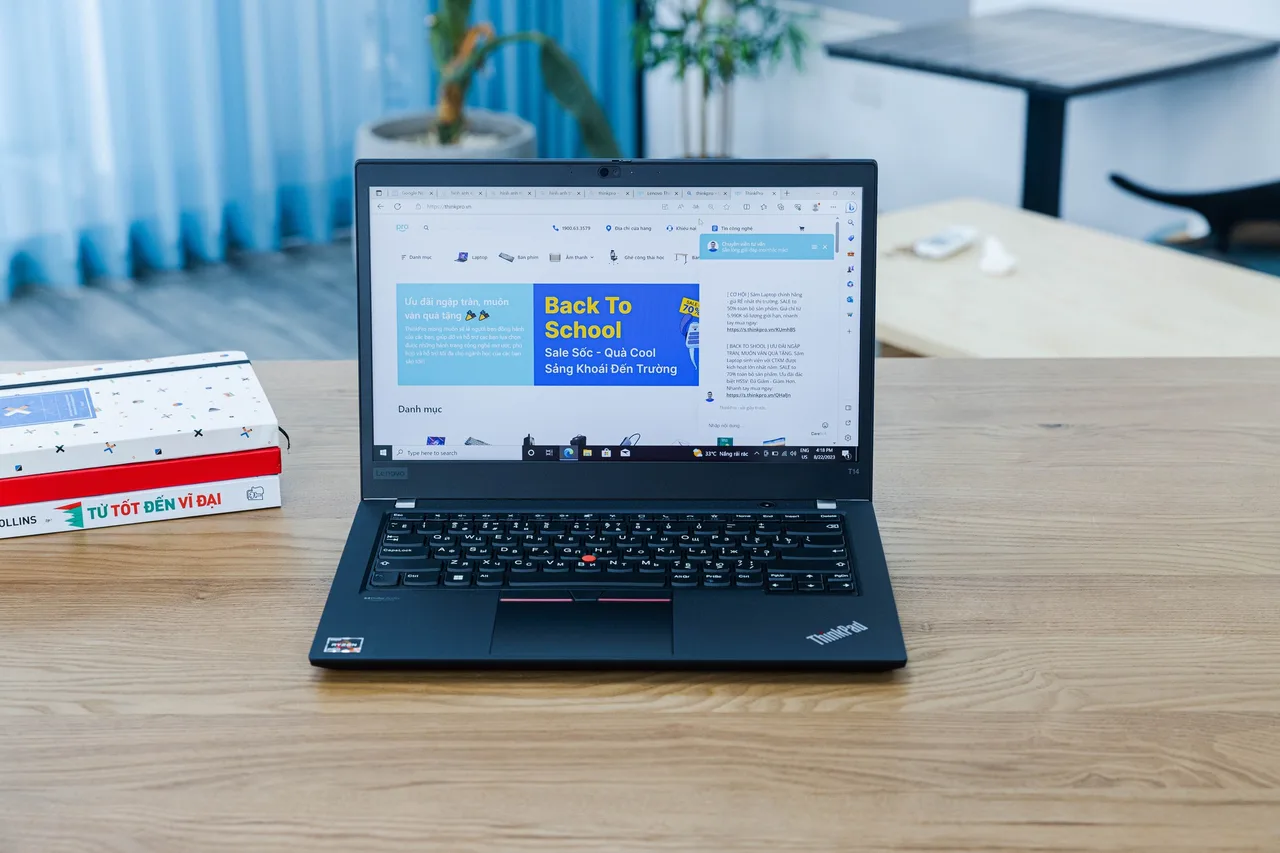
For most engineering programmes, buy the Lenovo ThinkPad P14s Gen 6 AMD: a workstation-line machine at 1119 dollars with a 12-core chip, 64 GB of slotted memory expandable to 96, and a 1.44 kg body that survives four years of lecture halls.
First, the spec that actually fails engineering students: memory, not graphics. A solid model assembly, a MATLAB workspace and forty browser tabs eat RAM long before most coursework touches GPU limits. Buy memory headroom first, a discrete GPU only if your specific track needs one, and check your faculty’s software list before believing any laptop marketing, including ours: if your programme requires certified workstation drivers for a specific CAD package, confirm that against the vendor’s own compatibility list for the exact model you order.
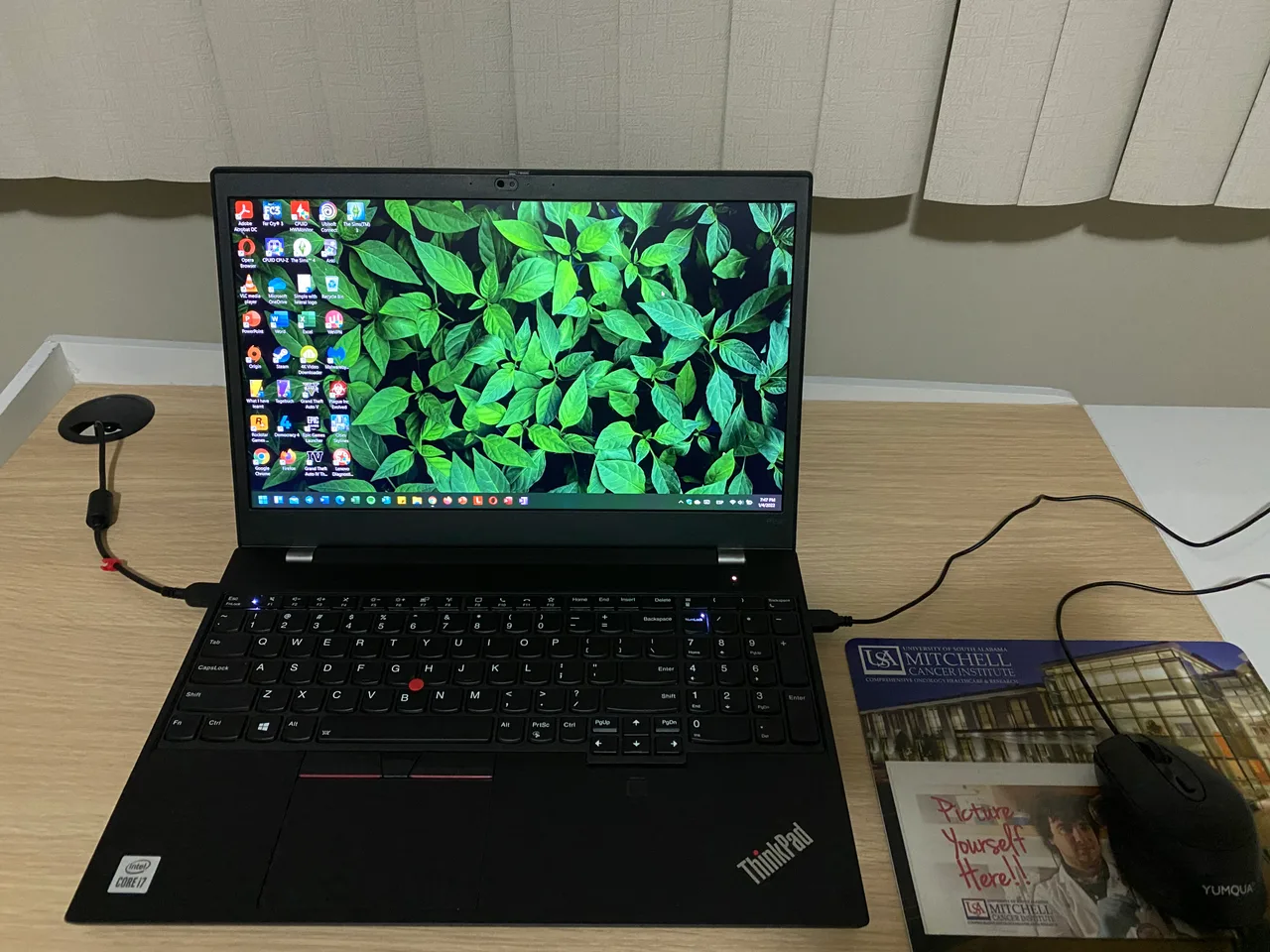
Our pick: ThinkPad P14s Gen 6 AMD
Twelve Zen 5 cores that score a 9 on our performance rubric, 64 GB of memory in the compared config, and SO-DIMM slots that take it to 96 GB later, in a workstation-line chassis at 1.44 kg for 1119 dollars. That memory story is unmatched anywhere near the price, and it is the difference between a machine that survives a thesis project and one that swaps to disk through it.
The honest limits. Graphics are integrated, a Radeon 890M: strong for code, simulation on CPU, and light modelling, but it is not a CUDA card and heavy 3D or rendering coursework will want the discrete-GPU picks below. Battery is about 6 real hours, a teaching day with care. Linux grades minor-tweaks with reports on two distros in our data, the usual recent-kernel notes; for an engineering student who wants a Linux toolchain, that plus the RAM ceiling makes it the obvious default.
When your track needs a real GPU
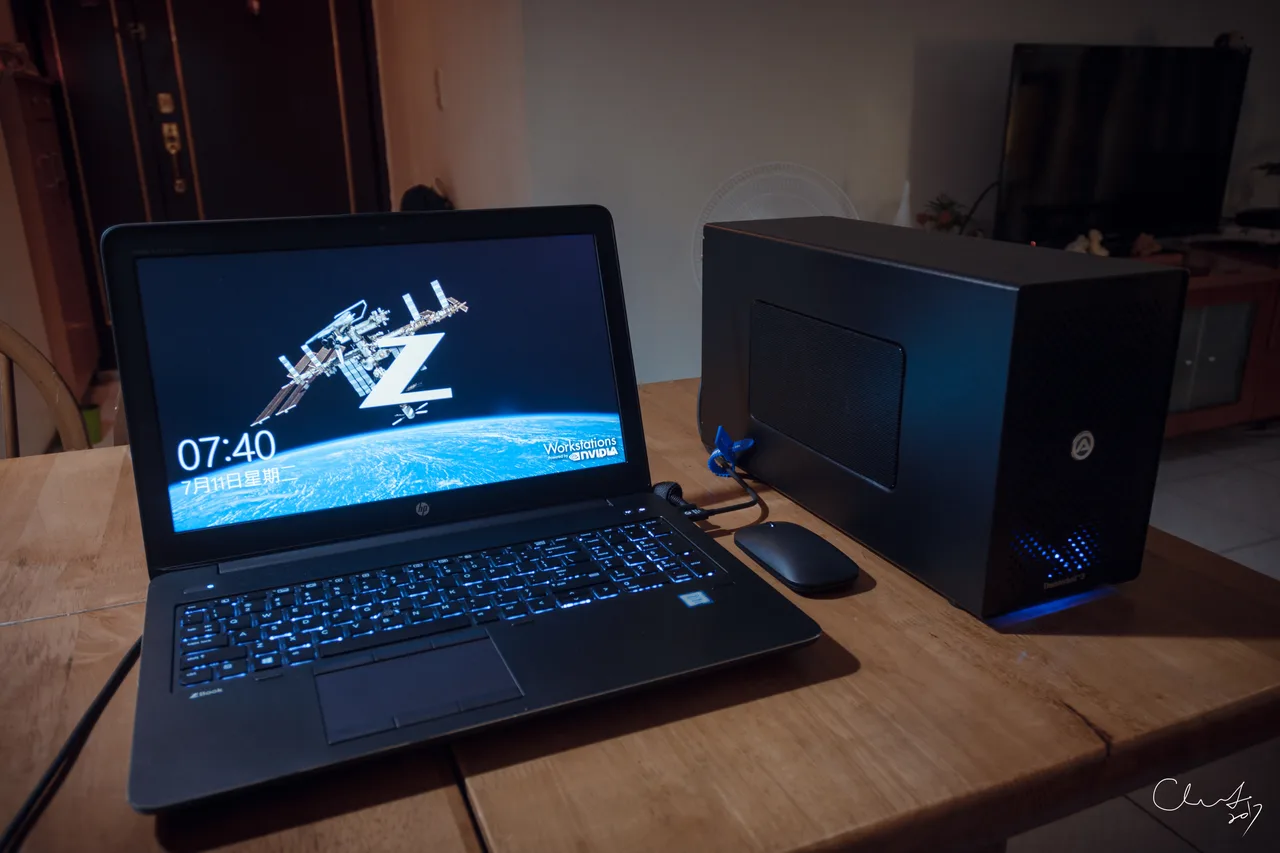
HP ZBook Power 16 G11, the workstation-GPU pick at 2099. An RTX 3000 Ada with 8 GB of VRAM, a Core Ultra 9, and 32 GB slotted to 64. This is the class of machine mechanical and civil tracks with serious CAD and FEA loads should look at: professional GPU drivers, a 16-inch canvas, and our 8 for performance. At 2.12 kg it is a backpack commitment.
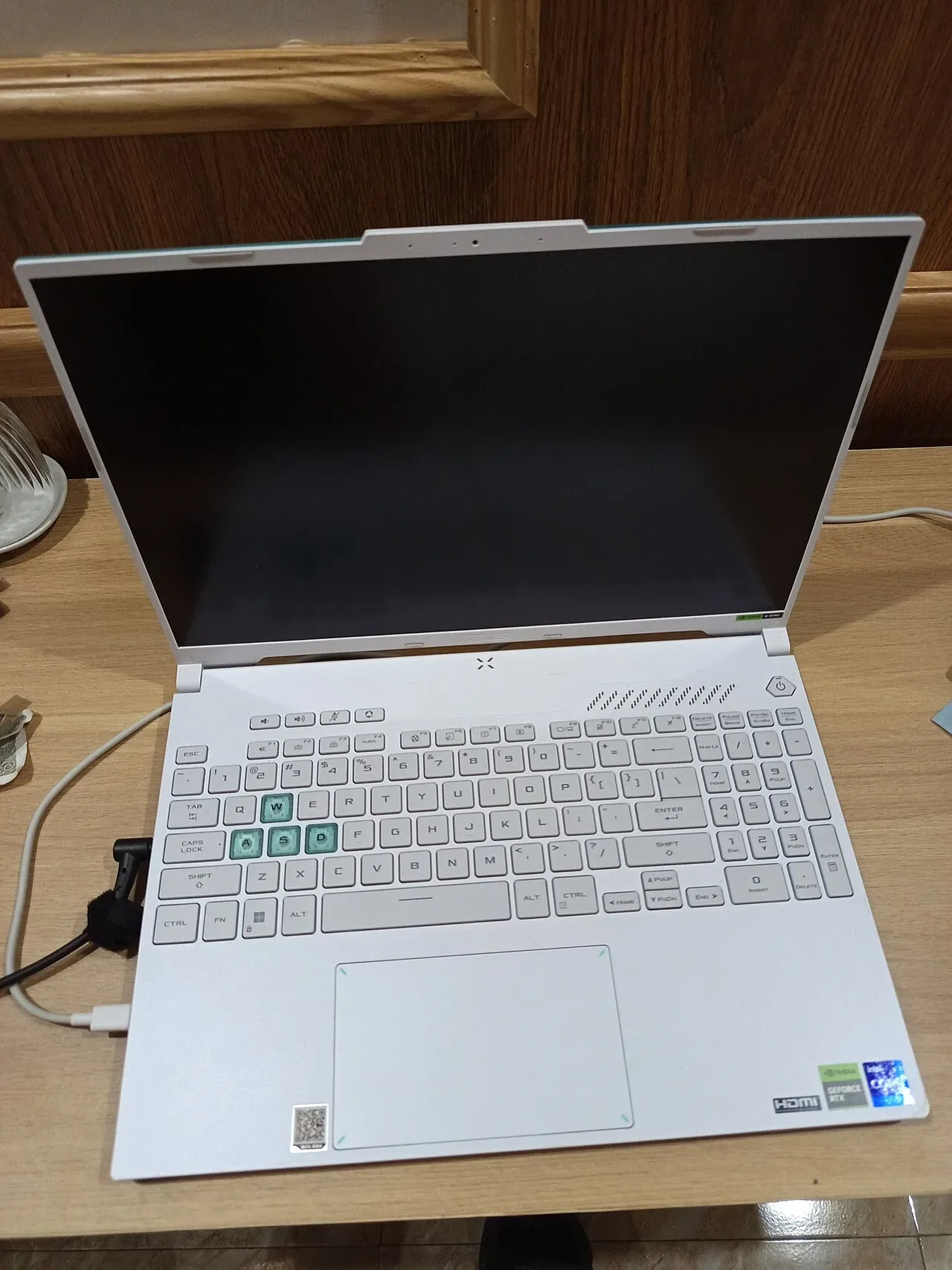
ASUS TUF Gaming A16, the honest budget route to GPU power at 1799. A 140-watt RTX 4070 delivers more raw compute per dollar than any workstation card here, and for GPU-accelerated coursework, rendering and simulation that does not demand certified drivers, it simply works harder for less. The trades: a gaming chassis, 32 GB soldered with no upgrade path, and no Linux report in our data yet, unknown, so we make no promises there. Engineering students buy these in droves for a reason; just know what you give up.
Lenovo ThinkPad P1 Gen 7, the stretch at 3369. RTX 4070 power in a thin workstation with a 9 for performance and slotted memory to 64 GB. It is the no-compromise version of this list for the student who already knows their track lives on the GPU. Value scores it a 5; you are paying for the combination, not the parts.
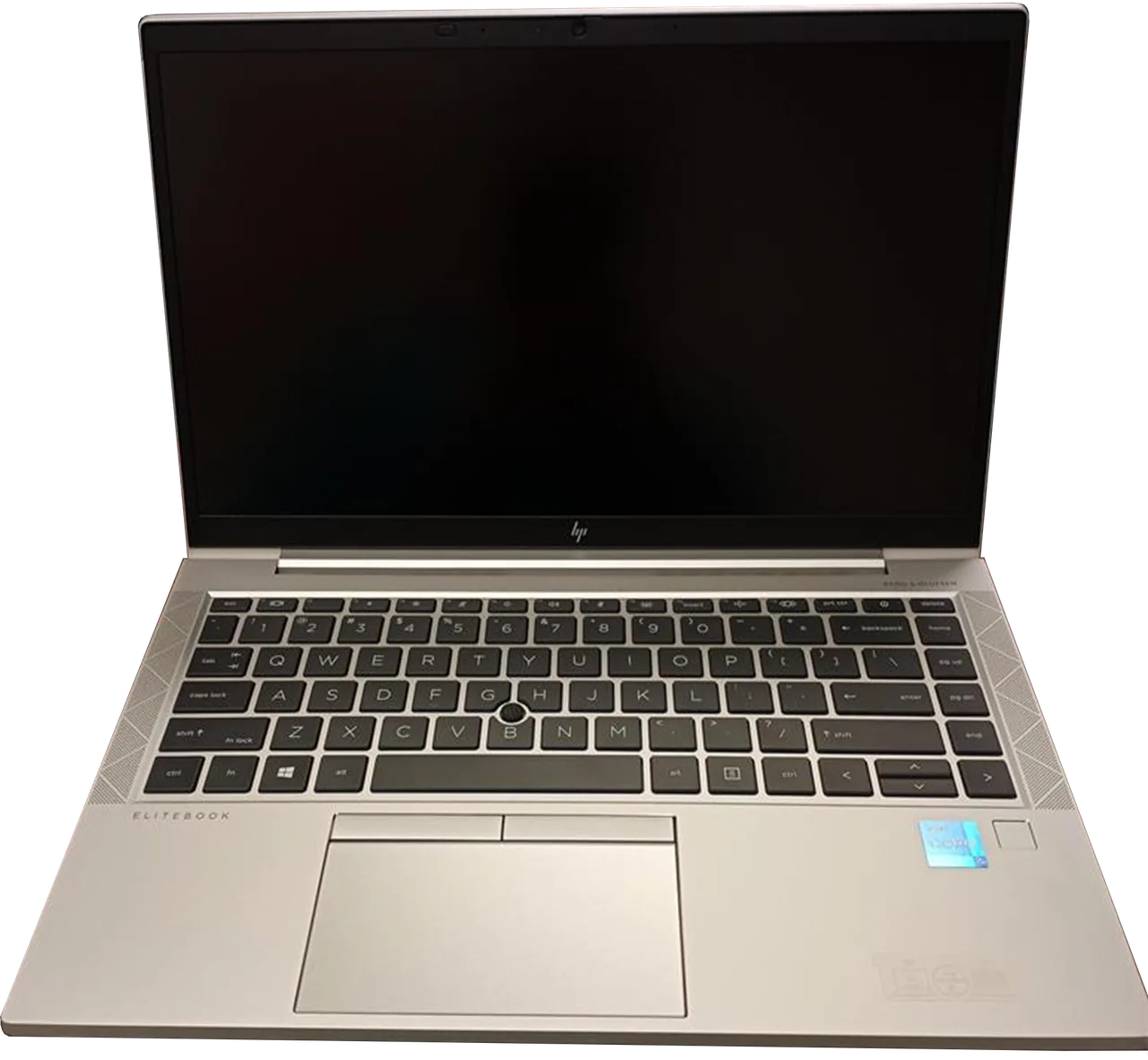
HP ZBook Firefly 14 G11, the light carry at 1649. An entry RTX A500 with 4 GB, 1.48 kg, and 32 GB slotted to 64. The discrete card is modest, enough to take coursework viewports off the integrated path, not a render engine. Pick it when daily carry weight matters more than peak compute.
What actually matters for an engineering degree
- RAM headroom over GPU badge. 32 GB minimum, slotted if at all possible. The P14s carries 64 with room to 96; the soldered TUF stops at 32 forever. Assemblies and simulations grow every semester; memory is the spec you cannot fix later on most machines.
- GPU class, matched to your actual track. Software-and-data tracks barely use one. CAD-heavy tracks want a discrete card; whether it must be a workstation-class card depends on your faculty’s required packages, so check their list against the vendor’s compatibility documentation before paying the professional premium.
- A 16:10 screen big enough for a model tree. Every pick here runs tall screens; the 16-inch ZBook and TUF give viewports room, the 14-inch picks trade canvas for carry.
- Build that survives four years of transport. Workstation and business lines are built for fleet abuse, which is exactly the student use-case. It is why this list is ThinkPads and ZBooks plus one honest gaming machine, not thin consumer ultrabooks.
- Linux reality, if your toolchain lives there. The ThinkPads and ZBooks here grade minor-tweaks with per-distro reports; the TUF is unverified in our data. Engineering toolchains increasingly assume Linux, so the per-distro table on each model page is worth two minutes before you commit.
FAQ
What is the best laptop for engineering students? The ThinkPad P14s Gen 6 AMD for most programmes: 64 GB of slotted memory at 1119 dollars covers the loads that actually break student machines. Tracks with heavy CAD, FEA or rendering should step to the ZBook Power 16 or the TUF A16 for a discrete GPU.
Do engineering students need a workstation GPU, or is a gaming GPU fine? For raw compute, the gaming card usually wins per dollar: the TUF’s 140-watt RTX 4070 out-muscles the workstation cards on this page. Workstation GPUs earn their premium only when your required software demands certified drivers; check your faculty’s package list against the vendor’s compatibility documentation before paying it.
How much RAM does an engineering student need? 32 GB as the floor, with an upgrade path. Assemblies, simulation workspaces and the usual forty browser tabs grow each year. The P14s Gen 6 ships 64 GB with slots to 96, which is why it leads this guide.
Is a gaming laptop okay for engineering school? Yes, honestly so, if you accept the trades: the TUF A16 gives the most GPU per dollar here, at the cost of soldered 32 GB memory, a 2.2 kg gaming chassis, and no Linux report in our data. For driver-certified workflows, stay with the workstation lines.
Can these laptops run Linux for an engineering toolchain? The ThinkPads and ZBooks here grade minor-tweaks with reports on two distros each in our database, the usual modern-kernel notes. The TUF A16 is unknown, no report yet, and we do not guess. Check each model page’s per-distro table for the components your work depends on.
For most of the degree, the P14s Gen 6 and its 96 GB ceiling. For GPU-bound tracks, the ZBook Power on certified drivers or the TUF on raw budget power. The mistake to avoid is the thin consumer ultrabook with 16 GB soldered: it looks right in September of year one and wrong by the first real project.