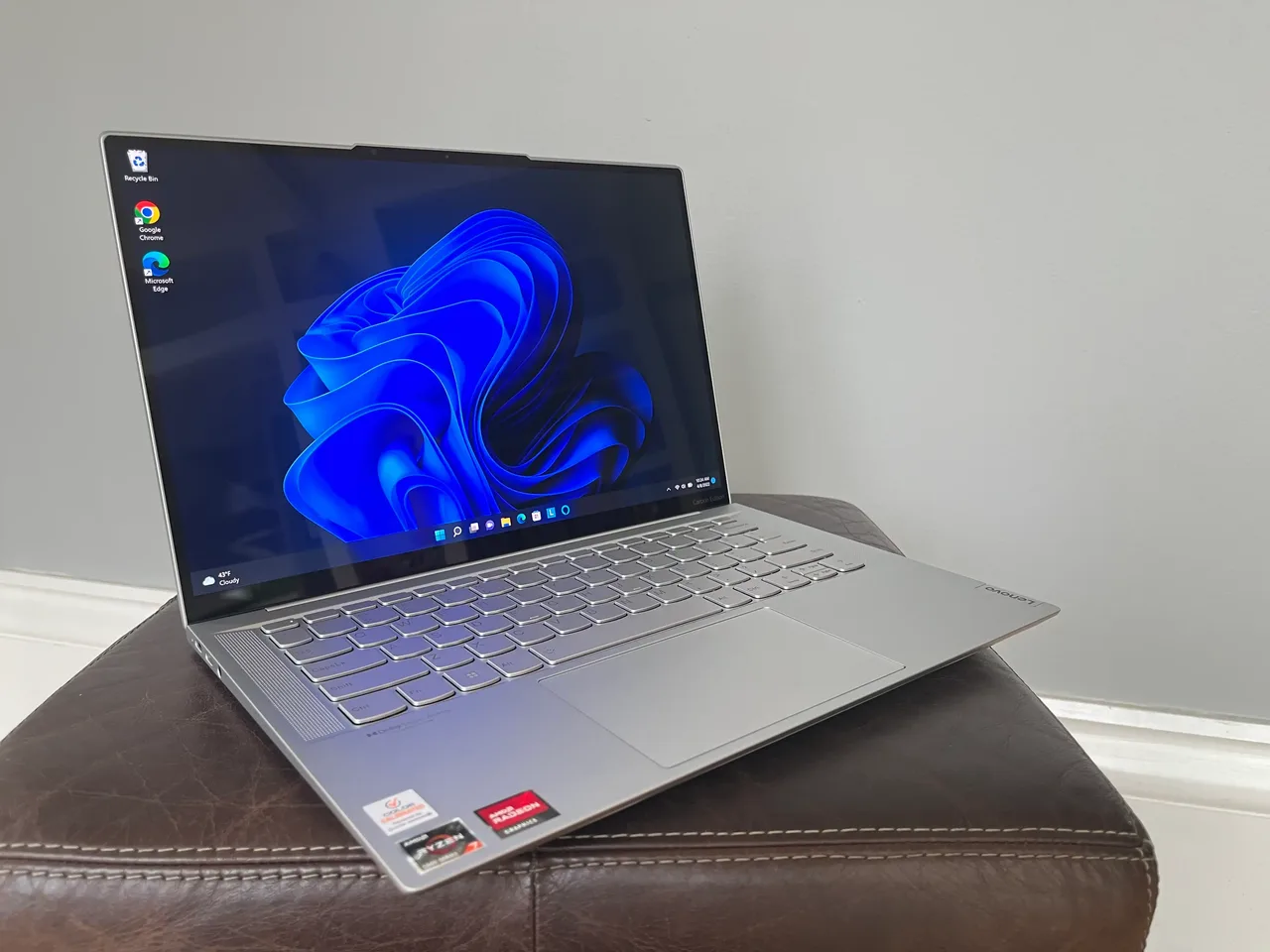
Under 800, buy the Lenovo IdeaPad Slim 5 14 (Gen 9, AMD). It is the only machine on this site that lands cleanly inside a real student budget and does not punish you for the price.
A note on the number first. Most “under 800” lists quietly mean dollars, then link a laptop that costs 850 euro after VAT. This guide uses the list price from our database. The IdeaPad is around 600 dollars or 650 euro at list, so it clears the bar in either currency with room for a case and a mouse. The other options here mostly do not, and we will say so plainly instead of pretending. Want the full field? Every model under 800 in our database, ranked.
Our pick: IdeaPad Slim 5 14 (Gen 9, AMD)
Ryzen 7 8845HS, Radeon 780M, 16 GB RAM, an 84 Wh battery good for about 8 real hours. For 600 dollars that is a lot of machine. It handles a full course load: documents, browser with thirty tabs, a video lecture, light photo work, even some coding for an intro class. It will not edit 4K video and it is not trying to.
The honest downsides. The screen is a plain 300-nit 1920x1200 panel, fine indoors, washed out on a sunny library terrace. The keyboard is acceptable, not memorable. It weighs 1.45 kg, so not the lightest thing in a backpack. None of that is a flaw at this price. It is what 600 buys, and the parts that matter, the chip and the battery, are the parts they did not cut.
One more thing students should care about: this is one of the most trouble-free Linux machines in the budget class. If your university hands you a Windows licence you will never use, you can wipe it and run Ubuntu with almost no fuss on kernel 6.5 or newer. Check the exact Wi-Fi card on the unit you buy; that is the only variable.
Runners-up and stretch options
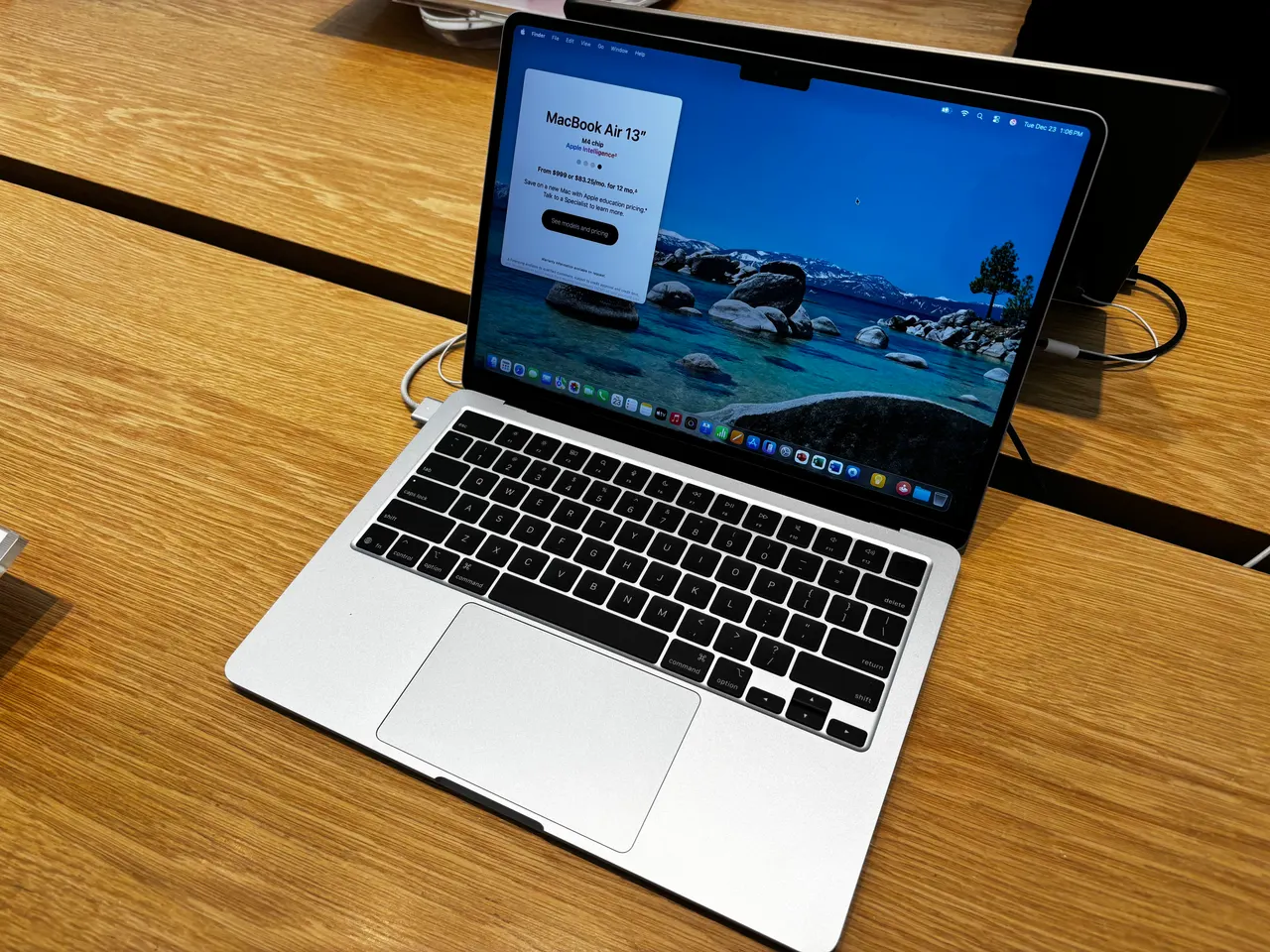
MacBook Air 13 (M4), if you can stretch to about 999. This is over budget, no way around it. But if you can find the money, the M4 Air is the best student laptop made: 15 hours of real battery so you never carry a charger to campus, near-silent, and it will still be fast in your final year. 256 GB base storage is tight, so manage your downloads. If 800 is a hard ceiling, skip it. If it is a soft target, this is the one to save for.
MacBook Air 13 (M3). Often discounted now that the M4 exists. The trap is the 8 GB base RAM. macOS handles 8 GB better than Windows does, but for a four-year degree it is thin and you cannot upgrade it later. Only consider this on a steep sale, and only the 8 GB model if your work is genuinely light: notes, browser, streaming.
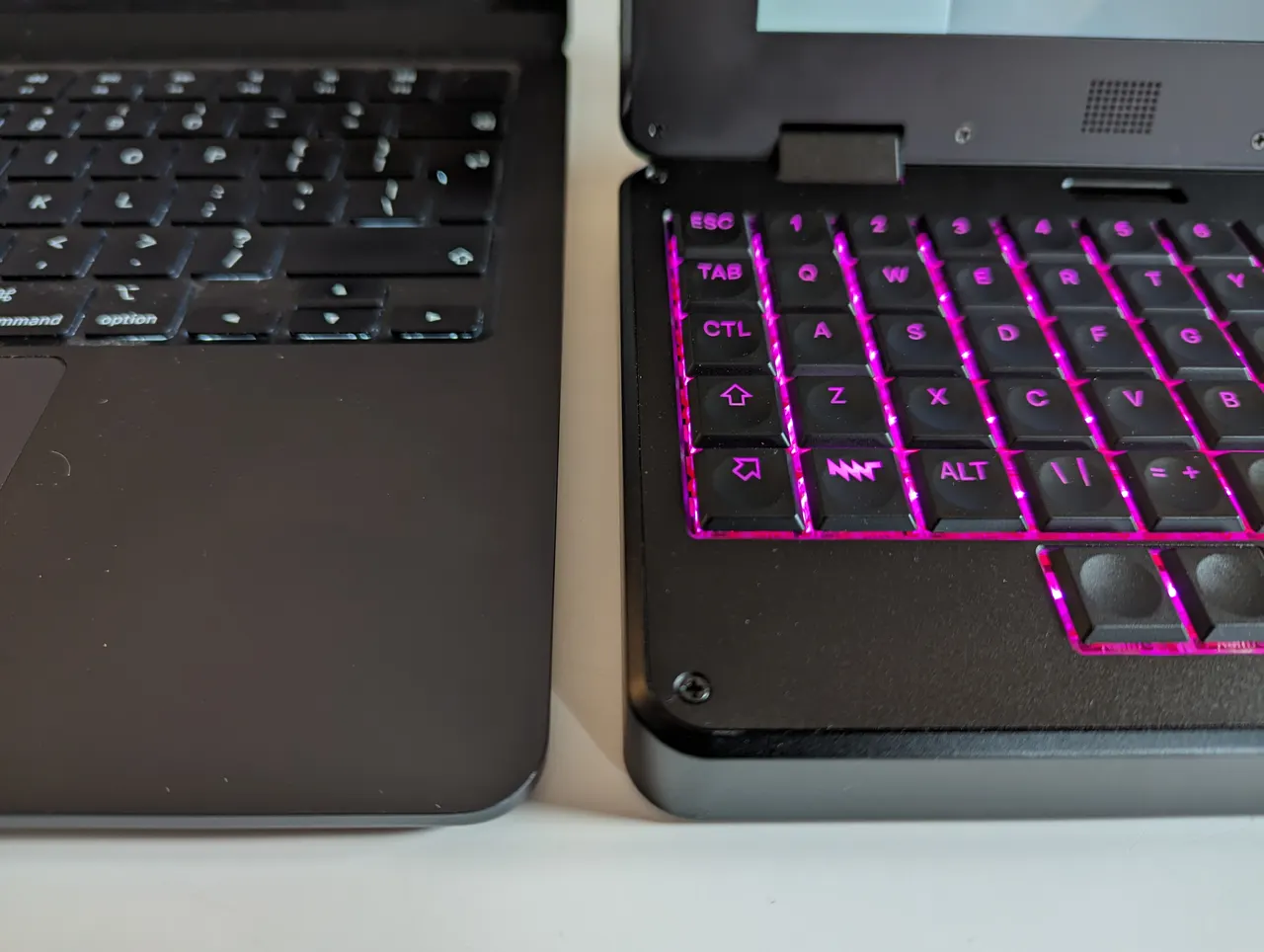
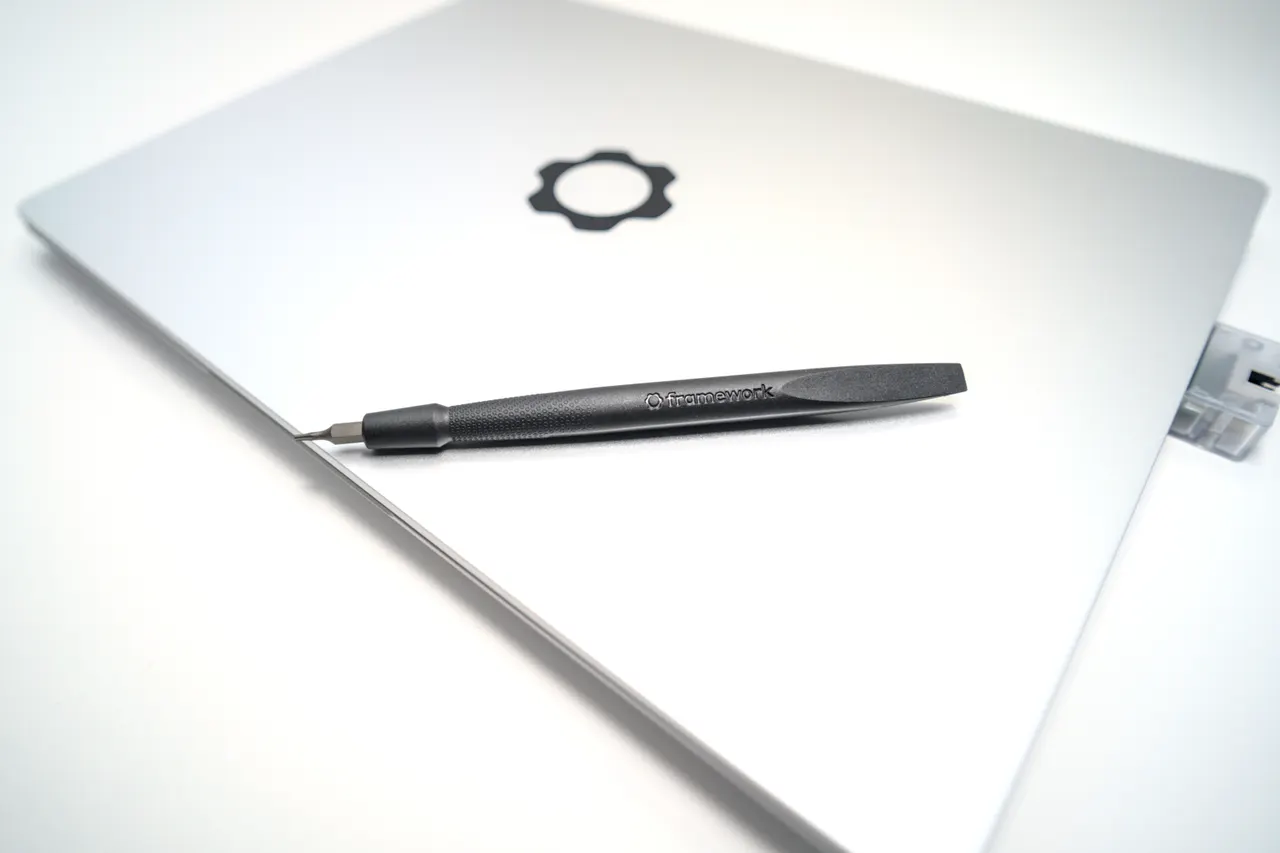
Framework Laptop 13 (AMD Ryzen 7040), the buy-once option. Around 1099 dollars, so well over budget, listed here for one reason. It is the most repairable laptop you can buy. Crack the screen in year two and you replace the screen, not the laptop. For a student who keeps a machine for six years, the lifetime cost can undercut buying two cheap laptops. Slotted RAM, runs Ubuntu LTS with almost no fuss. A long-game pick, not a budget one.
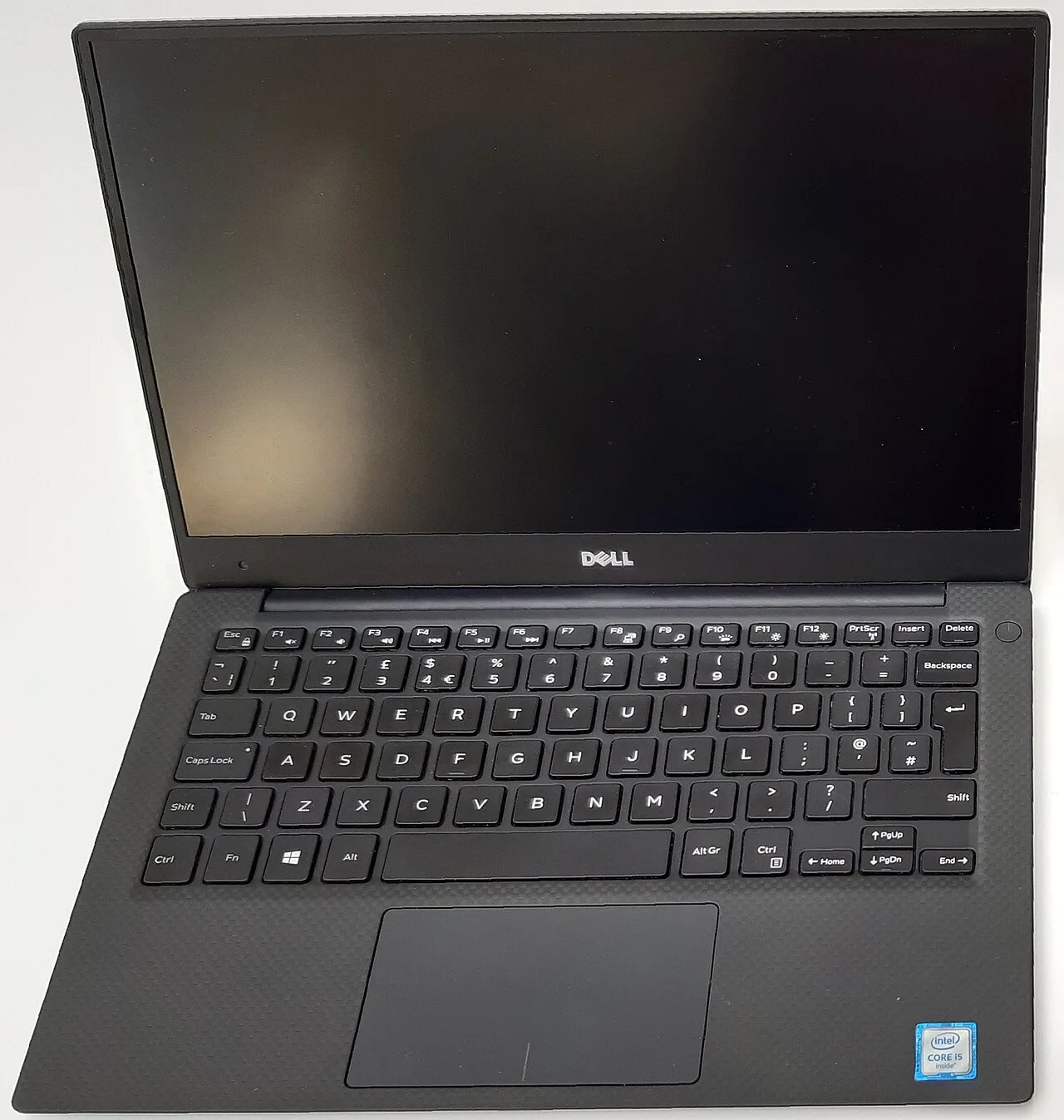
Dell XPS 13 9350. Premium build and 11-hour battery, around 1399 dollars. Out of budget and listed only to steer you off it on a student Linux setup: the webcam is broken on Linux from a Dell BIOS bug. For Windows-only students with money it is fine. For this guide, it is the wrong tool.
What actually matters in a student laptop
- Battery you can trust through a teaching day. Eight real hours minimum so you are not hunting for a wall socket between lectures. The IdeaPad’s 84 Wh pack is the unsung hero of this pick.
- Enough RAM for a four-year horizon. 16 GB, not 8. Software bloats over a degree. 8 GB feels fine in first year and crawls by your thesis. This is the single reason to avoid the cheapest MacBook Air config.
- A keyboard and chassis that survive a backpack. You will carry this daily and treat it badly. Plastic that flexes is fine; hinges that loosen are not. The mainstream picks here are all built for daily abuse.
- The real price after tax, in your currency. A 750 dollar laptop is often 800 euro plus once VAT lands. Decide your true ceiling first, then shop. That is why the genuinely-under-800 list here is short and honest.
Screen quality and weight are where budget machines cut. Accept a plain panel and an extra 200 grams; do not accept thin RAM or a tired battery.
FAQ
Is 600 dollars really enough for a laptop that lasts a degree? Yes, if you buy the right 600. The IdeaPad Slim 5 puts the money into the chip and battery and saves it on the screen. Those are the right places to cut for a student.
Should I buy a MacBook for university? Only if you can clear about 999 for the M4 Air, and never the 8 GB M3 at full price. The M4’s battery and longevity justify the stretch if the budget can bend. If 800 is firm, the IdeaPad is the answer.
Do I need a touchscreen or a 2-in-1 for taking notes? Most students who buy one stop using the tablet mode within a month. A normal laptop and a separate tablet, if you want one, is more reliable and usually cheaper than a convertible that compromises both modes.
Can I run Linux on a cheap student laptop? On the IdeaPad Slim 5, yes, easily. The all-AMD design is one of the most painless Linux platforms under 650, on kernel 6.5 or newer. Confirm the Wi-Fi card model before you buy.
Is 256 GB of storage enough? For cloud-first study with documents and streaming, yes. For a media or design course with large project files, no. If you pick a 256 GB MacBook, plan to live in the cloud and keep an external drive for backups.
Under 800, the IdeaPad Slim 5 is the call. If the budget can bend to about 999, save for the M4 Air instead. Everything between those two is a compromise you do not need.
More picks in this guide
-
Apple
MacBook Air 13 (M4)
-
Apple
MacBook Air 13 (M3)
-
Framework
Laptop 13 (AMD Ryzen 7040)
-
Dell
XPS 13 9350