Buy the Lenovo ThinkPad T14 Gen 5 (AMD). For most data science work the bottleneck is RAM, not GPU, and the T14 is the only machine here that combines 32 GB of slotted memory you can later double, a keyboard you can type SQL on all day, and a clean Linux install with no webcam drama. The deep-learning crowd will want a GPU; that is a different guide. This is for the analyst, the statistician, the person who lives in pandas, dplyr, notebooks and a database.
The honest framing: if your DataFrame fits in RAM, the work is fast and the laptop barely matters. When it does not fit, no laptop saves you and the answer is a server or a chunked, out-of-core approach. So you buy for the largest dataset you routinely hold in memory, not for benchmark CPU scores. Memory headroom is the spec that decides whether your kernel dies at 2pm.
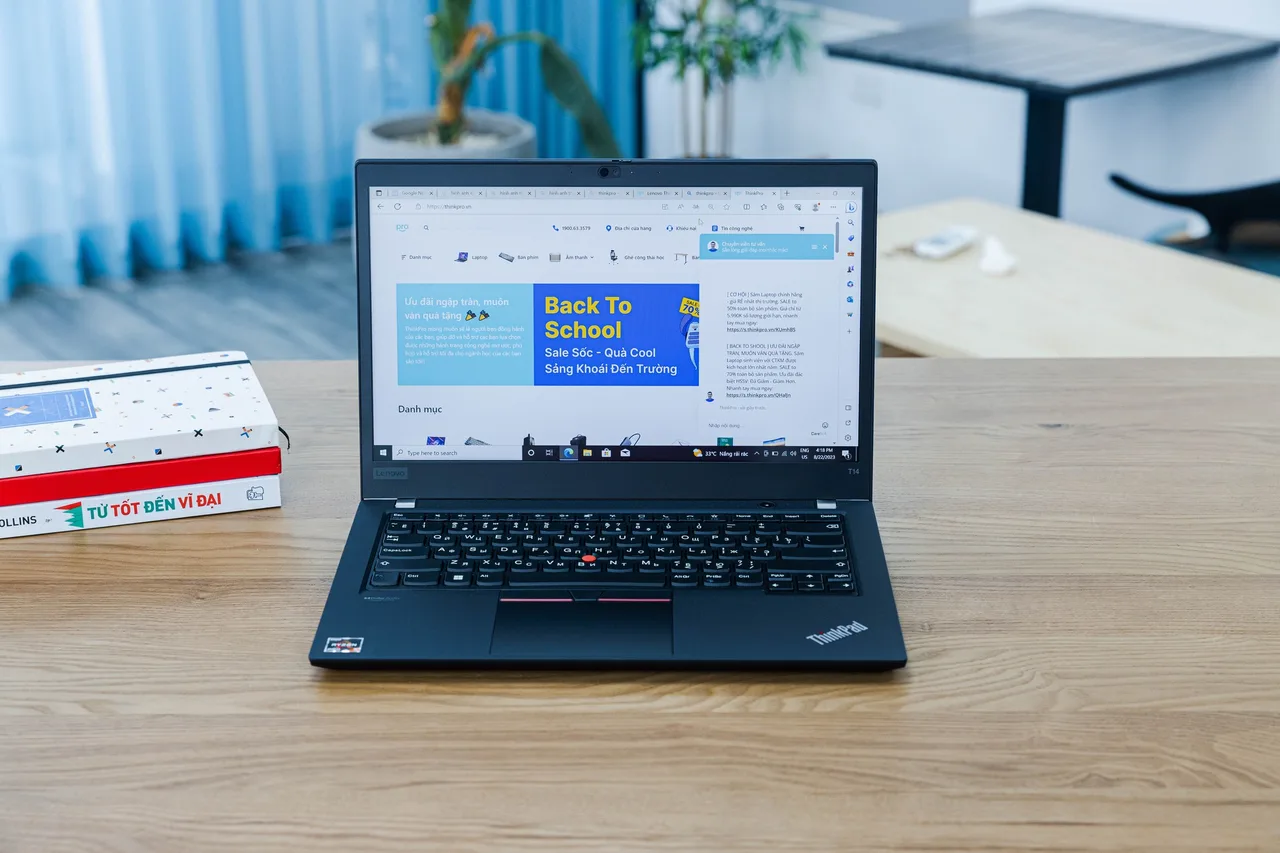
Our pick: ThinkPad T14 Gen 5 (AMD)
Ryzen 7 PRO 8840U, 32 GB of slotted RAM, 1.36 kg, about 10 real hours of battery, roughly 1499 dollars or 1699 euro. The slotted RAM is the entire argument. Buy 32 GB now, drop in 64 GB in two years when your joins outgrow it, instead of rebuying the laptop. The AMD chip uses a normal UVC webcam, so it skips the Intel IPU6 camera mess that breaks video standups on so many 2024 and 2025 machines. On Fedora and Ubuntu LTS it is an out-of-box machine with two small caveats: the Qualcomm Wi-Fi card needs one iwd config line, and some units want acpi.ec_no_wakeup=1 to stop overnight battery drain. The integrated Radeon 780M is plenty: pandas, scikit-learn, R and notebooks are CPU and memory bound, not GPU bound.
Runners-up
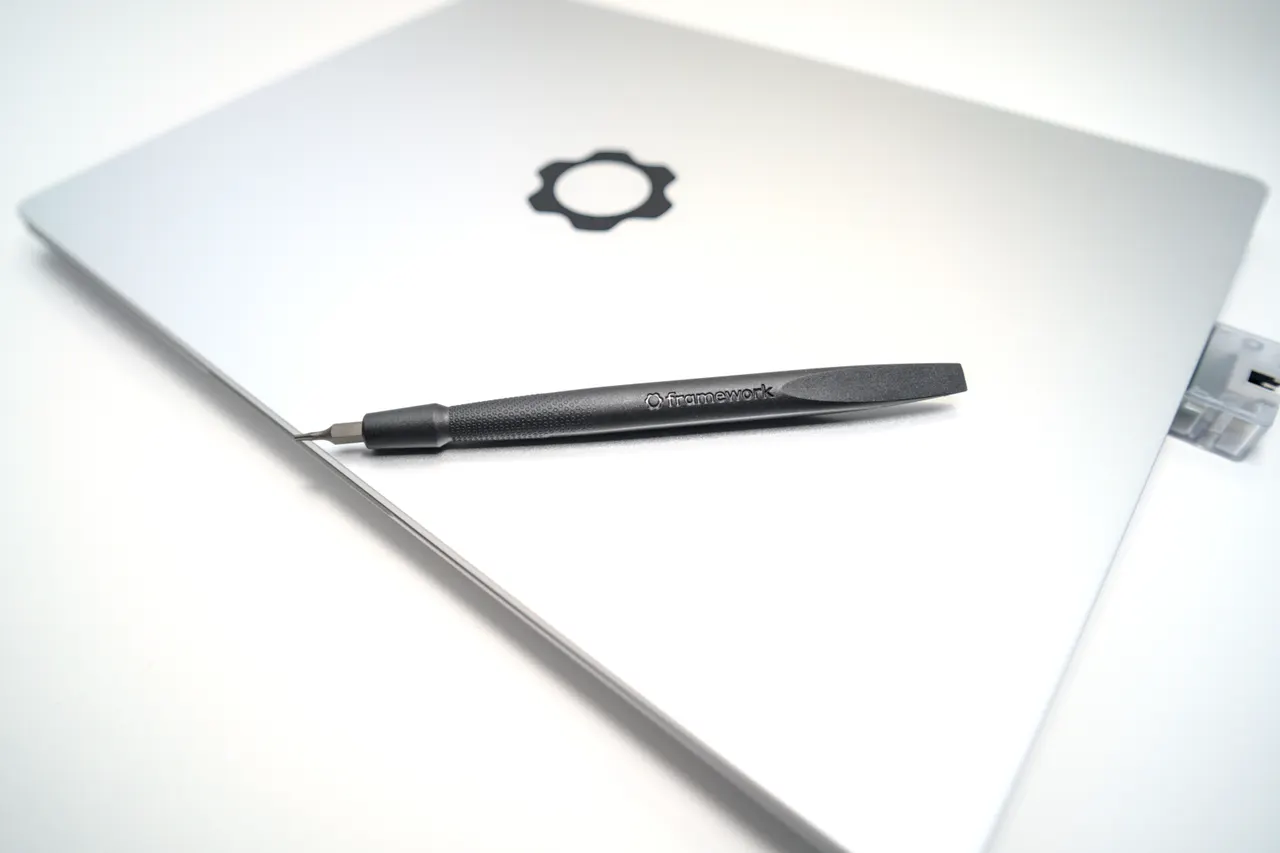
Framework Laptop 13 (AMD Ryzen AI 300). Zen 5, the fastest CPU here for heavy pandas and feature engineering, slotted RAM, repairable with one screwdriver, around 1099 dollars. It is the value pick. The catch is suspend: a documented 5 to 10 percent overnight s2idle drain on Ubuntu, and a multi-day sleep empties the 61 Wh pack. If you shut down at night this is the better deal. If you live in lid-close suspend, the T14 behaves better.
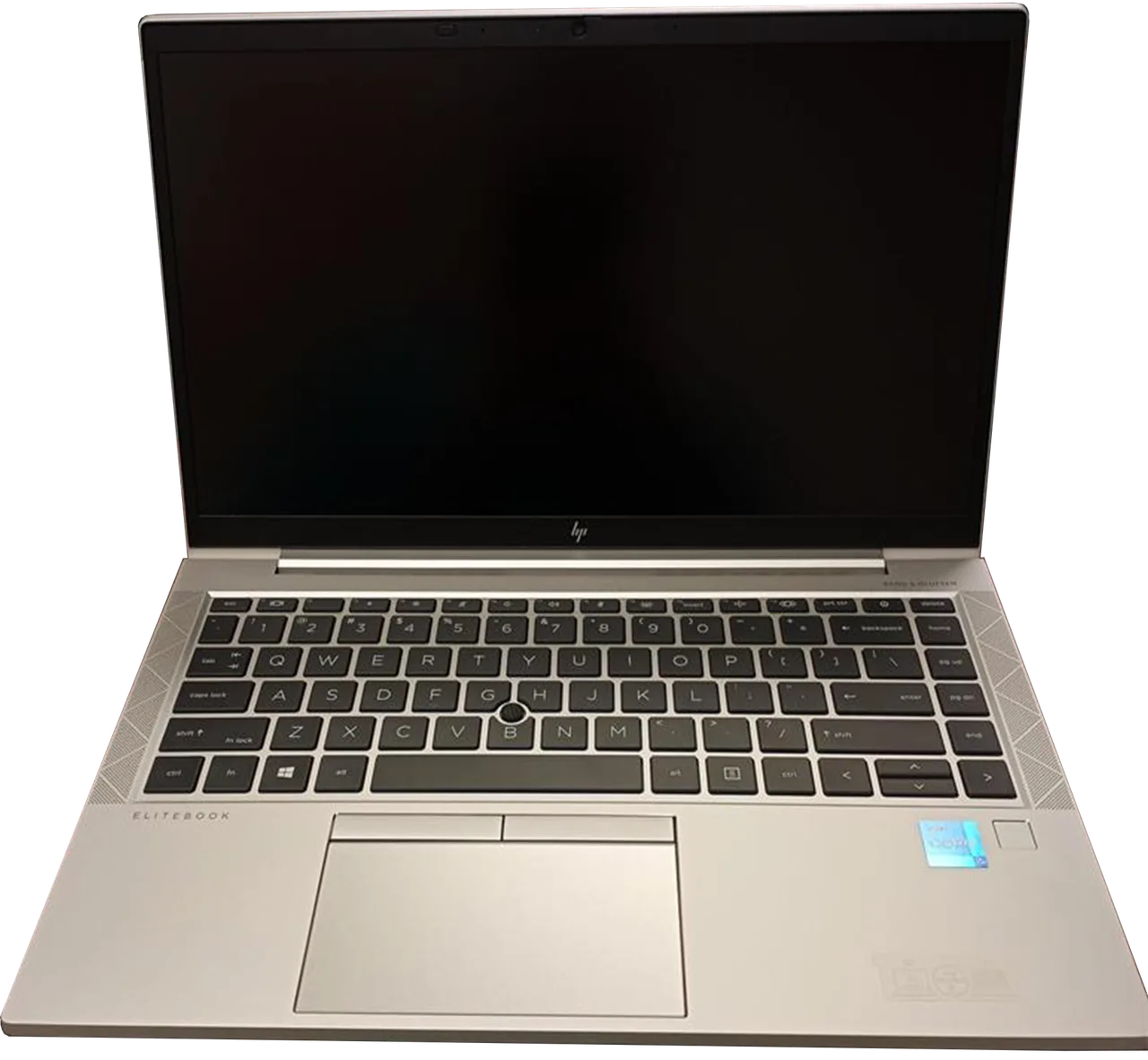
HP EliteBook 840 G11. Ubuntu-certified, SO-DIMM slots to 64 GB, a genuine 15 hours of battery, and a webcam that skips the IPU6 mess. Around 1649 dollars. It is the pick if you want a fleet machine your IT department will support and you value battery over screen. The downsides are honest: the fingerprint reader is dead on Linux and the panel is a plain 1200p. For long days of notebooks on a train, the battery wins.
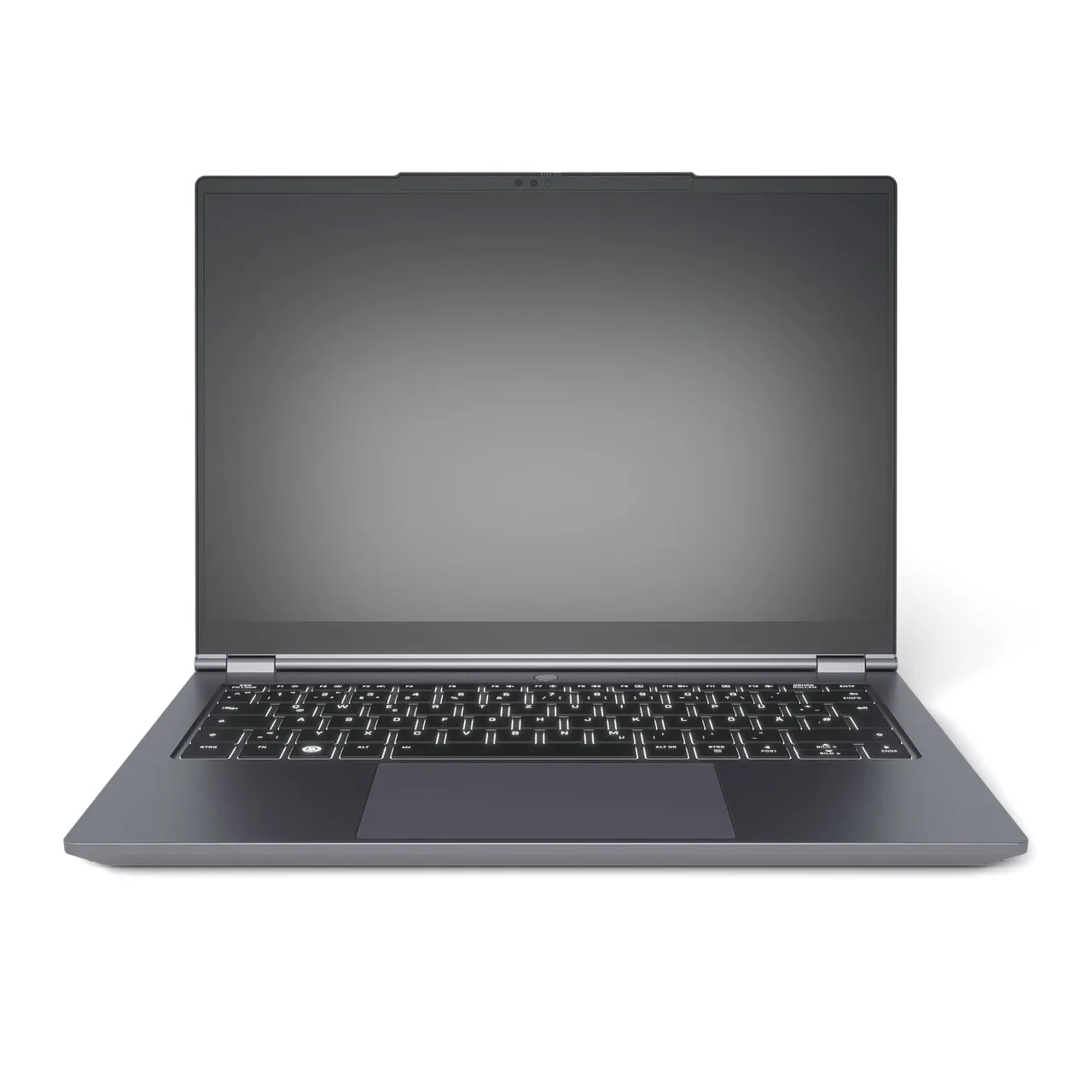
Tuxedo InfinityBook Pro 14 Gen10. Ships with Linux pre-installed, all-AMD so support is clean, slotted RAM, a sharp 2.8K 120 Hz panel, around 1427 euro direct from the EU vendor. Ryzen AI 9 HX 370 is the fastest CPU of the three runners-up. No fingerprint reader by design and Wi-Fi is 6 not 7. If you want a Linux machine you do not have to set up and you are in the EU, this is the strong pick. See the Tuxedo vendor page for the fan-curve caveat.
What actually matters for data science
- RAM, and whether it is slotted. A DataFrame plus a copy plus an IDE plus a browser is past 16 GB fast. 32 GB is the working minimum for real datasets. Slotted RAM (T14, Framework, EliteBook, Tuxedo) means you double it later instead of rebuying.
- CPU single and multi-thread, not GPU. pandas, dplyr, scikit-learn and notebook kernels are CPU and memory bound. A discrete GPU is dead weight unless you do deep learning, in which case read the AI and ML guide.
- A keyboard you can write SQL on. You type queries and code for hours. The ThinkPad keyboard is the best here and it is not close.
- Linux that works, especially the webcam. The 2026 trap is the Intel IPU6 and IPU7 camera pipeline breaking video calls. AMD models with a normal UVC webcam dodge it. This is the single biggest Linux filter for a data team.
- Battery for the times the dataset is on a server. When the heavy compute runs remotely, you want a quiet machine with long battery driving an SSH session. The EliteBook’s 15 hours is built for that.
Screen size and resolution barely move the needle. You read a notebook and a terminal, not a 4K render.
FAQ
How much RAM do I need for data science? 32 GB is the working minimum for real datasets in pandas or R. 16 GB swaps and the kernel dies on medium joins. Buy 32 GB, or buy slotted RAM like the T14 so you can reach 64 GB later.
Do I need a GPU for data science? Not for classic data science. pandas, dplyr, scikit-learn and statistical work are CPU and memory bound. You only need a GPU for deep learning, which is the AI and ML guide, not this one.
When should the work run on a server instead of my laptop? When the dataset does not fit in RAM, or a job runs longer than your battery. At that point a remote machine plus chunked or out-of-core processing beats any laptop. Buy a quiet long-battery laptop to drive it, not a workstation.
Is a MacBook fine for data science? For Python and R it is fine, with the caveat that some packages still need x86 workarounds under Rosetta and Docker runs in a VM. If your stack is Linux-deployed, an AMD ThinkPad keeps the local environment identical to production.
AMD or Intel for a data science Linux laptop? AMD, mostly because the AMD webcam avoids the Intel IPU6 camera failure and the integrated Radeon driver is mainline and zero-config. The T14 AMD is the cleanest install of the lot.
Buy the T14 if you want it to just work and grow with you. Buy the Framework if you want value and shut down at night. Buy the EliteBook if battery and IT support win. Still unsure, run the finder.
More picks in this guide
-
Framework
Laptop 13 (AMD Ryzen AI 300)