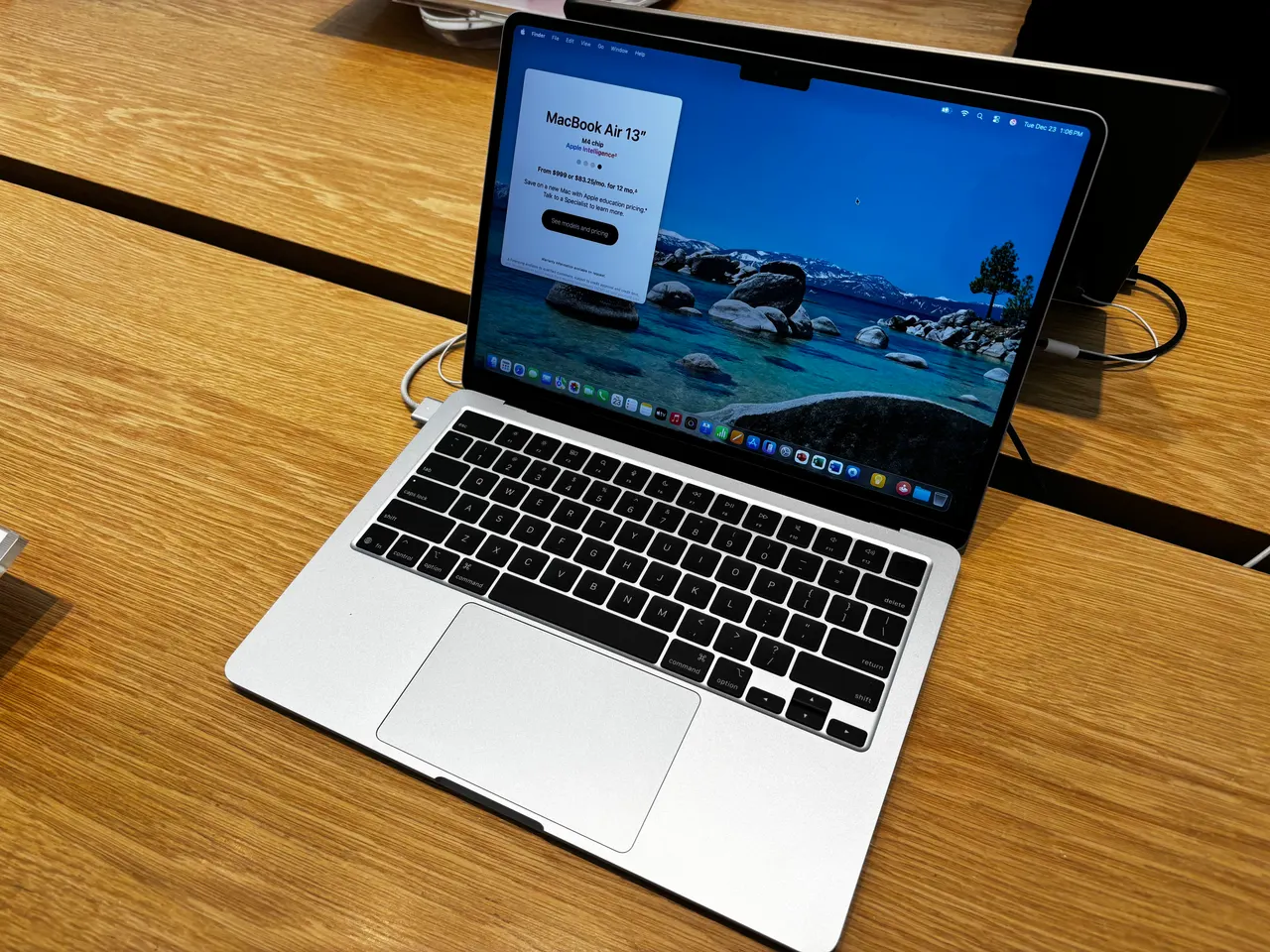
Buy the Apple MacBook Air 13 (M4) if your DAW is Logic, Ableton or anything that runs well on macOS. It is silent, the Core Audio path has the lowest reliable latency of any laptop here, and the M4 holds a large plugin count without the fans spinning, because it has no fans. For a Windows-DAW workflow, jump to the ThinkPad below.
Most music-laptop guides rank raw core counts. A session is not a render farm. What decides a music laptop is sustained CPU under a real-time deadline without the fans drowning the room, enough RAM to hold sample libraries, and an audio stack that does not glitch when you arm a track. The M4 Air wins those by being passively cooled and very fast at sustained single-threaded work.
Our pick: MacBook Air 13 (M4)
M4 10-core, 16 GB unified memory at last on the base config, about 15 real hours of battery, around 999 dollars or 1199 euro. No fan, so a quiet room stays quiet while you record vocals or acoustic. Core Audio gives you stable buffer sizes most Windows machines need a careful driver setup to match. For a 30-track project with software instruments and a normal plugin chain, the M4 Air does not break a sweat.
Two honest limits. 16 GB is the base, and large orchestral or Kontakt libraries want more, so configure 24 GB at purchase because it is soldered and there is no later upgrade. And 256 GB base storage fills fast once sample libraries land, so plan an external SSD or a higher storage tier. This is a macOS machine: it is the wrong pick if your project files live in a Windows-only plugin ecosystem.
Runners-up
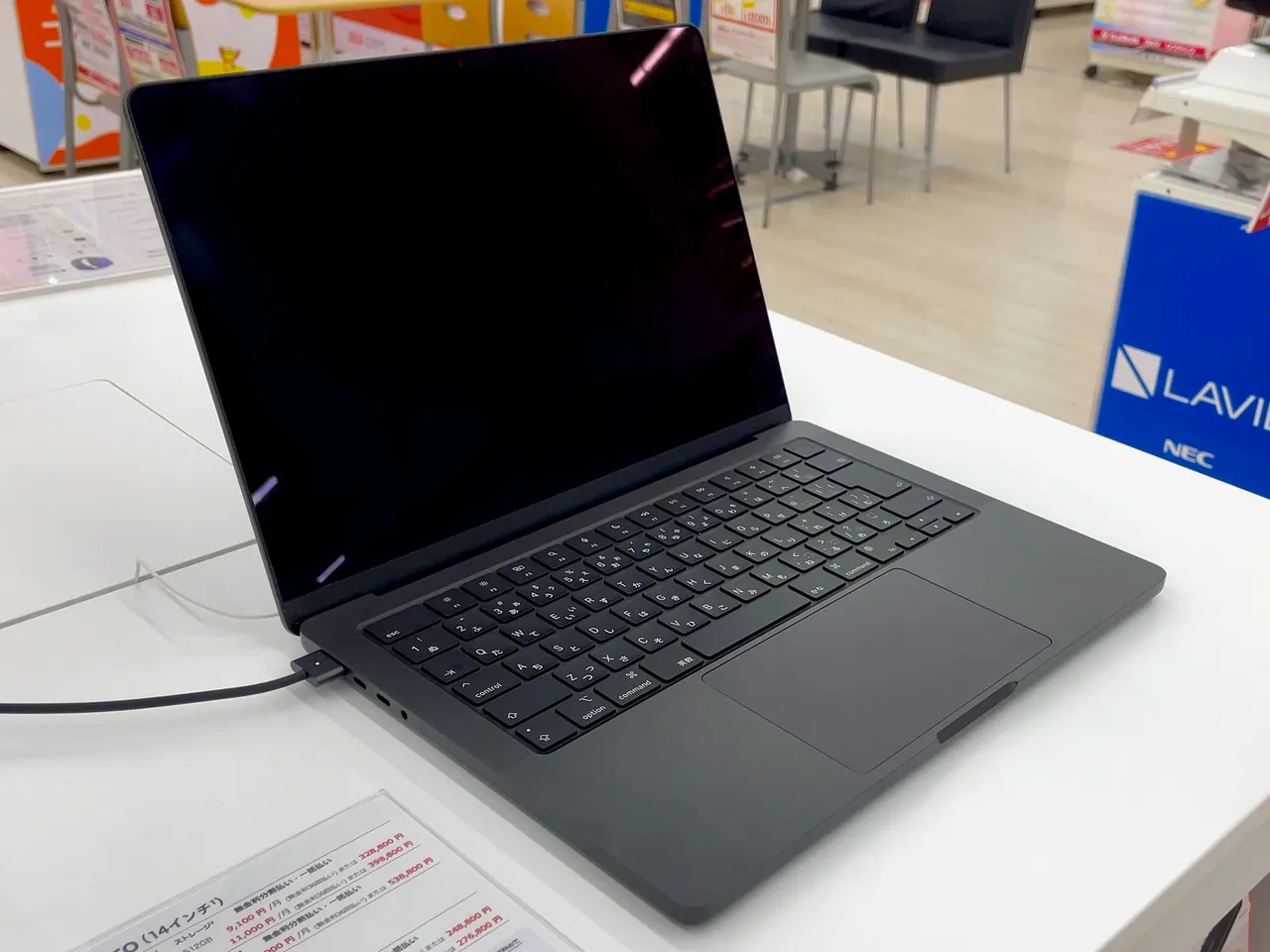
Apple MacBook Pro 14 (M4). The same M4 quietness with a fan that almost never engages, a brighter screen, and more headroom under sustained load for very large sessions. Around 1599 dollars, 16 GB base, soldered, so configure RAM up front. If your sessions routinely run hundreds of plugin instances and you mix on the move, the extra spend is the difference between comfortable and occasionally cutting. For most home producers it is more machine than the project needs.
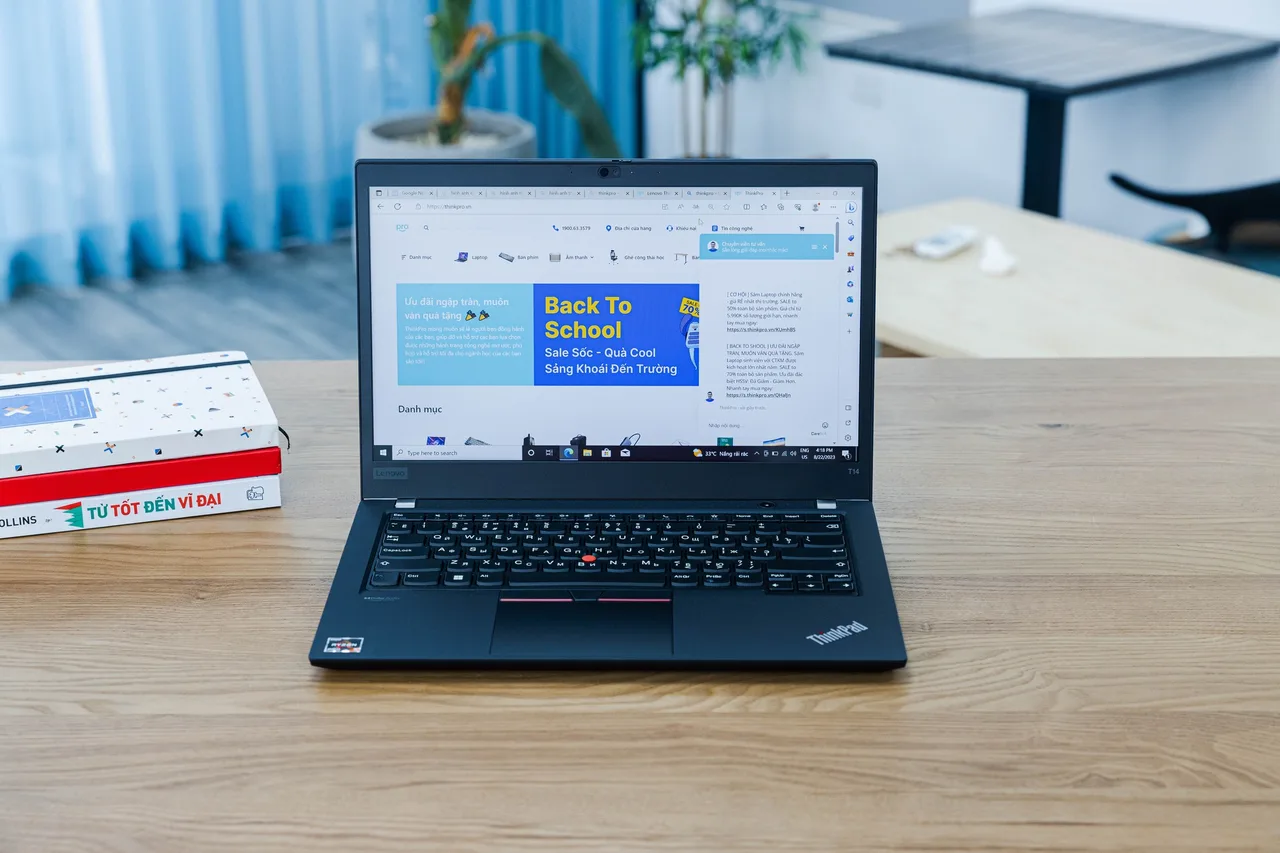
Lenovo ThinkPad T14 Gen 5 (AMD). The Windows-DAW pick. Ryzen 7 PRO 8840U, 32 GB of slotted RAM, around 1499 dollars or 1699 euro. The slotted RAM matters more here than anywhere: sample libraries are memory-hungry, and going to 64 GB later is a SO-DIMM swap, not a new laptop. With ASIO and a tuned buffer it holds a serious Cubase or FL Studio session. The fans do spin under sustained load, so for vocal tracking in a quiet room mind the mic placement. Linux note: the AMD model has clean audio, but pro audio interface drivers and low-latency tuning on Linux are still a project, not a default.
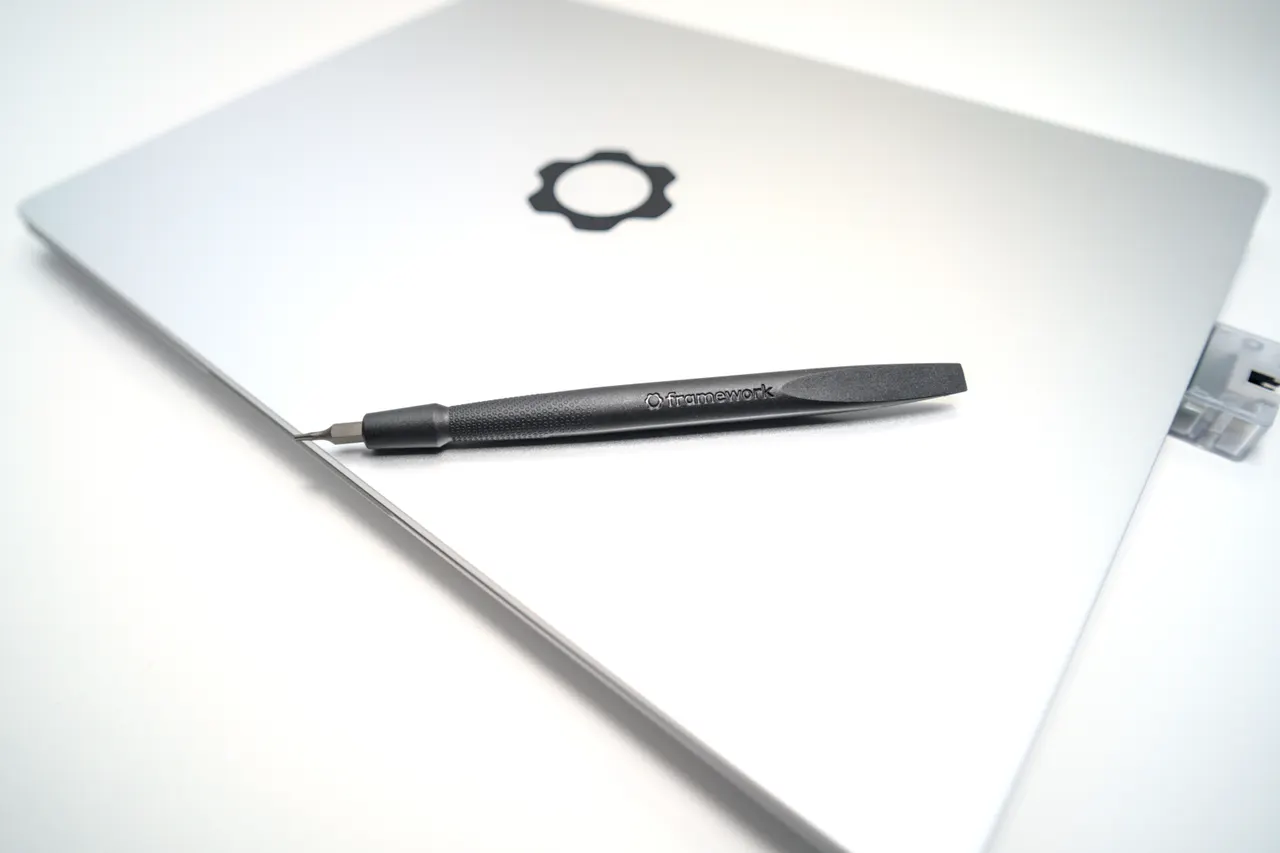
Framework Laptop 13 (AMD Ryzen AI 300). Zen 5 HX 370, the fastest CPU here for dense Windows sessions, slotted RAM, around 1099 dollars. The repairable chassis is a real argument for a machine that lives on a desk with cables plugged and unplugged daily. The catch is suspend on Linux (5 to 10 percent overnight s2idle drain), which is irrelevant if you run Windows for your DAW, which most producers on this machine will. Fans engage under sustained load like the ThinkPad.
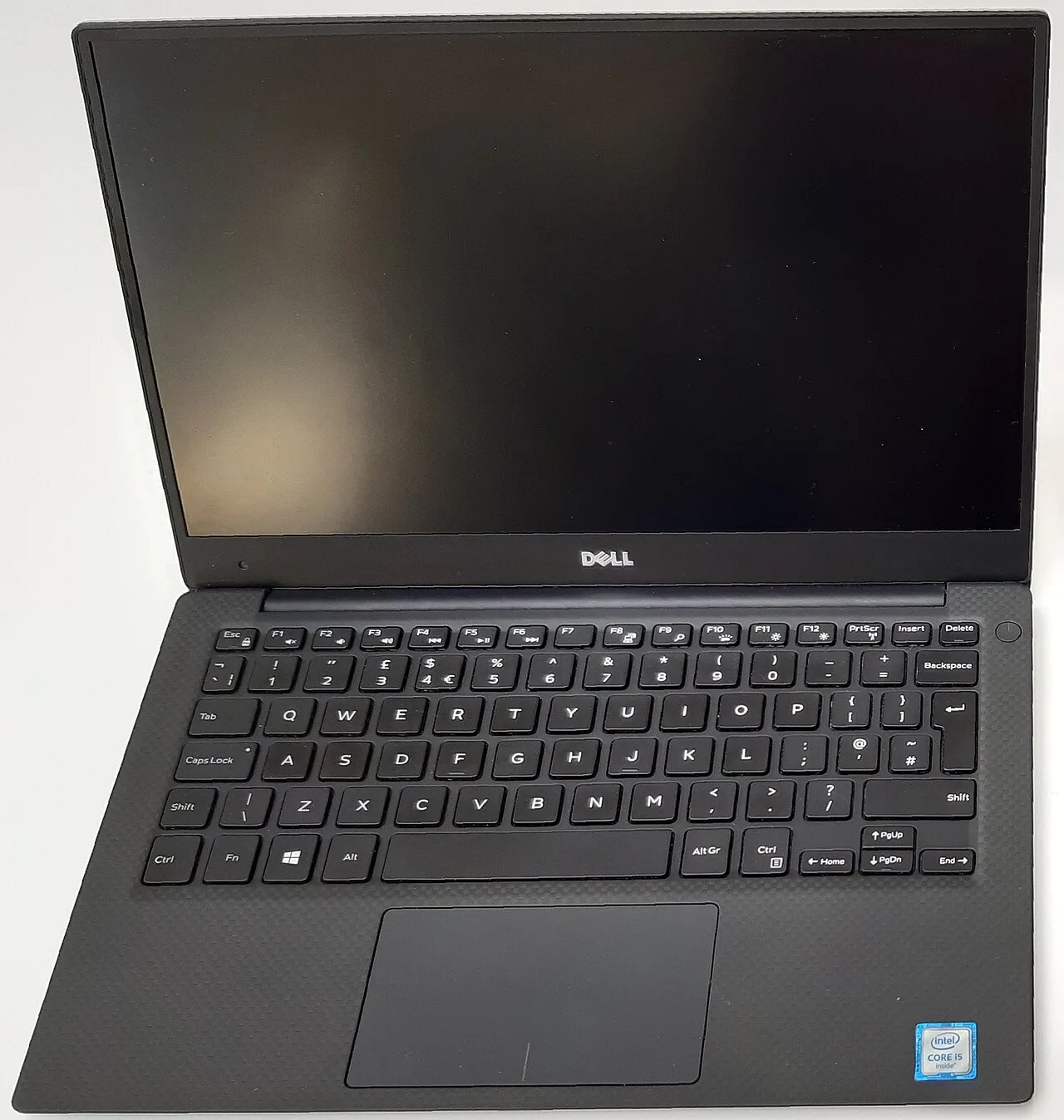
Dell XPS 13 9350. Quiet for an Intel ultrabook and a nice 13-inch package, around 1399 dollars. The hard limit is 16 GB soldered, which is thin for sample-heavy production with no upgrade path, and it is a Windows-only proposition here since the Linux webcam is broken by a BIOS bug. Fine for a beat-making or loop-based workflow that stays light, wrong for a big orchestral template.
What actually matters in a music production laptop
- Sustained CPU, not peak. A DAW hits the CPU under a hard real-time deadline for the whole session. Apple Silicon and the AMD parts here hold sustained clocks better than thin Intel chips that boost then throttle. Peak benchmark numbers do not predict glitch-free playback.
- RAM and whether you can add more. Sample libraries are the memory hog. 16 GB is a starting point, 32 GB is comfortable, and orchestral work wants more. On soldered machines (both MacBooks) buy the tier up; on the T14 and Framework you add it later.
- Fan noise during quiet recording. A passively cooled M4 Air records vocals in a silent room. A laptop that ramps fans when the CPU loads will bleed into a close mic. This is the underrated spec.
- Audio latency and driver stability. macOS Core Audio is low-latency by default. Windows needs ASIO and a tuned buffer. Linux pro audio works but is a deliberate setup with PipeWire and not all interface drivers behave; treat it as a project, not a default.
Screen and GPU barely matter for music. A render is not a mix. Spend on RAM, quiet cooling and a stable audio path.
Quick comparison
| Model | RAM | Cooling | Best DAW path | Price (USD) |
|---|---|---|---|---|
| MacBook Air 13 (M4) | 16 GB, soldered | passive, silent | macOS (Logic/Ableton) | ~999 |
| MacBook Pro 14 (M4) | 16 GB, soldered | quiet, fan rarely on | macOS, large sessions | ~1599 |
| ThinkPad T14 Gen 5 (AMD) | 32 GB, slotted to 64 | fans under load | Windows ASIO | ~1499 |
| Framework 13 (Ryzen AI 300) | 32 GB, slotted | fans under load | Windows, fastest CPU | ~1099 |
| Dell XPS 13 9350 | 16 GB, soldered | quiet | Windows, light projects | ~1399 |
FAQ
Mac or Windows for music production in 2026? Mac if you want the lowest-friction low-latency audio and a silent machine; the M4 Air is the value pick and the MacBook Pro 14 the headroom pick. Windows if your plugin or interface ecosystem needs it; the ThinkPad T14 with ASIO is the pick there.
How much RAM do I need for a DAW? 16 GB for beat-making and loop-based work, 32 GB once sample libraries and large templates appear, more for full orchestral. Buy soldered machines a tier up; the T14 and Framework 13 let you add it later.
Can I produce music on Linux? Yes, with a deliberate setup: PipeWire or JACK, a real-time-friendly kernel, and an interface with working Linux drivers. It is a project, not a default, and not every plugin has a Linux build. If you want it to just work, that is a macOS argument.
Does fan noise really matter for a laptop DAW? For recording with a close mic, yes. A passively cooled M4 Air is silent; the T14 and Framework ramp fans under sustained load and can bleed into a vocal take.
Is an integrated GPU enough for music production? Yes. DAWs are CPU and RAM bound, not GPU bound. Every pick here uses integrated graphics and none of it limits a mix or a large plugin chain.
Buy the M4 Air if your DAW likes macOS and you want silence. Buy the ThinkPad T14 if you need Windows and big slotted RAM. Skip soldered-16 GB machines for sample-heavy work.
More picks in this guide
-
Apple
MacBook Pro 14 (M4)
-
Lenovo
ThinkPad T14 Gen 5 (AMD)
-
Framework
Laptop 13 (AMD Ryzen AI 300)
-
Dell
XPS 13 9350