Head to head
MacBook Air M1 vs MacBook Air M4: upgrade or save
Two people search this: M1 Air owners wondering whether four generations is finally enough reason to upgrade, and budget buyers tempted by the M1 at deep discount versus the full-price M4. Both get a clear answer, and Linux users get a surprise.
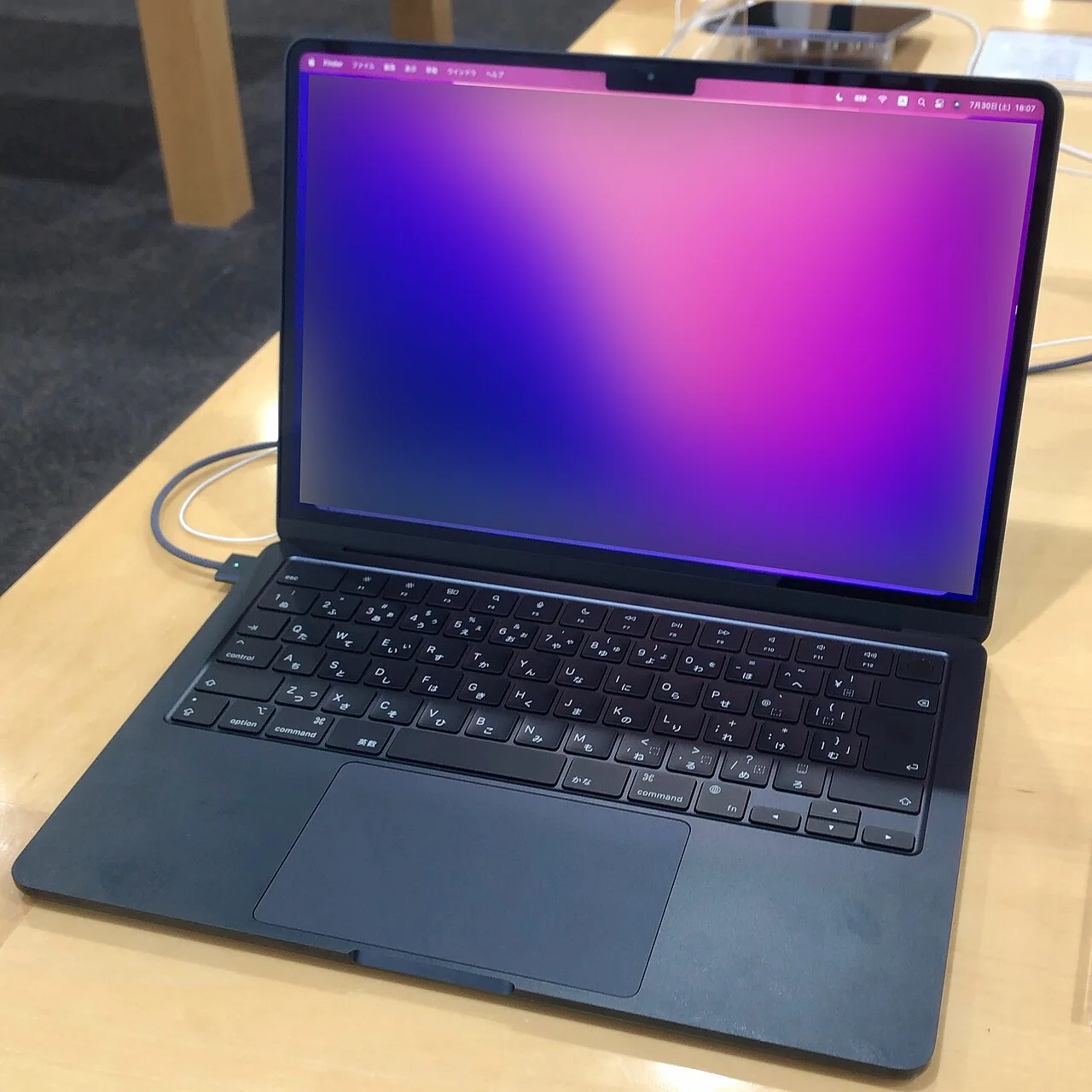
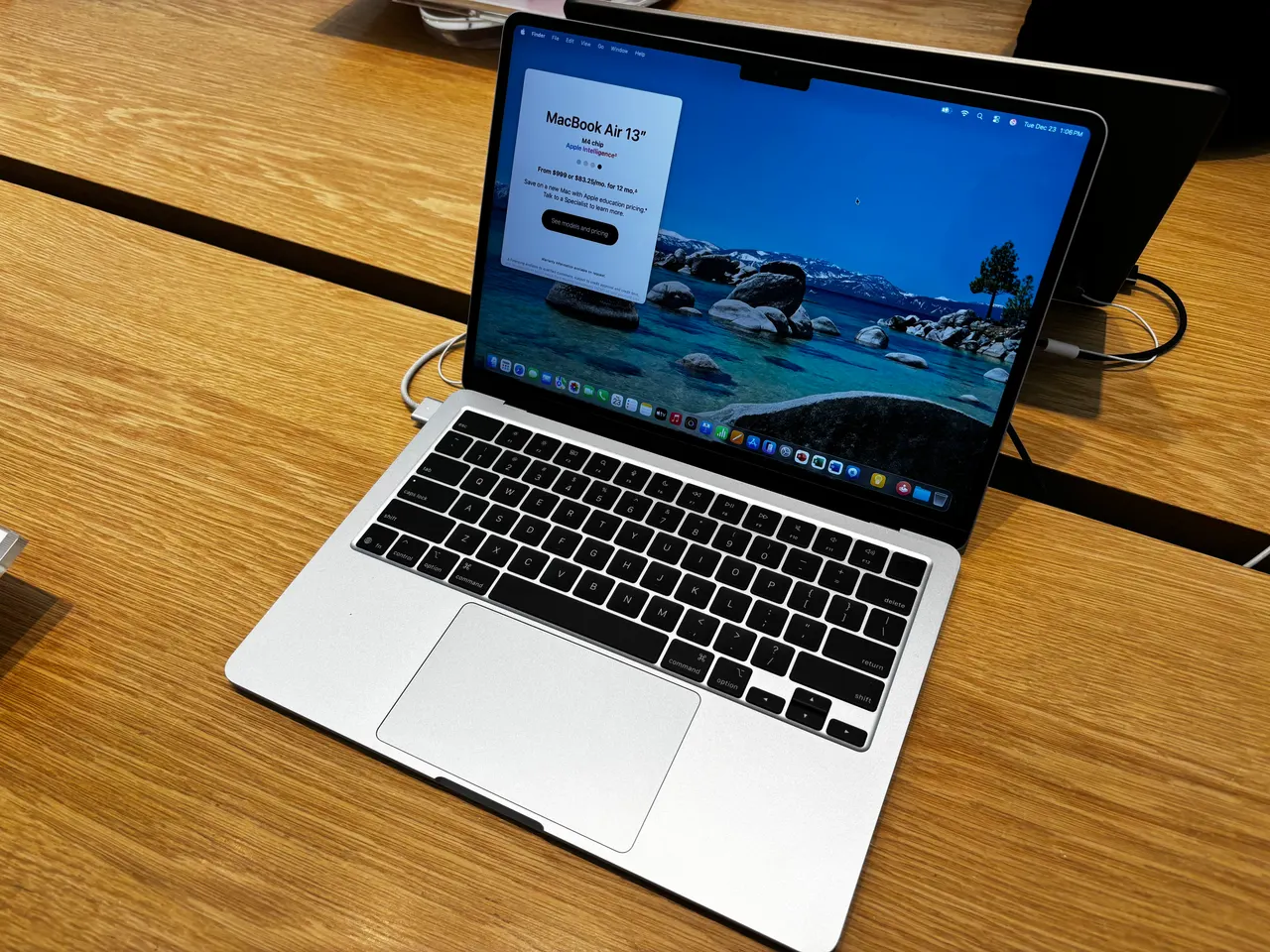
Specs at a glance
| Spec | Apple MacBook Air 13 (M1, 2020) | Apple MacBook Air 13 (M4) |
|---|---|---|
| Price | ~999 USD (best in row) | ~999 USD |
| Released | 2020 | 2025 (best in row) |
| CPU | Apple M1 (8-core) | Apple M4 (10-core) |
| GPU | Apple M1 GPU (7-core) | Apple M4 8-core GPU |
| RAM | 8 GB (soldered) −8 GB | 16 GB (soldered) (best in row) |
| Storage | 256 GB | 256 GB |
| Screen | 13.3" 2560x1600 @ 60Hz | 13.6" 2560x1664 @ 60Hz |
| Weight | 1.29 kg +0.05 kg | 1.24 kg (best in row) |
| Battery (real) | ~14 h −1 h | ~15 h (best in row) |
| Linux | minor tweaks | problematic |
The verdict
For an M1 owner whose machine still feels fine, keep it; nothing here is urgent. For a new purchase the question is the price gap on the day you buy. The M1 Air is discontinued by Apple but still sold new, around 549 to 599 dollars at the retailers we track, against 999 for the M4. If that gap is near 400 dollars and your use is browsing, writing, calls and streaming, the M1 remains a remarkable buy and our value scores agree, 9 for both machines at their real prices. The M4's case is the spec that ages: it ships 16 GB of memory where the M1's compared config carries 8 GB, both soldered forever, plus a brighter 500-nit screen and a faster chip, performance 8 against 6. Buy the M4 if you keep laptops five years or more or push beyond the basics; buy the M1 only at a deep discount and with the 8 GB ceiling understood. The twist: for Linux, the OLD machine is the better Apple laptop, because Asahi support on M1 is the most mature there is, while the M4 barely boots it.
No buy button here on purpose. The honest answer above is to keep what you have, and we are not going to undercut it with a checkout link.
What four generations actually bought
On paper the M4 is a different class of chip: 10 cores against 8, a performance score of 8 against the M1's 6, and a brighter 500-nit panel against 400 nits in a fractionally larger 13.6-inch frame. In daily light use the honest difference is smaller than the spec sheet implies. The M1 still opens the same browser tabs, plays the same video calls and edits the same photos without complaint; Apple Silicon aged gracefully. Where the M4 pulls clear is anything sustained or parallel, bigger exports, heavier multitasking, and simple future-proofing. If your M1 Air already slows down in YOUR work, that is the upgrade signal; if it does not, the M4 is a want, not a need.
The 8 GB problem, again
The compared M1 config carries 8 GB of soldered memory; the M4 ships 16 GB as standard. Neither can ever be upgraded. We made the same argument in our M3-versus-M4 comparison and it applies with more force here: 8 GB works today and works a little worse every year as browsers and apps grow. A bargain M1 is a genuinely good purchase for basic use on a horizon of two to three years; it is a worse one if you expect the machine to feel fresh in 2030. The M4's 16 GB is the single spec that justifies paying full price for a machine whose daily feel, for light use, is not four hundred dollars better.
Battery, screen and the things that did not change
The fundamentals moved less than the chip did. Real-world battery is about 14 hours on the M1 and 15 on the M4 from packs of roughly 50 and 53 Wh; both are all-day machines. Both weigh near 1.25 kg, both keep the same excellent build we score 9, and both use the same well-liked scissor keyboard at 8. The screen step from 400 to 500 nits at the same 60 Hz is noticeable near a window, not decisive indoors. Nobody should upgrade for these rows, and nobody choosing the M1 at a discount loses much in them either.
The Linux twist: the old Air wins
Here is the part nobody else tells you. Linux on Apple Silicon means the Asahi project, and Asahi's support is best on the oldest chips: the M1 generation is its most mature target, which is why the M1 Air grades minor-tweaks in our data with a Fedora-based report behind it, while the M4 Air grades problematic because the port to the newest generation is still early. A Linux enthusiast who specifically wants Apple hardware is better served by the discounted M1 than by the newest model, a rare case where the four-generation-old machine is the more capable one for the job. Mind the 8 GB ceiling all the same; it applies on Linux exactly as it does on macOS.
FAQ
Is the MacBook Air M1 still worth buying?
At the 549 to 599 dollar street prices we track, yes, for browsing, writing, calls and streaming on a two-to-three-year horizon. Its 8 GB of non-upgradeable memory is the real limit; pay full price for an M1 and the answer flips to no, because 999 dollars buys the 16 GB M4.
Should I upgrade from the M1 Air to the M4 Air?
Only if your M1 already slows down in your actual work, or you want the 16 GB of memory and the brighter screen for the years ahead. For light daily use the difference is comfort, not necessity; the M1 remains a capable machine.
How much faster is the M4 than the M1?
Meaningfully: our performance scores say 8 against 6, with 10 CPU cores against 8 and clear gains in sustained and multi-core work. In light, bursty use the gap feels far smaller than the numbers, because the M1 was never the bottleneck for browsing and office work.
Which MacBook Air is better for Linux, M1 or M4?
The M1, clearly. The Asahi project's support is most mature on the M1 generation, which grades minor-tweaks in our per-distro data, while M4 support is still early and grades problematic. It is the one comparison where the older machine is the stronger Linux buy.