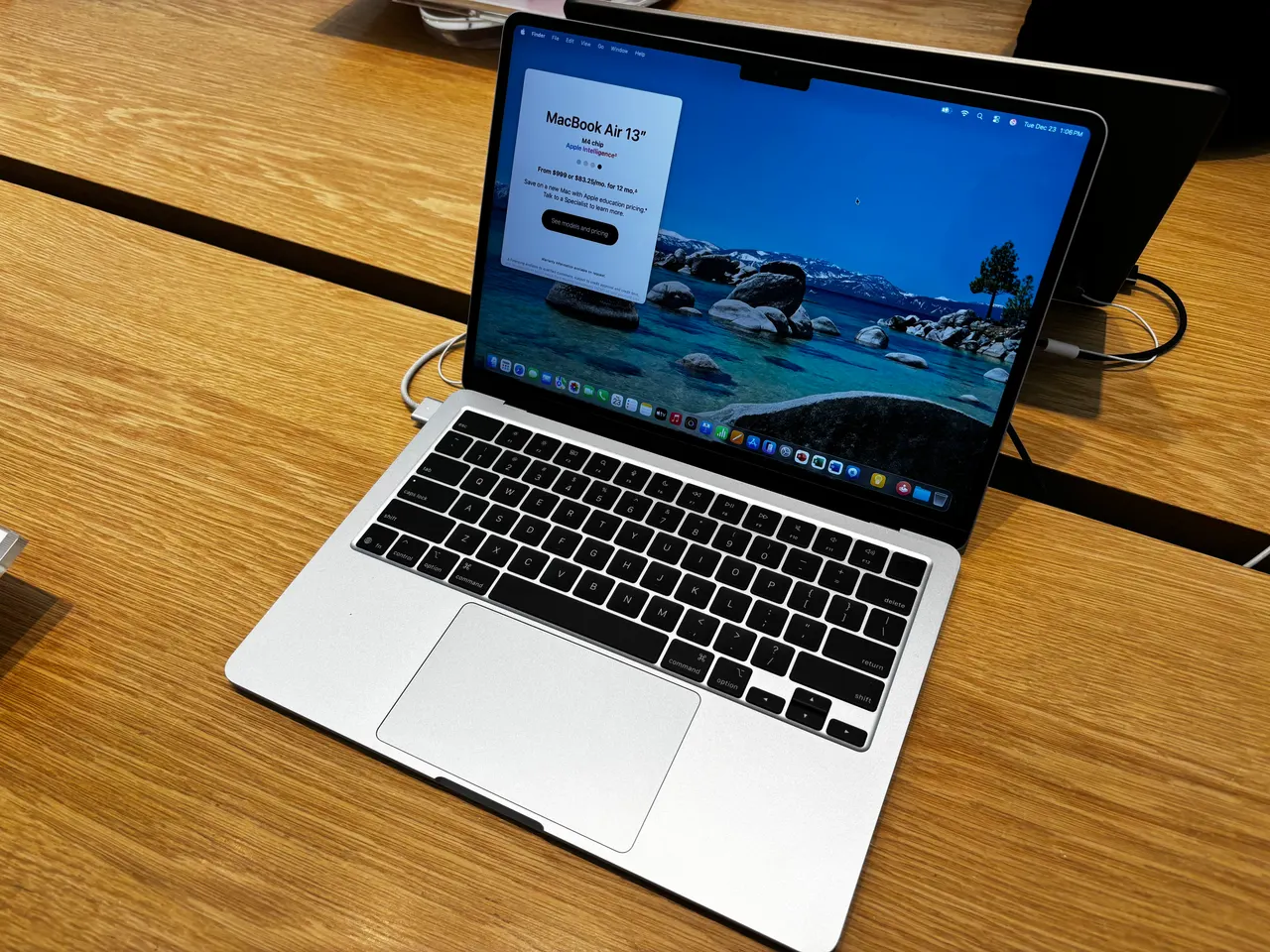
For most people editing video in 2026, the MacBook Air 13 (M4) is the laptop to buy. That sounds wrong for an Air. It is not. The M4 chews through 4K timelines in Final Cut and Resolve, runs near silent, and lasts a real 15 hours. If you need more than that, you need a workstation, and we will name the right one.
Video editing buyers get sold the most GPU. What a timeline actually needs is fast media decode, enough RAM to hold the project, and a screen you can color-grade on. The M4 Air covers two of those at 999 dollars. Most editors never hit its ceiling.
Our pick: MacBook Air 13 (M4)
Apple M4, 16 GB unified memory at the new lower base price, 256 GB storage. The Apple Silicon media engine decodes and encodes H.264 and HEVC in hardware, so a 1080p and light 4K editing workflow stays smooth and fanless. The screen is a 500-nit 13.6 inch panel, accurate enough for social and YouTube grading, though not a reference monitor. Battery is the real story: 15 hours means you edit on a train without a charger.
The honest limits. 256 GB of internal storage disappears fast with raw footage, so budget for an external SSD and a scratch workflow from day one. 16 GB is enough for 1080p and moderate 4K, tight for heavy multicam 4K with many effects. And it is macOS only; Linux on M4 barely boots under Asahi as of 2026, so this is a Final Cut, Resolve or Premiere on macOS machine, full stop. For the price, nothing else here edits video this well per dollar.
Runners-up
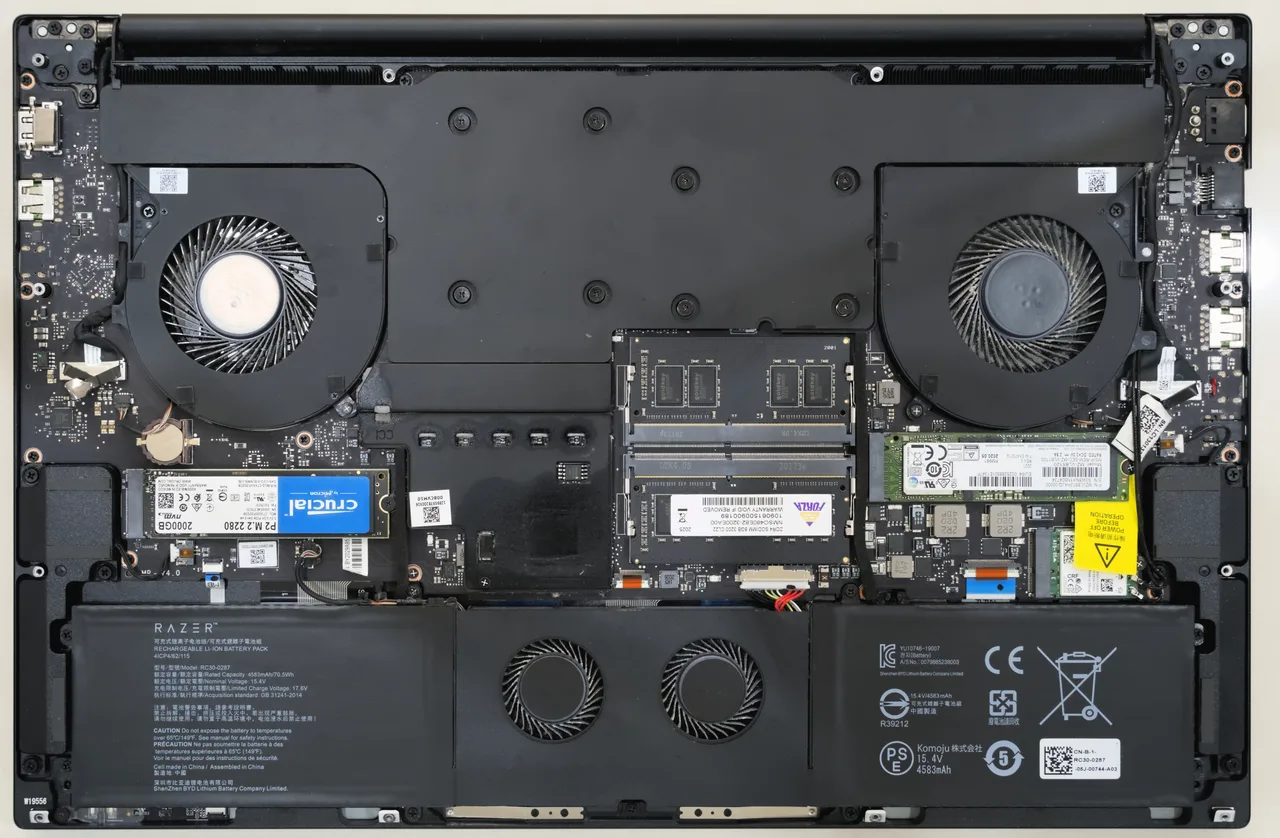
Razer Blade 16 (2024), when you genuinely need the power. Core i9-14900HX, RTX 4080, 32 GB RAM, a 3840x2400 240 Hz screen. This is the timeline-monster pick: heavy 8K, dense effects stacks, CUDA-accelerated plugins, AI denoise. Resolve on the RTX 4080 is in a different class to the Air for that work. The price of that power is literal: about 4 real hours of battery, 2.45 kg, and around 2999 dollars. Buy it only if your projects actually choke an M4. Most do not.
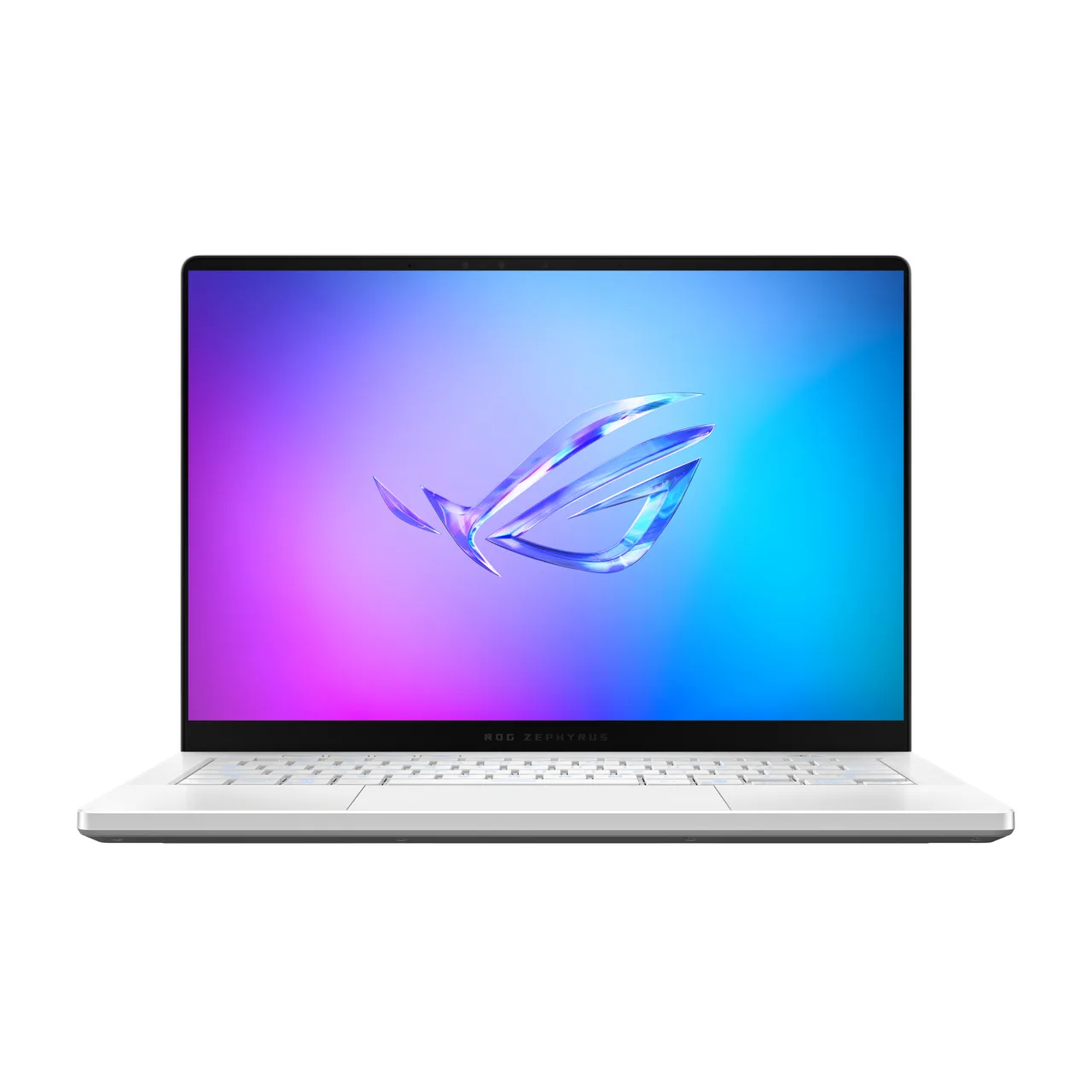
ASUS ROG Zephyrus G14 (2024), the portable NVIDIA option. RTX 4070, a very good 424-nit OLED panel that is a real grading advantage, 1.48 kg. It gives you CUDA acceleration and a color-accurate OLED in a bag you will actually carry. Two honest caveats: the 90W RTX 4070 throttles toward 4060 levels under sustained render load, and battery is about 6 hours. The OLED screen is the reason to pick this over the Blade if you value portability and color over peak render speed. Around 2200 dollars.
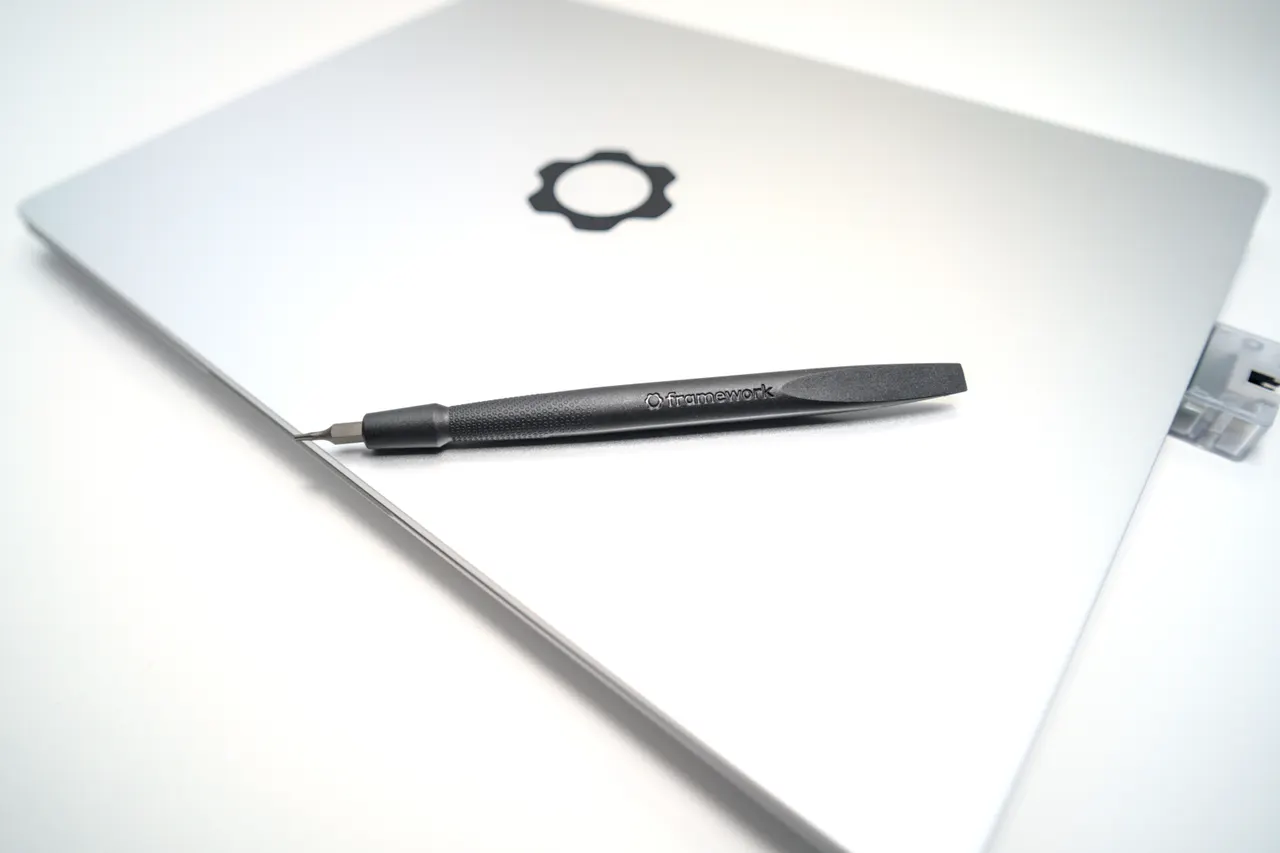
Framework Laptop 13 (AMD Ryzen AI 300), for Linux-based editing. Zen 5 HX 370, Radeon 890M, 32 GB slotted RAM, around 1099 dollars. DaVinci Resolve runs on Linux and this is the sanest Linux machine here for it: clean AMD graphics, fast CPU, and you can add RAM later. It will not match the Blade’s discrete GPU on heavy renders, but for 1080p and moderate 4K Resolve work on Linux it holds up. The catch is the documented overnight suspend drain on Linux; shut it down rather than sleep it.
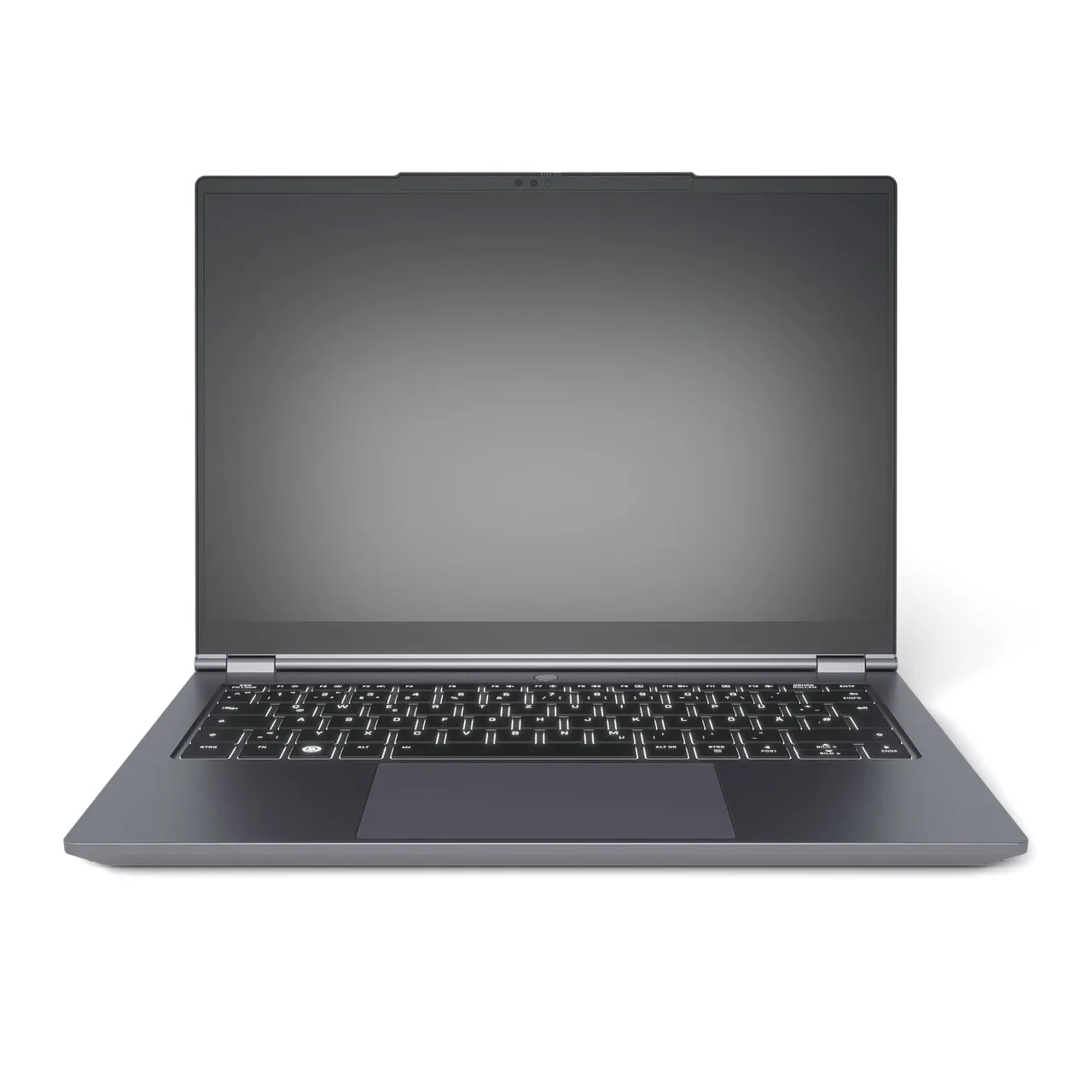
Tuxedo InfinityBook Pro 14 Gen10 (AMD), the EU Linux option. Same fast HX 370 and a 3K 120 Hz 500-nit panel, ships from an EU vendor with Linux preinstalled, from about 1427 euro. Better screen than the Framework, no import hassle for EU buyers. The fans get loud during a long export and Wi-Fi is 6 only. A solid Linux editing box if you are in the bloc and want a good panel.
What actually matters in a video editing laptop
- Hardware media decode and encode. This beats raw GPU teraflops for editing. Apple Silicon’s media engine and modern AMD or Intel decode blocks are why an M4 Air feels faster on a timeline than its spec sheet suggests. Scrubbing 4K is a decode problem, not a render problem.
- RAM held against project size. 16 GB for 1080p and light 4K, 32 GB once you stack multicam 4K and effects. The Blade, Zephyrus and Tuxedo all carry 32 GB; the Air does not, plan around it.
- Screen accuracy and brightness, not just resolution. A bright accurate panel matters more than 4K pixel count for grading. The Zephyrus OLED and the M4’s 500-nit panel grade well. A dim 300-nit office panel does not.
- Storage and scratch space. Raw footage is enormous. Any 256 GB machine needs an external SSD plan before you shoot. Internal storage runs out faster than you expect on a real project.
- Sustained performance, not burst. Renders run for minutes. A laptop that boosts then throttles, like the 90W RTX 4070, finishes slower than its peak suggests. Read sustained numbers, not marketing peaks.
A discrete RTX GPU is the right call only for heavy 8K, CUDA plugins or AI tools. For everything below that, the media engine and the screen decide the experience.
FAQ
Can a MacBook Air really edit 4K video? Yes, for 1080p and moderate 4K it is smooth and silent thanks to the M4 media engine. It struggles on heavy multicam 4K with deep effects stacks. For that, step up to the Blade 16.
Do I need an RTX GPU to edit video? Only for heavy 8K, CUDA-accelerated plugins or AI denoise. For most YouTube and social work, the M4 Air media engine is enough and far more portable. Buy the GPU when a project actually stalls without it.
Mac, Windows or Linux for editing in 2026? Mac for the best per-dollar editing experience and battery (M4 Air). Windows for CUDA and the widest plugin support (Blade 16, Zephyrus G14). Linux only if you commit to DaVinci Resolve; the Framework AI 300 or Tuxedo handle it.
Is the OLED screen on the Zephyrus worth it for color work? For social and YouTube grading, yes, the 424-nit OLED is a real advantage over standard panels and it is the reason to pick it over the Blade if portability matters. It is still not a calibrated reference monitor; verify final grades on a known display.
How much storage do I need for video editing? More than the internal drive of any laptop here. Plan an external SSD for footage and scratch from the start. 256 or 512 GB internal is for the OS and active project only, never your media library.
Buy the M4 Air unless a real project chokes it. Then the Blade 16 for raw power, the Zephyrus G14 for a portable OLED, or the Framework and Tuxedo for Linux editing.
More picks in this guide
-
Razer
Blade 16 (2024)
-
Framework
Laptop 13 (AMD Ryzen AI 300)