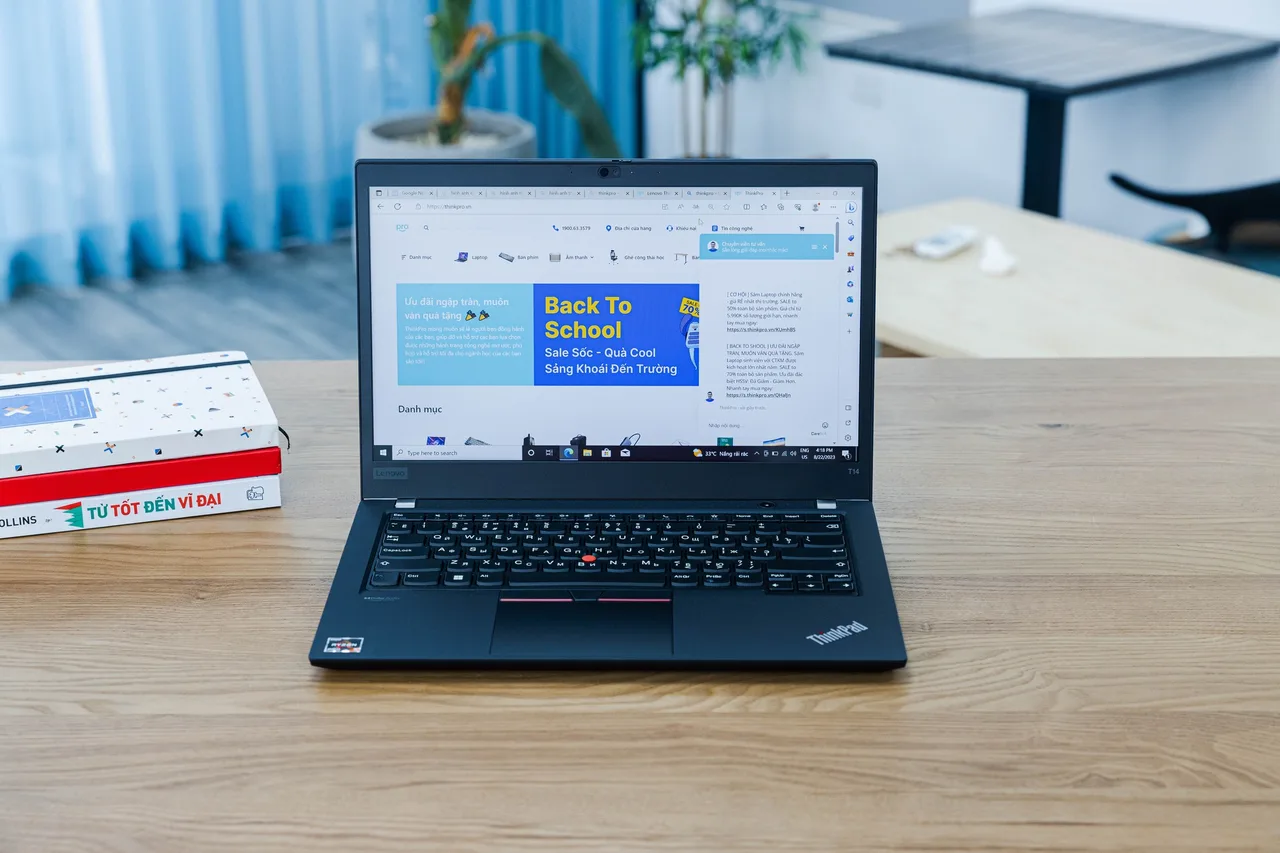
Buy the Lenovo ThinkPad T14 Gen 5 (AMD). Security work is mostly virtual machines, a Linux host you trust, and a keyboard you sit at for long sessions. The T14 does all three with the fewest excuses, and the slotted RAM is the spec that decides this category.
Most “best laptop for hacking” lists chase a discrete GPU and RGB. A red-team box does not need either. It needs RAM headroom for three or four VMs at once, AMD-V or VT-x that actually behaves under KVM, and a host OS that boots without you fighting drivers all weekend. Those are unglamorous and they are what the work runs on.
Our pick: ThinkPad T14 Gen 5 (AMD)
Ryzen 7 PRO 8840U, 32 GB of slotted RAM, about 10 real hours of battery, around 1499 dollars or 1699 euro at list. The RAM is the point. A Kali guest, a Windows target, a pfSense box and an AD lab is 24 GB before you have opened a browser. The T14 takes SO-DIMM to 64 GB, so a 32 GB unit doubles later instead of getting replaced. Soldered machines force a full rebuy when your lab outgrows the spec.
AMD-V with nested virtualization works under KVM and VirtualBox on a current kernel, so nested hypervisor labs and Hyper-V-in-a-guest scenarios run. Linux is the other reason it tops this list: the AMD model uses a normal UVC webcam, so it dodges the Intel IPU6 camera mess that breaks video calls on many 2024 and 2025 laptops. Two small caveats, both documented. The Qualcomm Wi-Fi 7 card wants one iwd config line on Ubuntu LTS, and some units need acpi.ec_no_wakeup=1 to stop overnight battery drain. One nice side effect for security work: a real Qualcomm card means monitor mode and packet injection are a known quantity, not a lottery.
It is not cheap. It is a tool that pays for itself across a few engagements.
Runners-up
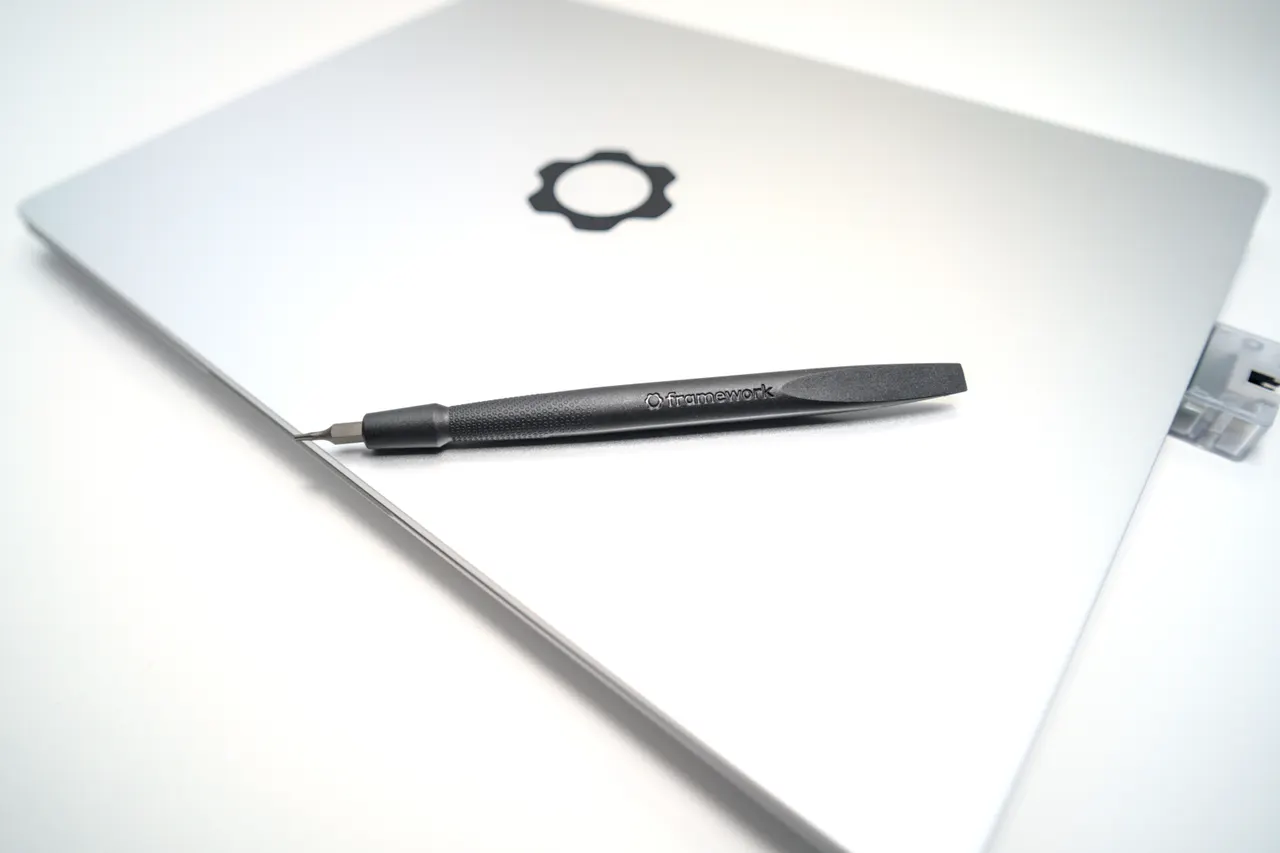
Framework Laptop 13 (AMD Ryzen AI 300). Zen 5 HX 370, the fastest VM spin-up here, slotted RAM, and a chassis you can open with one screwdriver. Around 1099 dollars. Useful detail for security people: you can swap the NVMe between physical engagements, so a client’s data never shares a disk with the next client’s. The catch is suspend. There is a documented s2idle drain of 5 to 10 percent overnight on Linux, and a multi-day sleep empties the 61 Wh pack. If you shut down between sessions, which a careful operator does anyway, this is the better value.
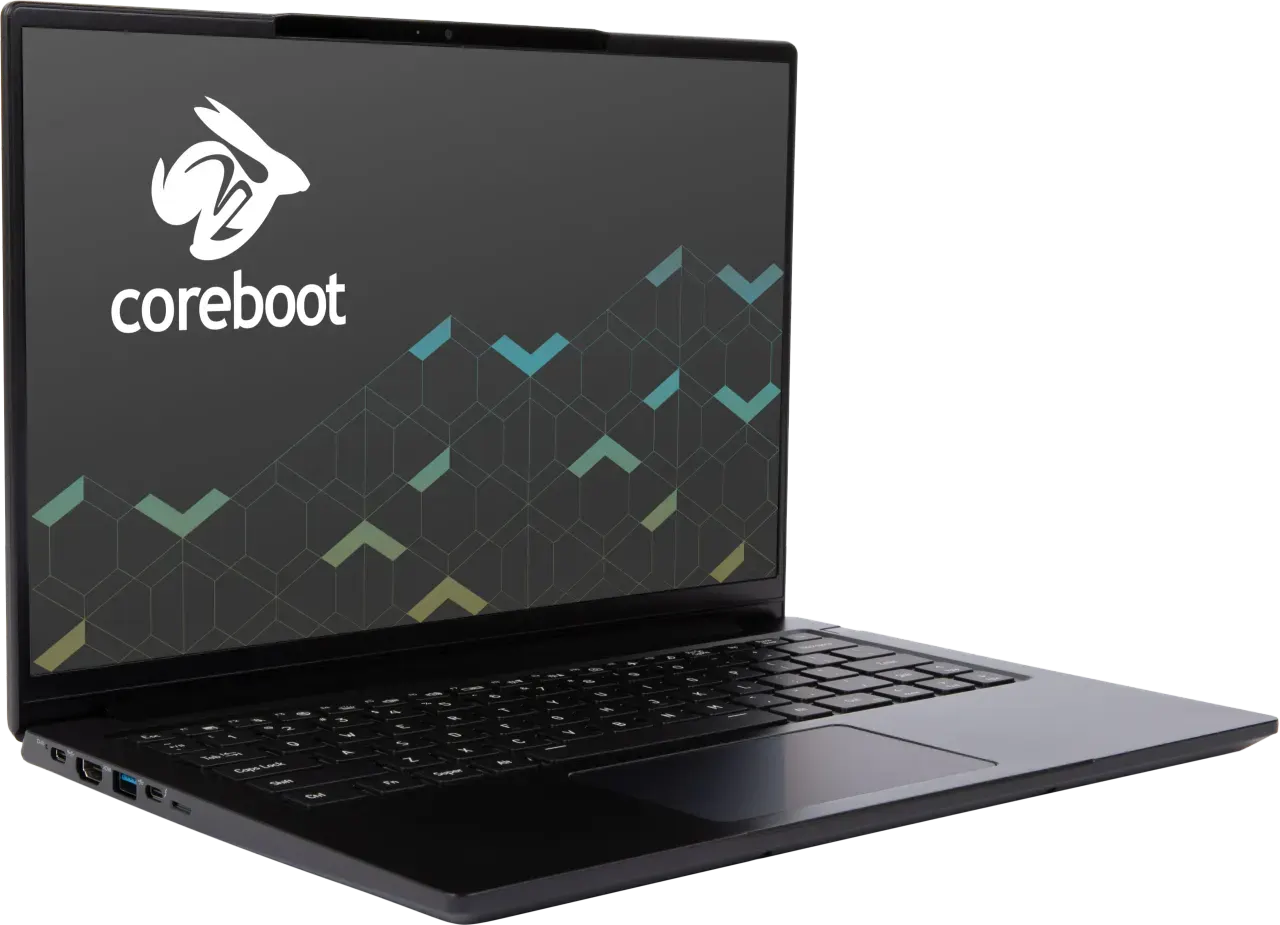
System76 Lemur Pro (lemp14). Core Ultra 7 155U, 1.0 kg, slotted RAM, and System76 Open Firmware: coreboot for the boot path and an open EC. For anyone who cares about supply-chain trust in the firmware itself, that is a real argument no mainstream vendor matches. Around 1499 dollars, and an EU buyer should add roughly 21 percent VAT plus a customs fee because it ships from the US. The hardware is plain, a 60 Hz FHD+ panel and a 15 W chip, so you pay for the firmware story, not the spec sheet.
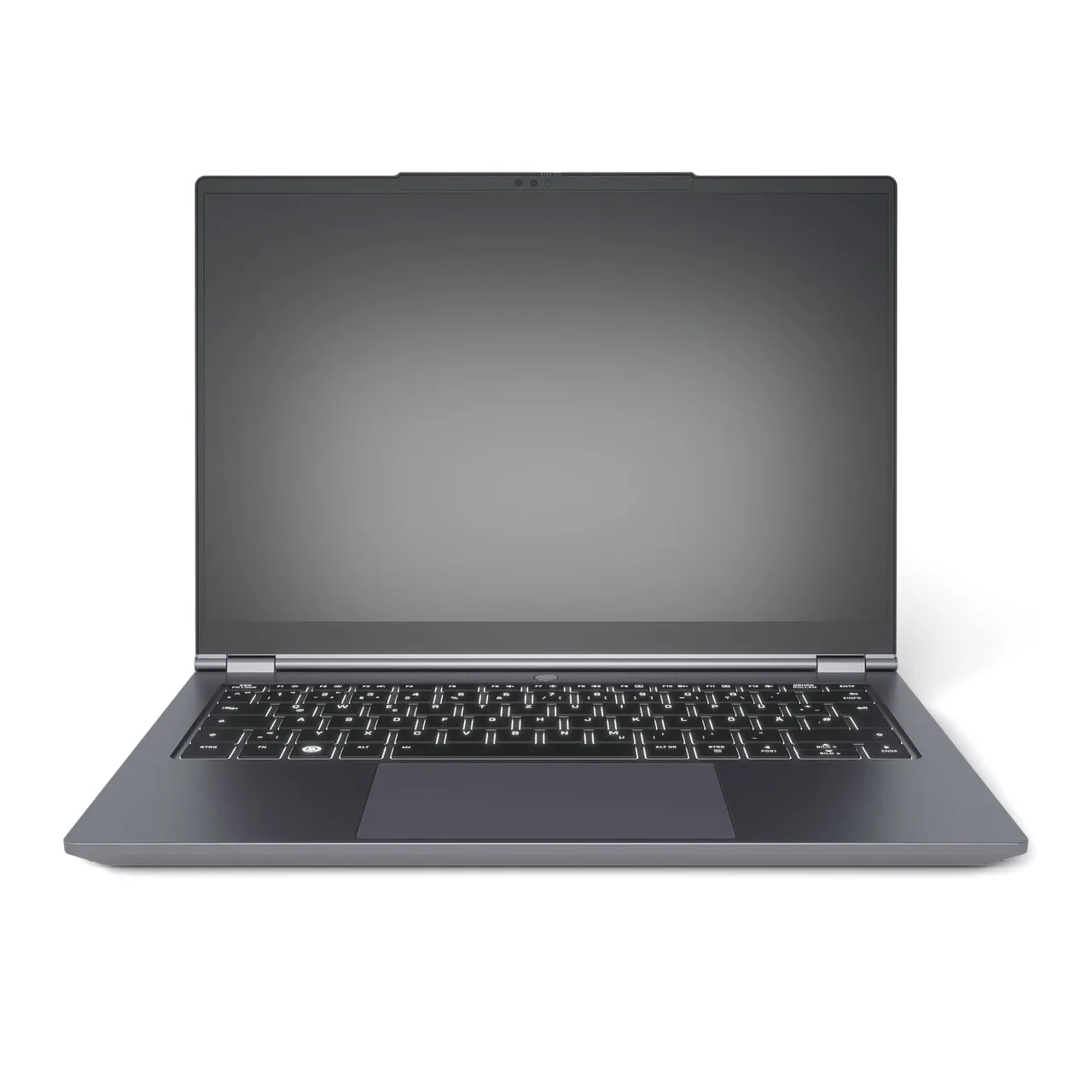
Tuxedo InfinityBook Pro 14 Gen10. All-AMD Ryzen AI 9 HX 370, 32 GB slotted, ships Linux pre-installed and supported, around 1300 dollars or 1427 euro with EU VAT already in the price. The fast CPU plus 32 GB plus a clean Linux host is a strong VM-lab machine. The catch is the fan: it spins up readily under sustained load, and a long Hashcat or nmap sweep is sustained load. Worth knowing before you order.
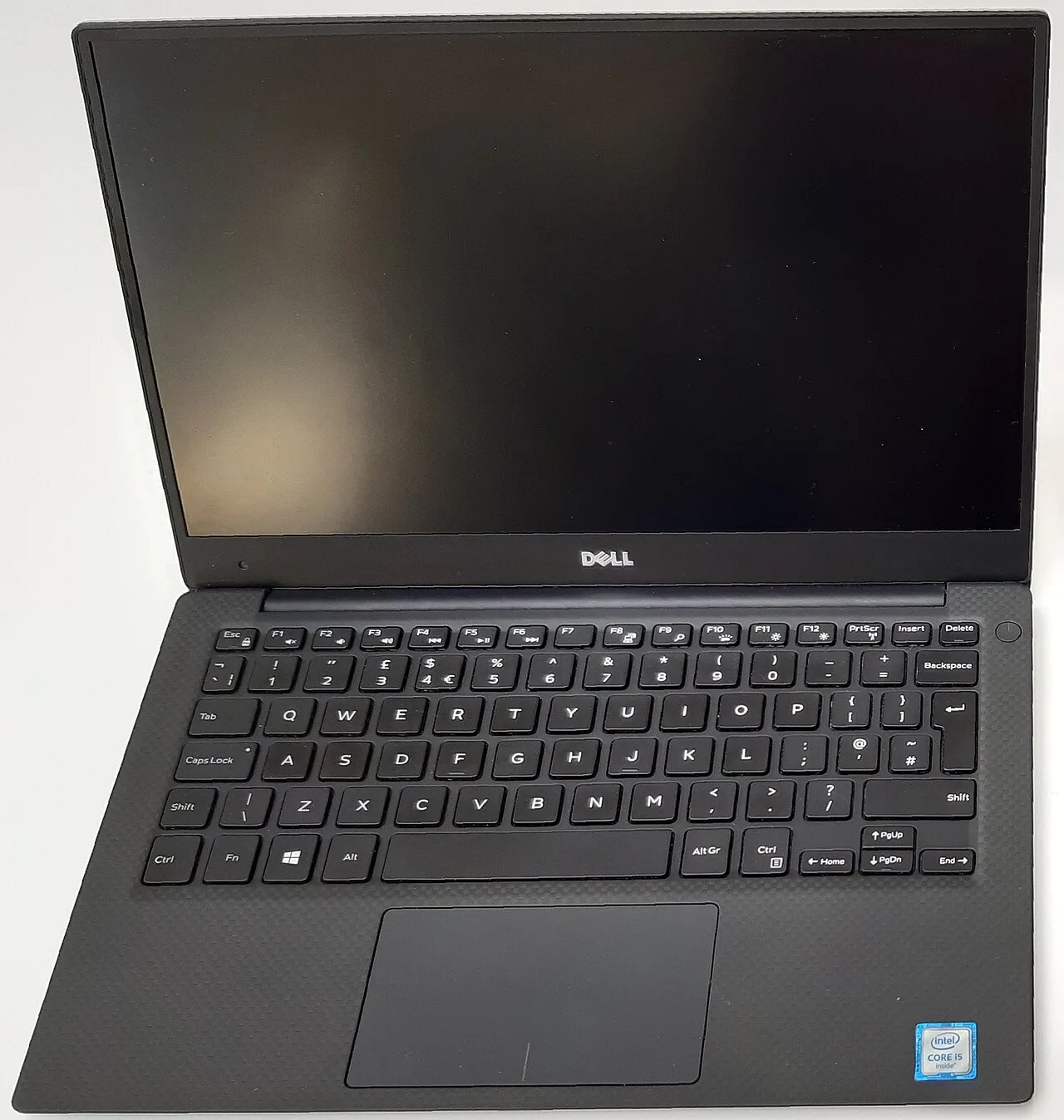
Dell XPS 13 9350. Best build and battery of the Intel ultrabooks here, around 11 hours, roughly 1399 dollars. Pick it only if your host is Windows with WSL2 and a Hyper-V lab. Do not pick it for a Linux host: the IPU7 webcam is dead from a Dell BIOS bug that no kernel update fixes, and 16 GB soldered is a hard ceiling for running multiple VMs.
What actually matters in a cybersecurity laptop
- RAM, and whether it is slotted. Concurrent VMs are the workload. 32 GB is the working floor for a real lab; 64 GB is comfortable. Slotted RAM (T14, Framework, Lemur Pro, Tuxedo) means you scale later instead of rebuying. This is the single biggest filter.
- Virtualization that behaves on Linux. Nested virtualization under KVM, working IOMMU for PCI passthrough, and no firmware quirks that break VT-x or AMD-V. The AMD ThinkPad and Framework are predictable here; some thin Intel machines are not.
- A wireless card you can put in monitor mode. Built-in adapters vary. Most people carry a known external adapter anyway, but a host card that supports monitor mode and injection out of the box saves a USB port and a guess.
- Firmware you can reason about. For threat-model reasons, coreboot on the System76 machines or the open part numbers on Framework are a genuine differentiator over a sealed vendor BIOS. Most buyers will not need this. The ones who do, need it badly.
CPU benchmarks and GPU barely matter unless you crack hashes locally, and most serious cracking happens on a rented GPU box anyway. Buy RAM and a clean Linux host, not a gaming chassis.
Quick comparison
| Model | RAM | Linux host | Virtualization | Price (USD) |
|---|---|---|---|---|
| ThinkPad T14 Gen 5 (AMD) | 32 GB, slotted to 64 | out-of-box | AMD-V, nested ok | ~1499 |
| Framework 13 (Ryzen AI 300) | 32 GB, slotted | out-of-box, suspend caveat | AMD-V, fastest | ~1099 |
| System76 Lemur Pro | 16 GB, slotted | out-of-box, coreboot | VT-x ok | ~1499 |
| Tuxedo InfinityBook Pro 14 | 32 GB, slotted | out-of-box | AMD-V | ~1300 |
| Dell XPS 13 9350 | 16 GB, soldered | problematic (webcam) | VT-x, Windows host | ~1399 |
FAQ
How much RAM do I need for a pentesting lab? 32 GB is the realistic floor for running a few VMs at once. Kali plus a couple of targets plus a router VM eats memory fast. Buy 32 GB now, or buy slotted RAM so you can reach 64 GB later. The T14 and Framework 13 both do that.
Do I need a discrete GPU for cybersecurity work? Only for local password cracking, and most heavy cracking runs on a rented multi-GPU box, not a laptop. For everything else, pentesting, CTFs, malware analysis in a VM, integrated graphics is fine and the battery and noise are better.
Kali on bare metal or in a VM? A VM, on a stable Linux or Windows host, for almost everyone. You get snapshots, clean per-engagement isolation, and a host you do not have to rebuild. Bare-metal Kali is for dedicated lab hardware, not a daily machine.
Which laptop has the best firmware trust story? The System76 Lemur Pro with coreboot and an open EC, then the Framework 13 for documented, swappable parts. Mainstream vendors ship a sealed BIOS you cannot audit. Most buyers will not care; if you do, start there.
Will the built-in Wi-Fi do monitor mode and injection? Varies by card. The AMD ThinkPad’s Qualcomm card is a known quantity; many thin Intel laptops are not. Plan to carry a known-good external adapter regardless, since that is standard practice anyway.
Buy the T14 if you want the lab to just run. Buy the Framework if you shut down between engagements and want swappable storage and repairability. Skip the soldered-16 GB machines for any serious VM work.
More picks in this guide
-
Framework
Laptop 13 (AMD Ryzen AI 300)
-
System76
Lemur Pro (lemp14)
-
Dell
XPS 13 9350